Boolean
Ladder Diagram
Address Instruction
0
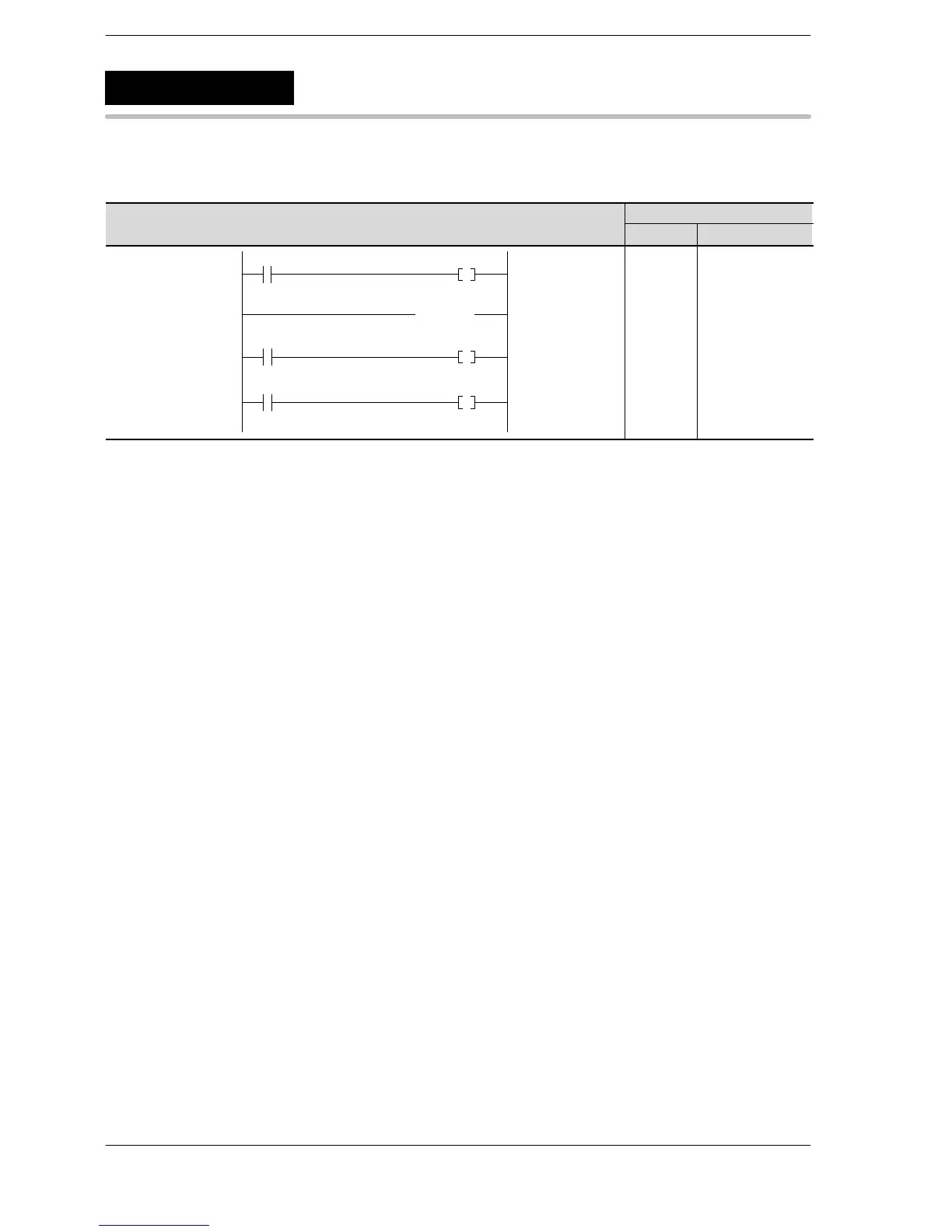
R0 Y0
( EJECT )
2
3
R1 Y1
5
R2 Y2
0
1
2
3
4
5
6
ST R 0
OT Y 0
EJECT
ST R 1
OT Y 1
ST R 2
OT Y 2
Explanation of example
Insert the EJECT instruction in the address where you want the page to break when printing out the program
you created. In the above, the page will break at address 2.
Description
When printing out the program created with the software tool, the page will break at the position where this
instruction is inserted.
As with the NOP instruction, processes in the program will not be affected.
EJECT
Eject












 To Next Page