EasyManua.ls Logo

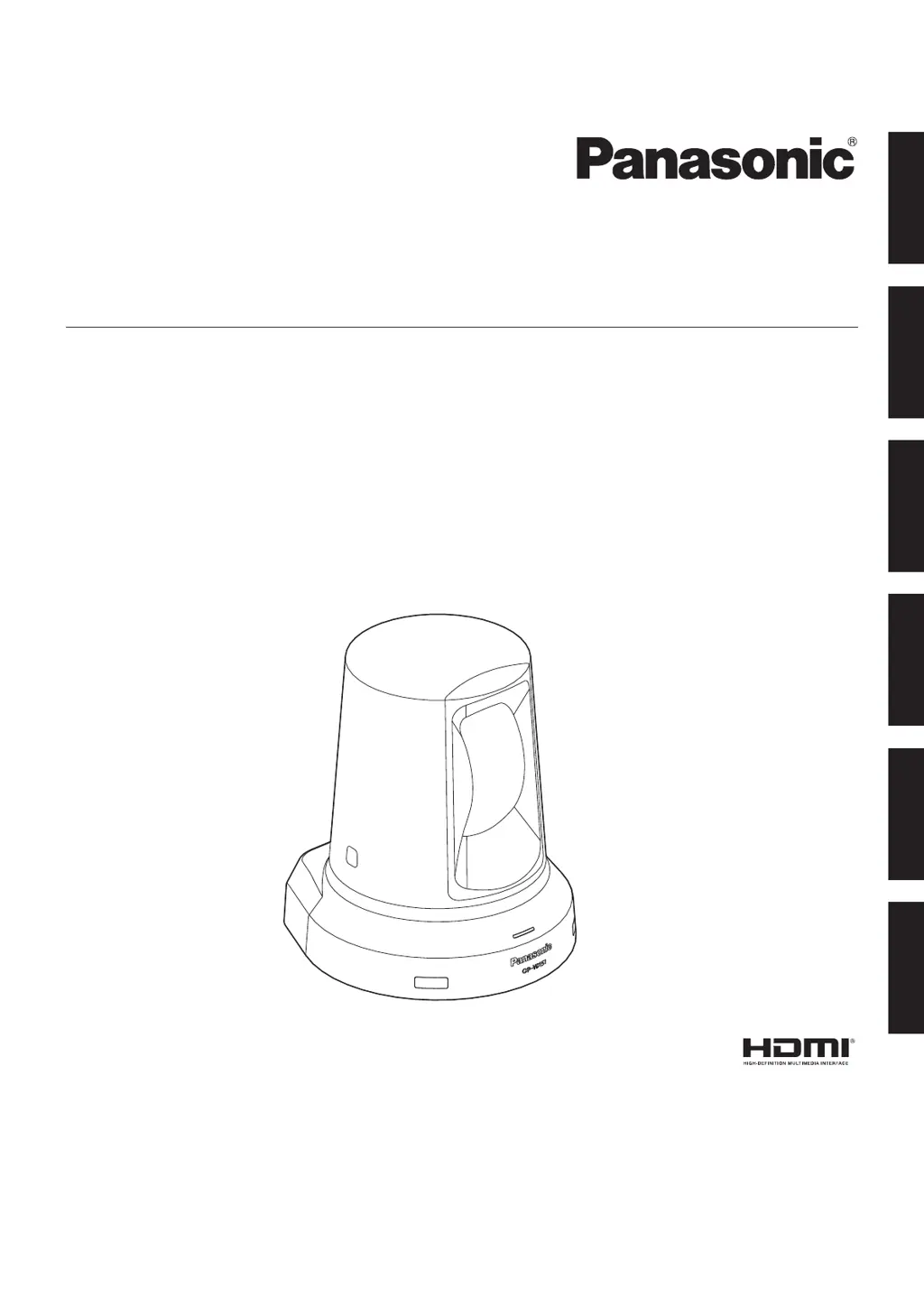
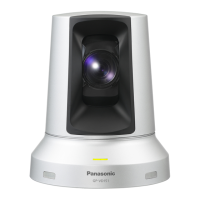
Panasonic GP-VD151 - User Manual

Panasonic GP-VD151
194 pages
Print Icon
To Next Page IconTo Next Page
Loading...
Operating Instructions
<Operations and Settings>
HD Communication Camera
Model No. GP‑VD151
РУССКИЙ
FRANÇAIS
ENGLISH
PORTUGUÊS ESPAÑOL
DEUTSCH

Table of Contents

Questions and Answers

  • S
    Shannon JensenSep 23, 2025
    Why flickering is seen when fine lines are shot on Panasonic GP-VD151?
    • K
      kellynguyenSep 23, 2025
      This occurs because of the systematic arrangement of pixels on each image sensor. It becomes noticeable when the spatial frequency of a subject and the pixel pitch are close, so change the camera angle or take similar action.
  • A
    Ariel HudsonAug 25, 2025
    How to troubleshoot a Panasonic Camcorder that has no power?
    • A
      Angela AndrewsAug 25, 2025
      First, ensure the AC adapter is securely connected to the AC outlet. Then, check if the power plug of the AC adapter is properly connected. If you are using the wireless remote controller, also check the related troubleshooting for the remote controller.
  • P
    Patricia SimonAug 25, 2025
    How to fix Panasonic GP-VD151 Camcorder that cannot operate?
    • H
      Howard PhillipsAug 26, 2025
      Ensure the power is on. If the unit's status display lamp is off or orange, power is not being supplied. Also, verify that the correct unit to be operated has been selected.
  • J
    Jessica ArmstrongAug 26, 2025
    Why is my Panasonic GP-VD151 wireless remote controller not working?
    • A
      Angela ShahAug 27, 2025
      Check the remote control's batteries. If the status display lamp does not blink when operating the remote near the signal light-sensing area, the batteries may be dead or installed incorrectly (polarities reversed); replace them. Also, check for interference from nearby fluorescent lights or plasma monitors affecting the signal light-sensing area.
  • K
    kevinwrightAug 27, 2025
    What to do if no pictures are displayed on Panasonic GP-VD151?
    • J
      James DavisAug 27, 2025
      Check if the Panasonic Camcorder is properly connected to the other devices. If the system is configured to switch the picture when the unit is selected, ensure the correct unit has been selected. Also, verify that the video signal setting has been correctly selected.
  • B
    Barbara RiveraSep 13, 2025
    What to do if something is wrong with the coloring of the pictures on Panasonic GP-VD151 Camcorder?
    • L
      Lindsey BryantSep 14, 2025
      Activate the ATW (Auto tracking white adjustment) function. If proper colors are still not reproduced, proceed with a white balance adjustment.
  • R
    Robert PorterSep 12, 2025
    Why the pictures on my Panasonic Camcorder are too light or too dark?
    • S
      Sara BerrySep 12, 2025
      Select the auto setting for the iris, or manually adjust the iris. Also, check the video signal cables, as excessively long cables can cause signal attenuation, resulting in dark pictures.
  • M
    Michael DavisSep 12, 2025
    How to fix Panasonic GP-VD151 when there is no auto focusing?
    • N
      Nancy BenjaminSep 13, 2025
      Check if the focus is set to manual. Auto focusing starts when the focus is set to auto. If auto focusing is difficult in certain situations, switch to manual focus.
  • E
    Edward FieldsSep 4, 2025
    Why does Panasonic GP-VD151 Camcorder flicker with horizontal stripes?
    • R
      rachelwilliamsSep 4, 2025
      This phenomenon (flicker) may occur under fluorescent lighting, mercury bulbs, or other discharge tubes. This is normal. Set the electronic shutter speed to 1/120 in areas with a 60 Hz power line frequency or to OFF in areas with a 50 Hz power line frequency.
  • R
    Robert NealSep 2, 2025
    What to do if Panasonic Camcorder subject is not in focus during zooming?
    • K
      Keith SweeneySep 2, 2025
      Adjust the focus at the Tele end first, where focusing accuracy is higher, before zooming. If focusing remains difficult, switch to the auto setting.

Summary

How to Turn the Power On and Off

Turning the Power On

Step-by-step guide to powering the unit on from supply or standby mode.

Turning the Power Off

Procedure for turning off the unit's power supply.

Shooting

Troubleshooting Basic Shooting Operations

The Unit Does Not Move

Troubleshooting steps for when the camera fails to move or respond.

More Advanced Operations

Manual Shooting

Overview of manual adjustments for focus, iris, shutter speed, and gain.

White Balance Adjustment

Explanation of white balance adjustment procedures and their importance.

Manual Shooting

Manually Adjusting the Focus

Step-by-step guide for manual focus control using the remote.

Manually Adjusting the Shutter Speed

How to adjust shutter speed using menu options for time or frequency.

Manually Adjusting the Iris

Step-by-step guide for manual iris control using the remote.

Manually Adjusting the Gain

How to adjust gain levels using manual or auto settings.

Preset Memories

White Balance Adjustment

Automatic Adjustment (AWB)

Guide to performing automatic white balance adjustments (AWB A or AWB B).

Auto Tracking White Adjustment (ATW)

Explanation of the ATW function for continuous white balance correction.

Basic Setting Menu Operations

Setting the Menu Items

Setting the Menu Items

Camera Screen (FullAuto)

Menu screen for image settings when in FullAuto mode.

Contrast Screen

Adjusting contrast level and shutter mode settings.

Camera Screen (Manual1 to 3)

Menu screen for image settings in Manual1 to Manual3 modes.

Panasonic GP-VD151 Specifications

General IconGeneral
BrandPanasonic
ModelGP-VD151
CategoryCamcorder
LanguageEnglish

Related product manuals