Why are the colors wrong on my Panasonic Camcorder?
- AAustin BaldwinAug 30, 2025
Try activating the ATW (Auto tracking white adjustment) function. If the proper colors are still not reproduced, proceed with a manual white balance adjustment.
Why are the colors wrong on my Panasonic Camcorder?
Try activating the ATW (Auto tracking white adjustment) function. If the proper colors are still not reproduced, proceed with a manual white balance adjustment.
What to do if Panasonic Camcorder cannot operate?
First, make sure the power is on. If the unit’s status display lamp is off or orange, power is not being supplied. Next, ensure the correct unit to be operated has been selected.
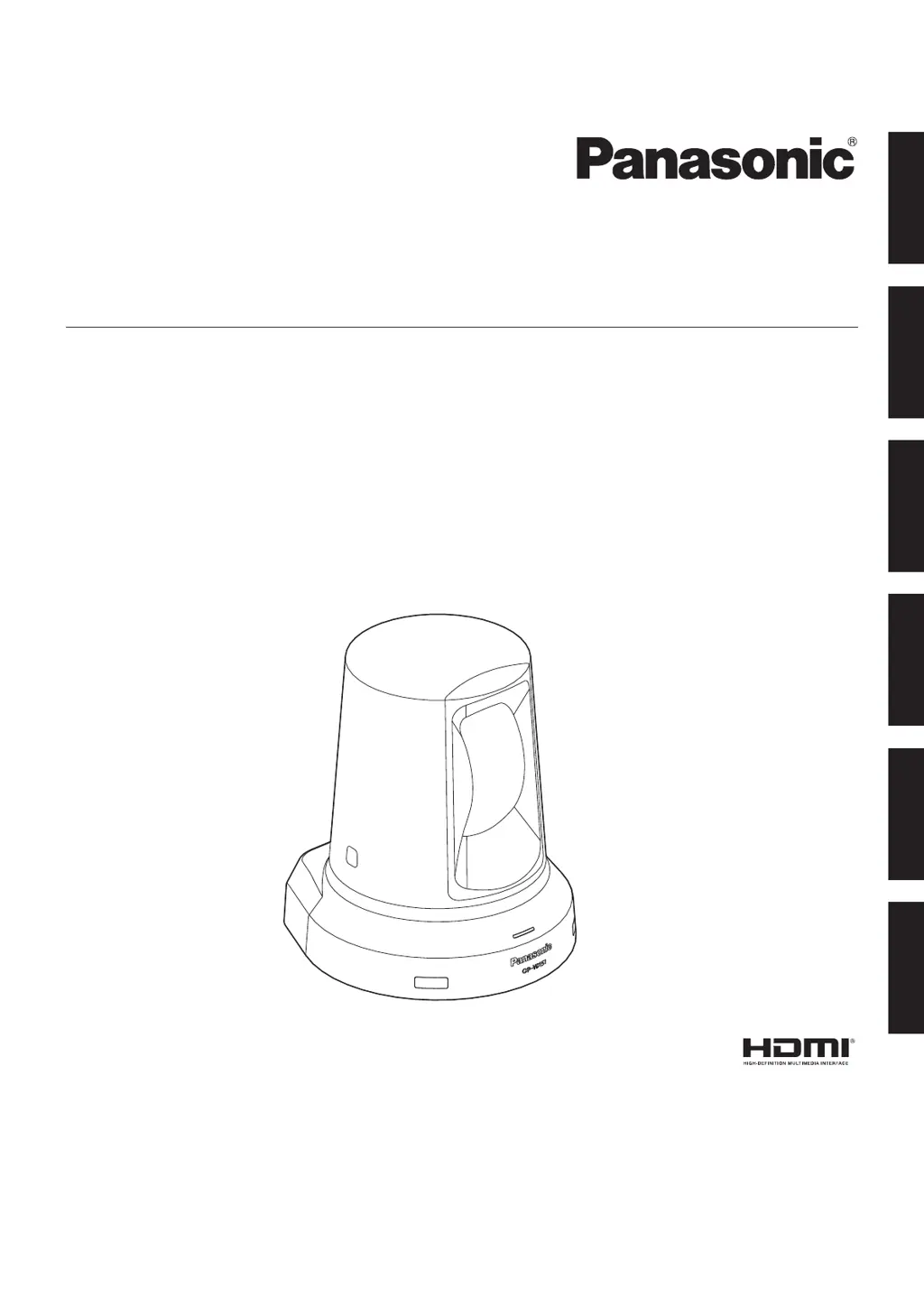
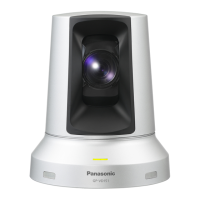
What to do if no pictures are displayed on Panasonic GP-VD151?
Check if the Panasonic Camcorder is properly connected to the other devices. If the system is configured to switch the picture when the unit is selected, ensure the correct unit has been selected. Also, verify that the video signal setting has been correctly selected.
Why is my Panasonic GP-VD151 wireless remote controller not working?
Check the remote control's batteries. If the status display lamp does not blink when operating the remote near the signal light-sensing area, the batteries may be dead or installed incorrectly (polarities reversed); replace them. Also, check for interference from nearby fluorescent lights or plasma monitors affecting the signal light-sensing area.
How to fix Panasonic GP-VD151 Camcorder that cannot operate?
Ensure the power is on. If the unit's status display lamp is off or orange, power is not being supplied. Also, verify that the correct unit to be operated has been selected.
How to troubleshoot a Panasonic Camcorder that has no power?
First, ensure the AC adapter is securely connected to the AC outlet. Then, check if the power plug of the AC adapter is properly connected. If you are using the wireless remote controller, also check the related troubleshooting for the remote controller.
Step-by-step guide to powering the unit on from supply or standby mode.
Procedure for turning off the unit's power supply.
Troubleshooting steps for when the camera fails to move or respond.
Overview of manual adjustments for focus, iris, shutter speed, and gain.
Explanation of white balance adjustment procedures and their importance.
Step-by-step guide for manual focus control using the remote.
How to adjust shutter speed using menu options for time or frequency.
Step-by-step guide for manual iris control using the remote.
How to adjust gain levels using manual or auto settings.
Guide to performing automatic white balance adjustments (AWB A or AWB B).
Explanation of the ATW function for continuous white balance correction.
Menu screen for image settings when in FullAuto mode.
Adjusting contrast level and shutter mode settings.
Menu screen for image settings in Manual1 to Manual3 modes.