28 (E)
Setting the menu items
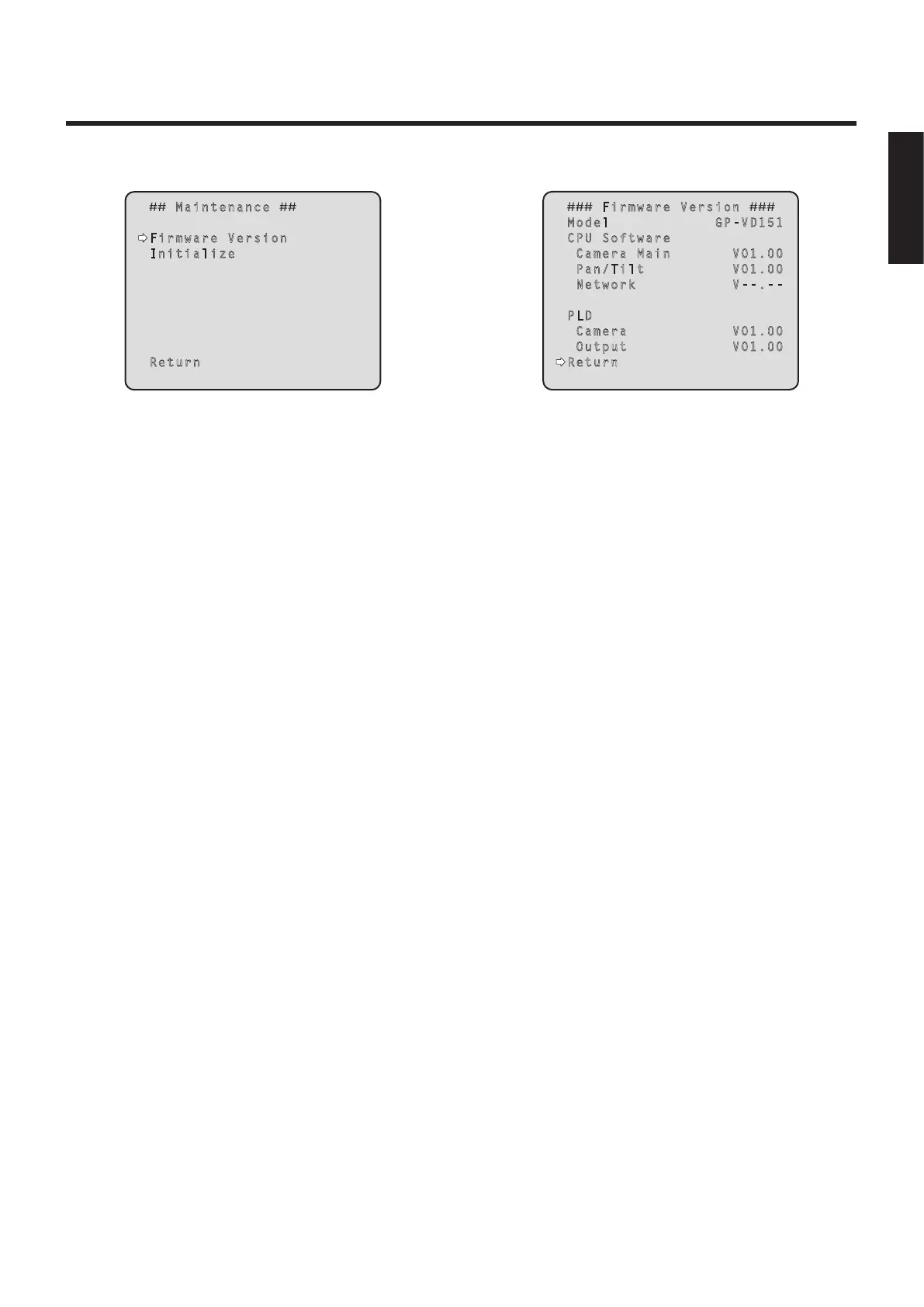
Maintenance screen
Maintenance
Firmware Version
Initialize
Return
Firmware Version
This is selected to display the Firmware Version screen
on which to check the version of the firmware used.
Initialize
This is selected to display the Initialize screen on which to
initialize the camera’s settings.
For details on operation, refer to “Concerning
initialization” on page 29.
Return
Use this to return to the previous menu.
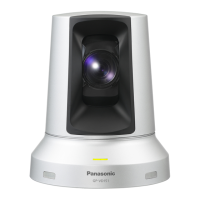
Firmware Version screen
Firmware Version
Model GP-VD151
CPU Software
Camera Main V01.00
Pan/Tilt V01.00
Network V--.--
PLD
Camera V01.00
Output V01.00
Return
Model
This displays the model name.
CPU Software Camera Main
This displays the software version of the camera unit.
CPU Software Pan/Tilt
This displays the software version of the pan-tilt unit.
CPU Software Network
This displays to display “V--.--”.
PLD Camera
This displays the PLD version of the camera unit.
PLD Output
This displays the PLD version of the output unit.
Return
Use this to return to the previous menu.
ENGLISH


 To Next Page