file:///C|/U...al/Temp/Rar$EXa0.719/viewing/SGML_VIEW_DATA/ALL/H-E08018PP/SVC/DSC1705017CE/doc/DSC1705017CE_07.xml[11/11/2018 5:09:35 PM]
7 Maintenance
7.1 Dust / Dirt on the outer casing part(s)
1.
2. Wipe up the outer casing part with the dry fuzz-free cloth.
7.2 Dust / Dirt on the Lens Glasses (Lens Cleaning)
1. Blow off the dust on the Lens glass surface with the Blower, gently. (Do not blow strongly.)
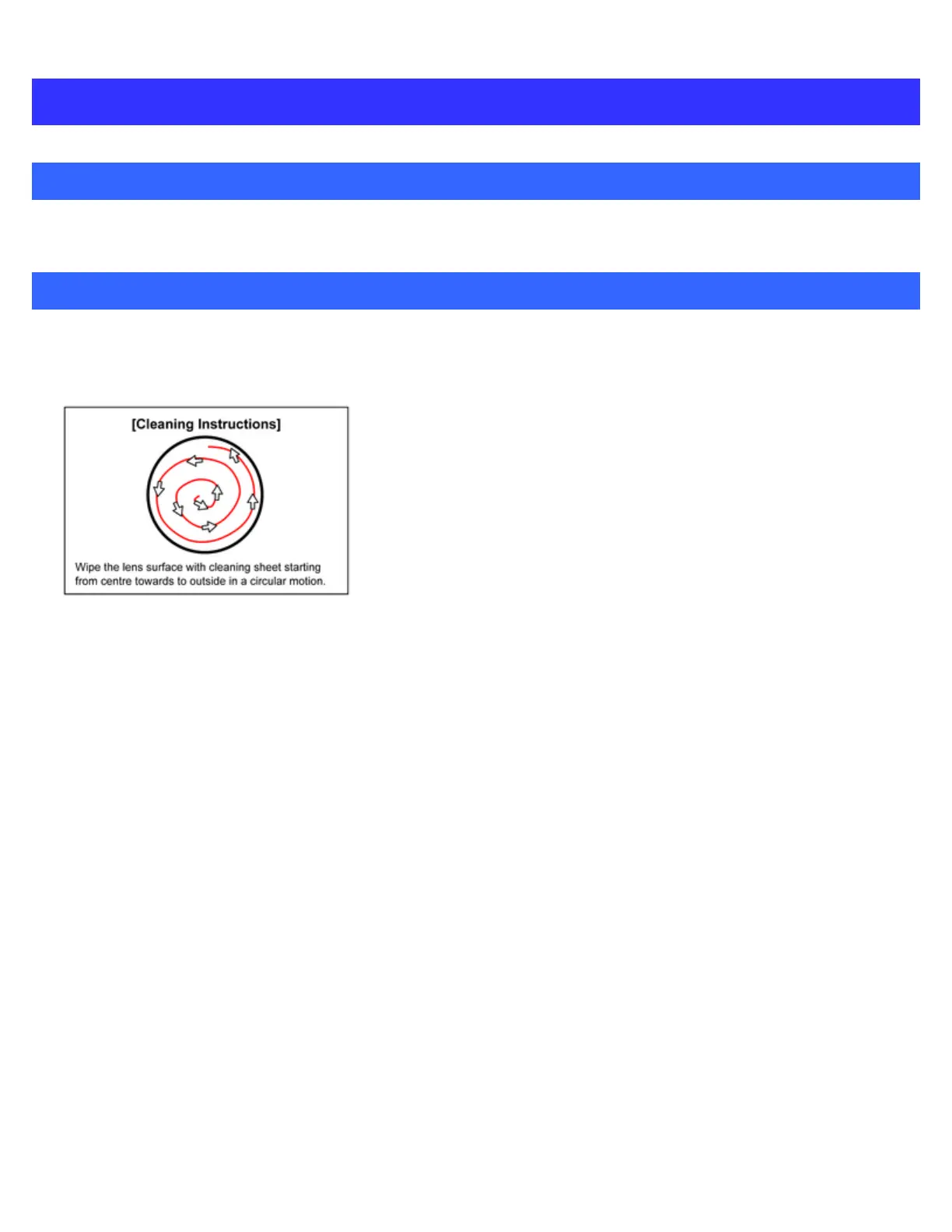
2. Wipe out the dirt on the Lens glass surface with Lens Cleaning Kit (VFK1900BK) if necessary.
(Consult the instruction sheet which is included in the Lens Cleaning Kit in details.)




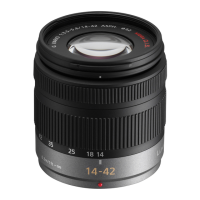
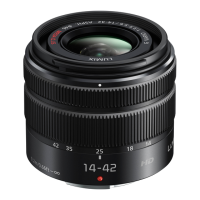
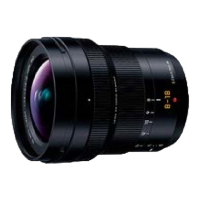

 To Next Page