Printing Out the Current Settings
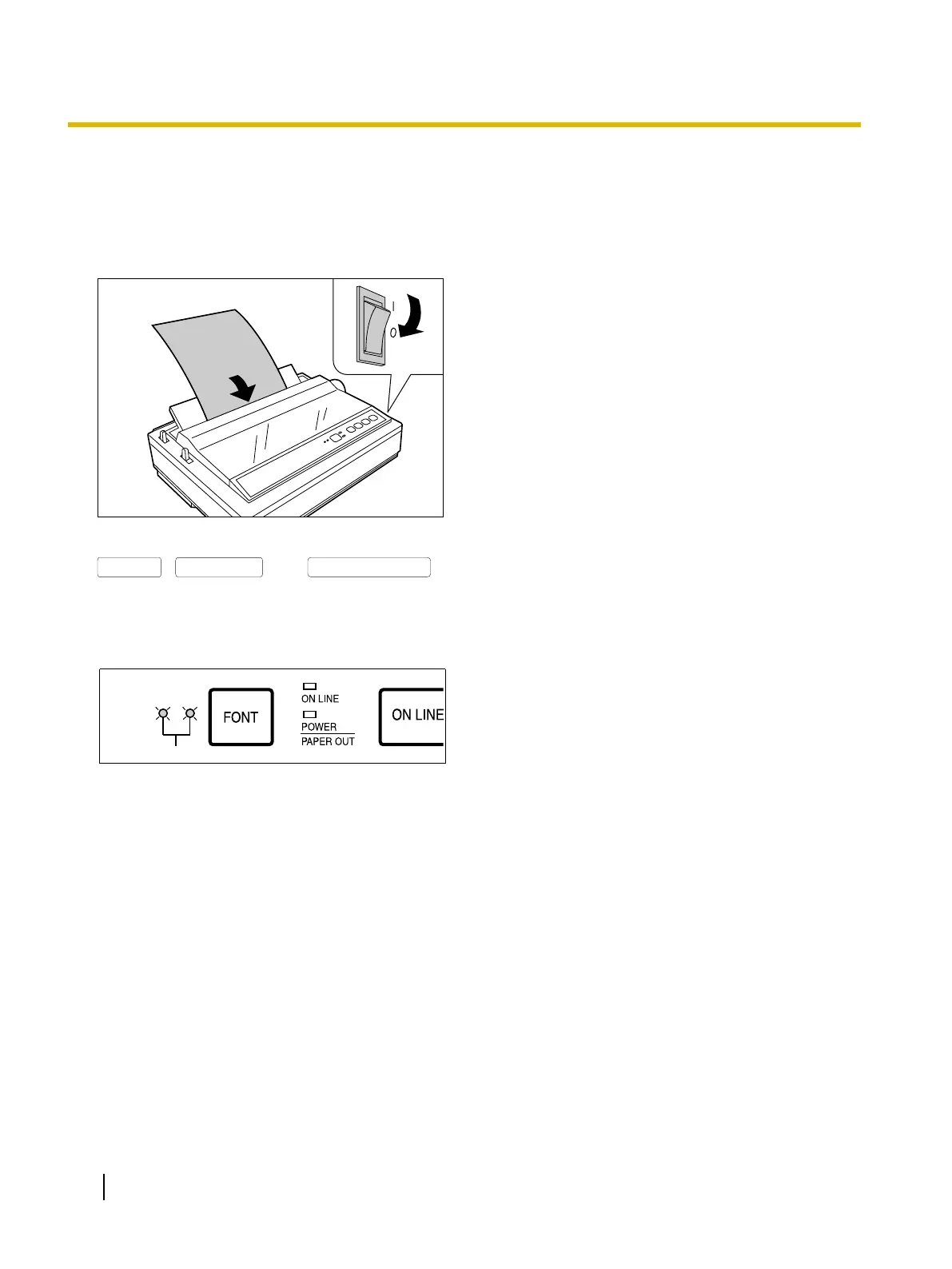
Follow the instructions below to get a print out of the
current settings.
1. Load a sheet of paper, and turn the power off.
(Page 20)
2. Turn the power on while holding down the
,
and
buttons.
Make sure that both FONT indicators (A) are
blinking.
The current settings will print out.
30 Operating Instructions
Using the Control Panel



 To Next Page