EasyManua.ls Logo

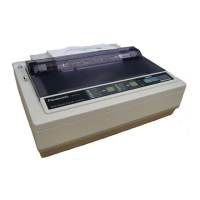
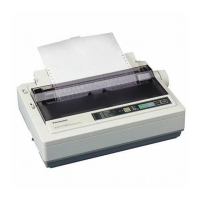
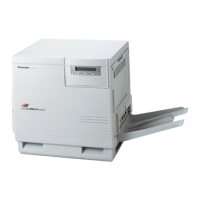
Panasonic KX-P8410 - User Manual

Panasonic KX-P8410
175 pages
Print Icon
To Next Page IconTo Next Page
Loading...
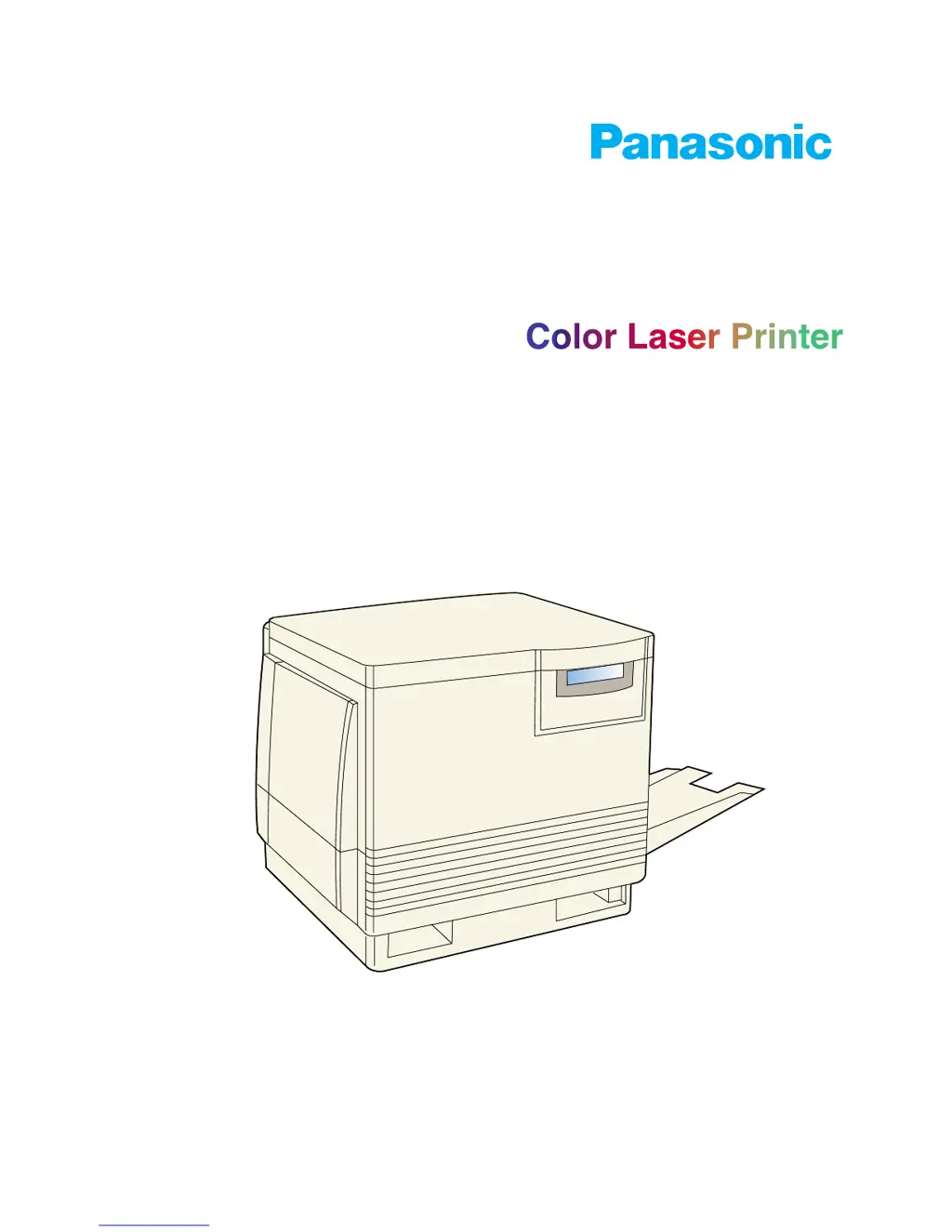
Operating Instructions
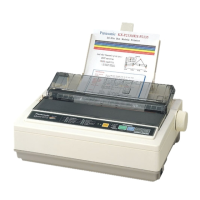
Model No. KX-P8410
Please carefully read the Operating Instructions before operating. Keep this CD-ROM in the protective case.
Do not expose the CD-ROM to direct sunlight or extreme heat and do not scratch or smudge the surface of the
CD-ROM.

Table of Contents

Questions and Answers

  • D
    Donna JuarezSep 12, 2025
    Why does my Panasonic Printer print toner spots on the back of the media?
    • W
      William AndersonSep 13, 2025
      If your Panasonic Printer is leaving toner spots on the back of the media, the transfer unit is worn out. Replace the transfer unit to resolve this issue.
  • V
    vincent53Aug 25, 2025
    How to fix Panasonic Printer when READY indicator is blinking?
    • L
      Lindsey SmallAug 25, 2025
      The READY indicator on your Panasonic printer might be blinking because the printer is currently receiving, processing, or printing a job. In this case, wait for the job to complete or cancel it. Alternatively, the printer might be in Menu mode. To exit Menu mode, press the MENU/EXIT button on the printer panel.
  • M
    Maxwell MartinAug 25, 2025
    What to do if Panasonic KX-P8410 Printer single color is not uniform?
    • J
      Joshua HollandAug 26, 2025
      If a single color is not uniform, or you notice many vertical streaks of slightly different density and non-uniform color on your Panasonic printer, it's likely that the toner is almost depleted. The suggested solution is to replace the color toner cartridge.
  • T
    Timothy BlevinsSep 23, 2025
    What causes half tone area to have areas of weak color on the Maintenance Page of my Panasonic KX-P8410?
    • R
      Richard SteinSep 23, 2025
      If the half tone area has areas of weak color on the Maintenance Page, the paper doesn’t match the environmental conditions or it has too much moisture. Try fresh paper or another type of paper. Also, store media in the original, dust-free package in the same environmental conditions as the printer.
  • P
    Phillip JohnsonSep 13, 2025
    What causes a piece of the printed image to be missing and reappear out of place on my Panasonic Printer?
    • K
      Kelly ReynoldsSep 13, 2025
      If a piece of the printed image is missing and reappears out of place, approximately 129 mm (5?) down the page, the fuser’s internal roller is not being consistently oiled, or the fuser’s internal roller is contaminated with toner particles. Print 5-10 pages of blank pages to clean the roller. If you still see the problem, replace the oil supply roll. If you still see the problem, replace the fuser.
  • D
    David JohnsonSep 22, 2025
    What causes each color to “bleed” into the color band on the Maintenance Page of my Panasonic KX-P8410?
    • J
      Jordan Dudley PhDSep 22, 2025
      If each color “bleeds” into the color band on the Maintenance Page of your Panasonic Printer, the imaging unit’s internal waste toner box is full. Replace the imaging unit.
  • P
    Patrick GonzalezSep 6, 2025
    What causes dark color spots and streaks in all colors on my Panasonic KX-P8410 Printer's prints?
    • O
      odonnellsaraSep 6, 2025
      Dark color spots and dark or light streaks appearing in all colors on prints from your Panasonic Printer indicate that the imaging unit has reached the end of its useful life. Replace the imaging unit to resolve this issue.
  • C
    Cynthia OrrSep 7, 2025
    How to fix prints missing fine-line detail with my Panasonic KX-P8410?
    • M
      Mary KingSep 7, 2025
      If prints from your Panasonic Printer are missing fine-line detail, it indicates that the imaging unit has reached the end of its useful life. Replace the imaging unit to restore the print quality.
  • M
    Michael LandrySep 23, 2025
    What to do if the page prints in black in the image area only on my Panasonic Printer?
    • E
      Elizabeth WilliamsSep 23, 2025
      If the page prints in black in the image area only (the borders are clear), either the image processor board or engine control board is not functioning properly. Turn the printer off and back on again. If the problem persists, call for service on your printer.
  • S
    Susan TorresAug 30, 2025
    What does it mean if the ERROR indicator is on for my Panasonic Printer?
    • C
      Candace PatrickAug 31, 2025
      If the ERROR indicator is continuously on, it indicates an error has occurred that you cannot correct. Turn the printer off and then back on. If the indicator remains on after restarting, the printer requires service.

Panasonic KX-P8410 Specifications

General IconGeneral
BrandPanasonic
ModelKX-P8410
CategoryPrinter
LanguageEnglish

Related product manuals