Helpline Tel.No. :U.K. 08700 100 076 R.O.I. 01289 8333
43
Cordless Telephone
Multi-unit User Operation
Ringer Mode Selection;
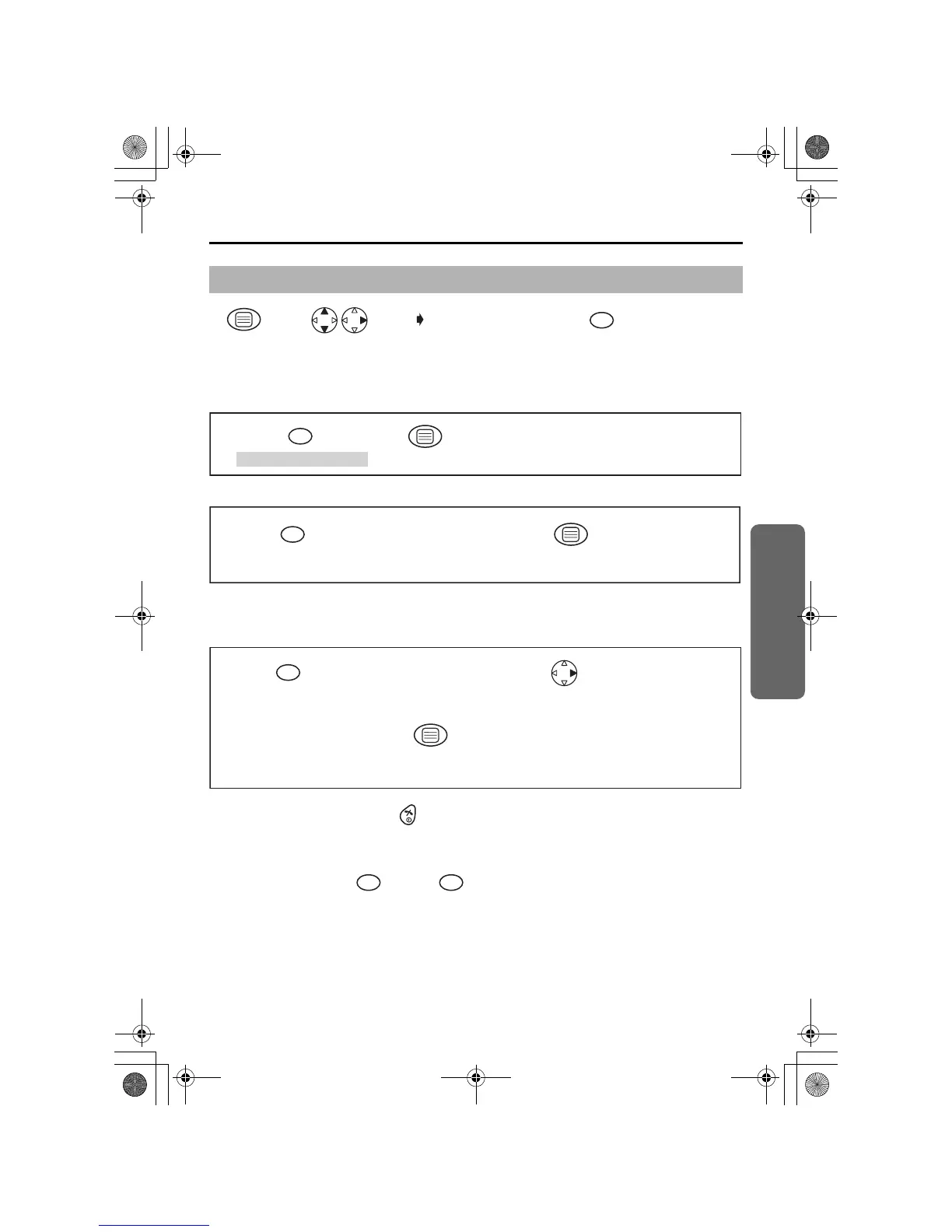
Setting the All Handsets Mode
Setting the Selected Handsets Mode
Setting the Selected then All Handsets Mode
The specific handset(s) will ring for a selected number of rings.
If not answered, all handsets will ring.
• To exit the operation, press any time.
• The factory preset is in shade.
*1 The factory preset is 0000.
*2 The selected handset number flashes.
*3 Press dialling button through to enter the number of rings.
Before programming, please follow steps 1 to 4.
Press
MENU.
Search/Select
"Setting Base".
"Input Command"
4-digit
Base Unit
PIN*1
1
12 34
"All handsets" mode.
Press OK.
1
56
Press desired
handset numbers.
"Selected handsets"
mode.
Handset Numbers*2
Press OK.
2
56 7
"Selected then all
handsets" mode.
Press desired
handset numbers.
Handset Numbers
*2
Press RIGHT.
Select how many times
it rings. (up to 6 rings)
Number of Rings
*3
Press OK.
3
5
89
67
1
6
455E.book Page 43 Thursday, March 20, 2003 7:44 PM












 To Next Page