EasyManua.ls Logo

Panasonic KX-TDA0142 - User Manual

Panasonic KX-TDA0142
62 pages
Print Icon
To Next Page IconTo Next Page
Loading...
Model No.
KX-TDA0141
KX-TDA0142
KX-TDA0155
KX-TDA0156
KX-TDA0158
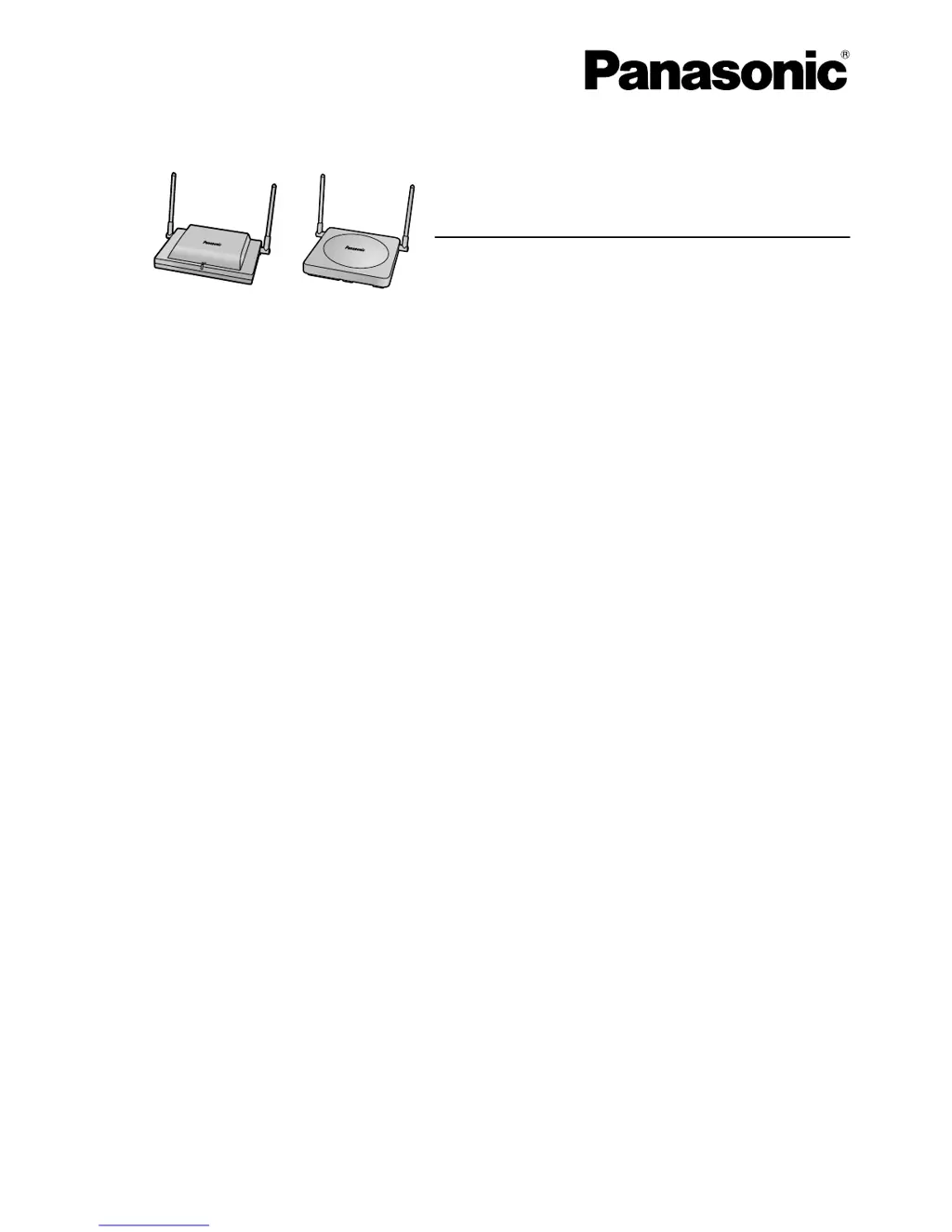
DECT Cell Station Unit
Quick Installation Guide
Thank you for purchasing a Panasonic DECT Cell Station Unit.
Please read this manual carefully before using this product and save this manual for future use.

Questions and Answers

Summary

Important Safety and Information

Safety Notices and Requirements

General safety warnings, installation requirements, and precautions for safe use of the DECT Cell Station.

Security Requirements

Guidelines for ensuring the security of communications and system access.

Additional Information and Disposal

European Union Disposal Guidelines

Information on collecting and disposing of old electrical equipment and batteries in the EU.

DECT Cell Station Overview

Component Identification and Locations

Identifies the physical parts and ports of different DECT Cell Station models.

LED Status Indications

Explains the meaning of different LED colors and patterns on the Cell Station.

PBX Compatibility and Software Requirements

Lists PBX models and required software versions for compatibility with Cell Stations.

Maximum Call Capacity per Cell Station

Details the number of simultaneous calls supported by each Cell Station model.

RF Specifications

Technical details of the radio frequency parameters for the DECT Cell Station.

Site Survey Procedures

Site Investigation and Preparation

Steps for site investigation, mapping, and preparation before conducting a site survey.

Conducting the Radio Signal Strength Survey

Instructions for testing radio signal strength using a Portable Station (PS).

Finishing and Documenting the Site Survey

Procedures for concluding the site survey and mapping coverage areas.

Site Planning and Radio Wave Behavior

Understanding Radio Wave Propagation and Materials

Explains how radio waves interact with building structures and materials.

Planning Cell Station Coverage Areas

Guidelines for determining optimal CS placement and coverage based on signal strength.

Before Site Survey Preparations

Checking CS ID Numbers

How to verify and identify the Cell Station's unique ID number.

Assigning CS ID to Portable Station (PS)

Steps to assign a CS ID number to the Portable Station for survey purposes.

Temporary CS Installation for Site Survey

Instructions for temporarily setting up CS units for site survey testing.

Performing the Site Survey

Testing Radio Signal Strength

Detailed steps for measuring radio signal strength and coverage using the PS.

Storing and Clearing Scan Data

How to save and erase scan data from the Portable Station after the survey.

After Site Survey Procedures

Finalizing Site Survey Steps

Procedures to follow after completing the site survey, including powering down CS units.

Connecting Cell Stations to the PBX

Connection Examples for Specific PBX Models

Illustrates how to connect Cell Stations to various Panasonic PBX systems.

Accessories and User-Supplied Items

Lists required accessories and user-provided items for connecting CS units.

Connecting the CS Unit to the PBX

Step-by-step guide for physically connecting the Cell Station cable to the PBX.

Registering and Configuring the Portable Station (PS)

Procedures for registering the PS to the PBX and setting system options.

Testing Cell Station and PS Operation

How to verify the functionality of the connected Cell Station and registered PS.

Wall Mounting Guide

Mounting Procedures for KX-TDA0155;KX-TDA0156;KX-TDA0158

Detailed steps for securely mounting specific Cell Station models on a wall.

Wall Mounting Reference for KX-TDA0155;KX-TDA0156;KX-TDA0158

A printable template for marking screw positions for wall mounting.

Mounting Procedures for KX-TDA0141;KX-TDA0142

Detailed steps for securely mounting specific Cell Station models on a wall.

Wall Mounting Reference for KX-TDA0141;KX-TDA0142

A printable template for marking screw positions for wall mounting.

Troubleshooting Common Issues

Cell Station Status and Connectivity Problems

Solutions for issues like incorrect LED status, poor connection, and registration failures.

Portable Station (PS) Operation and Performance Issues

Troubleshooting steps for PS range, noise, call disconnects, and service errors.

Summary

Important Safety and Information

Safety Notices and Requirements

General safety warnings, installation requirements, and precautions for safe use of the DECT Cell Station.

Security Requirements

Guidelines for ensuring the security of communications and system access.

Additional Information and Disposal

European Union Disposal Guidelines

Information on collecting and disposing of old electrical equipment and batteries in the EU.

DECT Cell Station Overview

Component Identification and Locations

Identifies the physical parts and ports of different DECT Cell Station models.

LED Status Indications

Explains the meaning of different LED colors and patterns on the Cell Station.

PBX Compatibility and Software Requirements

Lists PBX models and required software versions for compatibility with Cell Stations.

Maximum Call Capacity per Cell Station

Details the number of simultaneous calls supported by each Cell Station model.

RF Specifications

Technical details of the radio frequency parameters for the DECT Cell Station.

Site Survey Procedures

Site Investigation and Preparation

Steps for site investigation, mapping, and preparation before conducting a site survey.

Conducting the Radio Signal Strength Survey

Instructions for testing radio signal strength using a Portable Station (PS).

Finishing and Documenting the Site Survey

Procedures for concluding the site survey and mapping coverage areas.

Site Planning and Radio Wave Behavior

Understanding Radio Wave Propagation and Materials

Explains how radio waves interact with building structures and materials.

Planning Cell Station Coverage Areas

Guidelines for determining optimal CS placement and coverage based on signal strength.

Before Site Survey Preparations

Checking CS ID Numbers

How to verify and identify the Cell Station's unique ID number.

Assigning CS ID to Portable Station (PS)

Steps to assign a CS ID number to the Portable Station for survey purposes.

Temporary CS Installation for Site Survey

Instructions for temporarily setting up CS units for site survey testing.

Performing the Site Survey

Testing Radio Signal Strength

Detailed steps for measuring radio signal strength and coverage using the PS.

Storing and Clearing Scan Data

How to save and erase scan data from the Portable Station after the survey.

After Site Survey Procedures

Finalizing Site Survey Steps

Procedures to follow after completing the site survey, including powering down CS units.

Connecting Cell Stations to the PBX

Connection Examples for Specific PBX Models

Illustrates how to connect Cell Stations to various Panasonic PBX systems.

Accessories and User-Supplied Items

Lists required accessories and user-provided items for connecting CS units.

Connecting the CS Unit to the PBX

Step-by-step guide for physically connecting the Cell Station cable to the PBX.

Registering and Configuring the Portable Station (PS)

Procedures for registering the PS to the PBX and setting system options.

Testing Cell Station and PS Operation

How to verify the functionality of the connected Cell Station and registered PS.

Wall Mounting Guide

Mounting Procedures for KX-TDA0155;KX-TDA0156;KX-TDA0158

Detailed steps for securely mounting specific Cell Station models on a wall.

Wall Mounting Reference for KX-TDA0155;KX-TDA0156;KX-TDA0158

A printable template for marking screw positions for wall mounting.

Mounting Procedures for KX-TDA0141;KX-TDA0142

Detailed steps for securely mounting specific Cell Station models on a wall.

Wall Mounting Reference for KX-TDA0141;KX-TDA0142

A printable template for marking screw positions for wall mounting.

Troubleshooting Common Issues

Cell Station Status and Connectivity Problems

Solutions for issues like incorrect LED status, poor connection, and registration failures.

Portable Station (PS) Operation and Performance Issues

Troubleshooting steps for PS range, noise, call disconnects, and service errors.

Panasonic KX-TDA0142 Specifications

General IconGeneral
Product TypeVoIP gateway
Form FactorExternal
Data Link ProtocolEthernet
Network / Transport ProtocolTCP/IP, UDP/IP
VoIP ProtocolsSIP, H.323
Voice CodecsG.711, G.723.1

Related product manuals