EasyManua.ls Logo

Panasonic KX-UDS124CE - User Manual

Panasonic KX-UDS124CE
292 pages
Print Icon
To Next Page IconTo Next Page
Loading...
Model No.
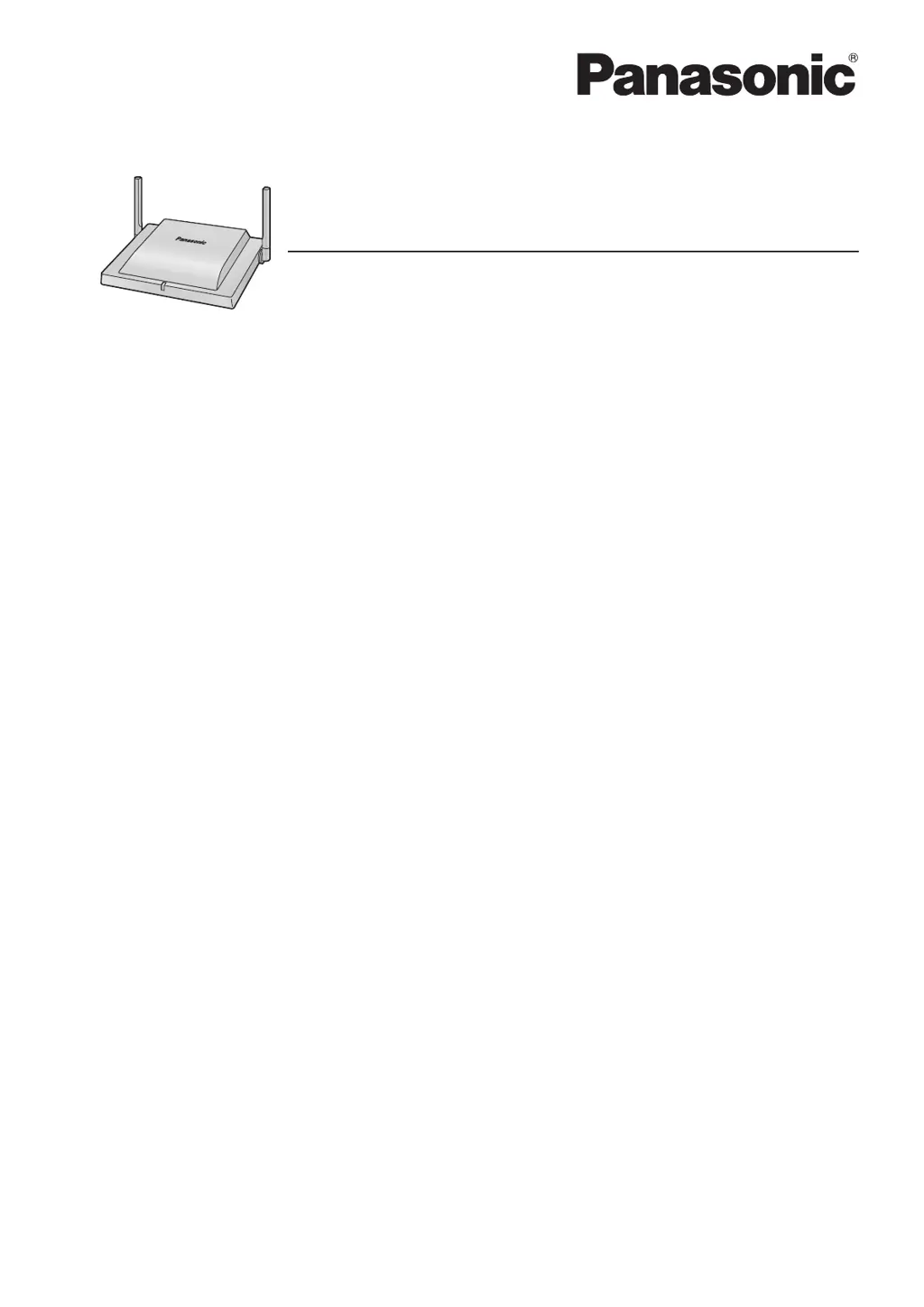
KX-UDS124
Cell Station Unit (SIP)
Administrator Guide
Thank you for purchasing this Panasonic product.
Please read this manual carefully before using this product and save this manual for future use.
KX-UDS124: Software File Version 01.300 or later
KX-UDS124 : DECT 6.0 Cell Station Unit (SIP)
KX-UDS124CE : DECT Cell Station Unit (SIP)
In this manual, the suffix of each model number (e.g., KX-UDS124CE) is omitted unless necessary.
Document Version: 2013-03

Table of Contents

Other manuals for Panasonic KX-UDS124CE

Questions and Answers

  • M
    Matthew BurnsSep 3, 2025
    What does 'Unknown error code' mean on Panasonic Telephone Accessories?
    • J
      Jennifer RomeroSep 4, 2025
      If your Panasonic Telephone Accessories display 'ERROR!!! Unknown error code', it means the Tree Survey failed for some reason. Conduct the Tree Survey again.
  • B
    Beth DuffySep 18, 2025
    Why can't I execute the Tree Survey on my Panasonic VoIP?
    • M
      Mary ToddSep 18, 2025
      If the Tree Survey cannot be executed on your Panasonic VoIP system, it's because the selected SIP-CS uses an older software version that the Tree Survey feature doesn't support. Update the software to version 7.100 or later to resolve this.
  • K
    Kenneth BushSep 16, 2025
    How to resolve 'Survey result contains more than 4 levels' error in Panasonic VoIP?
    • R
      Roberto CrawfordSep 16, 2025
      If your Panasonic VoIP displays 'ERROR!!! Survey result contains more than 4 levels', it means the air synchronisation hierarchy contains more than 4 levels. Recheck the design of your Tree Structure and relocate SIP-CS(s) to remove the unsupported level(s).
  • H
    hjohnsonSep 14, 2025
    What causes 'Parameter Error' on Panasonic VoIP and how can I fix it?
    • M
      Matthew GarciaSep 14, 2025
      If you encounter an 'ERROR!!! Parameter Error' on your Panasonic VoIP system, it indicates that the monitoring of SIP-CSs failed. Conduct the Tree Survey again to resolve this.
  • H
    heathbeckySep 12, 2025
    What does 'IP-CS is too close' mean for Panasonic VoIP and how to resolve it?
    • C
      Curtis ClineSep 12, 2025
      If you receive an 'ERROR!!! IP-CS is too close' message on your Panasonic VoIP, it means the SIP-CSs are located too close together. As a guideline, the maximum number of SIP-CSs in an area with a radio signal strength of "11" is 2. Relocate the SIP-CS(s), referring to the guidelines for distance between SIP-CS(s) in "Required Distances between Equipment".
  • R
    Richard HayesSep 12, 2025
    How to fix 'CS does not have Primary CS' error on Panasonic VoIP?
    • A
      amynguyenSep 12, 2025
      If you're seeing an 'ERROR!!! CS does not have Primary CS' message on your Panasonic VoIP system, it means a SIP-CS is located too far from the adjacent SIP-CS. Move the SIP-CS(s) closer to the adjacent SIP-CS according to your site planning.
  • J
    Juan ToddSep 9, 2025
    What to do if Panasonic VoIP SIP-CS(s) don't function due to air synchronisation?
    • G
      Gregory JohnsonSep 9, 2025
      If your Panasonic VoIP SIP-CS(s) are not functioning correctly due to a lack of air synchronization, the location of the SIP-CS might be the issue. Move the SIP-CS(s) closer to the adjacent SIP-CS according to your site plan. If problems persist, look for and eliminate any interference from external wireless equipment.
  • M
    Morgan WattsSep 7, 2025
    Why is my Panasonic VoIP not working because of wireless interference?
    • N
      Nicole WalkerSep 7, 2025
      If your Panasonic VoIP SIP-CS(s) aren't functioning correctly, it might be due to interference from external wireless equipment, specifically with DECT radio waves. To fix this, find the source of the interference and eliminate it.
  • S
    Steven LawrenceSep 5, 2025
    What to do if I get a connection error on my Panasonic VoIP?
    • A
      Andrew DavisSep 6, 2025
      If you are experiencing connection errors with your Panasonic VoIP system, it's likely due to incorrect IP network environment and settings. Please verify the network connection of your SIP-CS(s) and PC to resolve this issue.
  • L
    Lisa BallardAug 21, 2025
    What to do if my Panasonic Telephone Accessories unit is not receiving power?
    • F
      Felicia RamseyAug 21, 2025
      First, ensure that the device supplying Power over Ethernet (PoE) is properly connected and powered. Also, verify that the Ethernet cable is correctly connected. If you're using an AC adapter, make sure it's connected and receiving power.

Panasonic KX-UDS124CE Specifications

General IconGeneral
BrandPanasonic
ModelKX-UDS124CE
Wireless ProtocolDECT
Maximum Number of Handsets8
Power SupplyAC Adapter
Connectivity TechnologyWired and Wireless
Frequency Band1.9 GHz
Supported ProtocolsSIP
Dimensions40 mm
Ports4 x Ethernet

Related product manuals