EasyManua.ls Logo

Panasonic KX-TDA0141 - User Manual

Panasonic KX-TDA0141
62 pages
Print Icon
To Next Page IconTo Next Page
Loading...
Model No.
KX-TDA0141
KX-TDA0142
KX-TDA0155
KX-TDA0156
KX-TDA0158
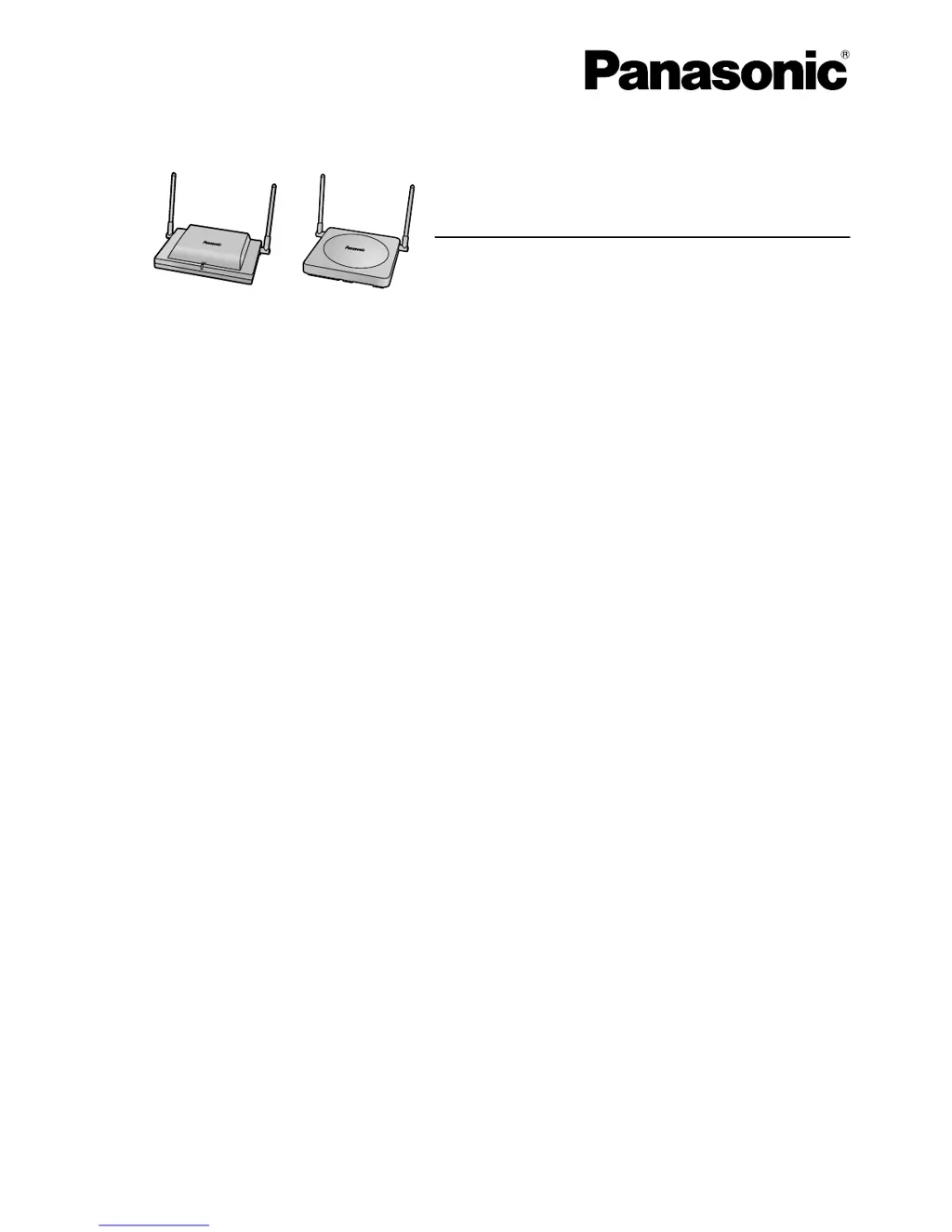
DECT Cell Station Unit
Quick Installation Guide
Thank you for purchasing a Panasonic DECT Cell Station Unit.
Please read this manual carefully before using this product and save this manual for future use.

Questions and Answers

Summary

Important Information and Safety Notices

Safety Notices

Please observe safety notices to avoid danger and prevent property damage.

Safety Requirements

Product installation and servicing must be done by qualified personnel.

Cautionary Safety Requirements

CS should be kept free of dust, moisture, high temperature, low temperature, and vibration.

Overview of DECT Cell Station Features

Site Planning Essentials

Choosing the best site for the CS requires careful planning and testing.

Site Survey Procedure

Using the PS to test radio signal strength and coverage for site survey.

Connecting CS to PBX

Connection examples for various PBX models.

Wall Mounting Instructions

Instructions for mounting the DECT Cell Station unit on a wall.

Troubleshooting Common Issues

Common problems and their solutions for the DECT Cell Station.

Radio Frequency Specifications

RF Environmental Cautions

CS must be kept free of dust, moisture, high temperature, low temperature, and vibration.

Procedure Overview for Installation

Site Investigation

Obtain map, identify service area, and plan CS locations considering distance and materials.

Conducting the Site Survey

Test radio signal strength and coverage using the PS.

Completing the Site Survey and Testing

Site Survey Mapping and Verification

Map CS coverage areas at signal levels '3' and '8', ensuring overlap.

Connecting and Testing Operation

Connect CSs to PBX, register PSs, and test operation with conversations.

Final CS Wall Mounting

Mount the CS on the wall if testing was successful.

Site Planning: Understanding Radio Waves

Cell Station Coverage Area Analysis

CS Coverage Area Visualization

Shows CS coverage area sizes based on radio signal strength levels.

Site Survey Preparation Steps

Obtain map, check obstacles, materials, layout, and examine service area.

Before Site Survey Procedures

Temporary CS Installation for Site Survey

Setting CS for Site Survey Mode

Switch Radio Signal Test, set channel numbers, and set power supply for temporary installation.

Site Survey Installation Warnings

AC adaptor should be plugged into a wall or floor-mounted outlet, not ceiling-mounted.

Temporary CS Installation Guidelines

Install CS at least 2m above floor, with antennas at 90 degrees apart for diversity.

Conducting the Site Survey

Testing Radio Signal Strength

Execute Radio Signal Test mode on PS to scan channels and measure signal strength.

Signal Strength and Error Rate Measurement

Measure error rate and signal strength, identify interference, and map coverage areas.

CS Coverage Overlap and Signal Verification

Overlap CS coverage areas by 5-10m and ensure signal strength >3 in service area.

Connecting Cell Station to PBX

KX-TDA15 Connection Examples

Shows how to connect KX-TDA0158 CS to KX-TDA15 PBX using Super Hybrid Port.

Super Hybrid Ports (RJ45) Wiring

Wiring diagram for connecting CS to Super Hybrid Ports (RJ45) on PBX.

DLC8 Card (RJ45) Wiring

Wiring diagram for connecting CS to DLC8 card (RJ45) on PBX.

DLC8 Card (RJ11) Wiring

Wiring diagram for connecting CS to DLC8 card (RJ11) on PBX.

KX-TDA15 Connection for Specific Models

Shows connecting KX-TDA0155/KX-TDA0141 CS to KX-TDA15 PBX via Super Hybrid/DLC8 card.

KX-TDA30 Connection Examples

Shows how to connect KX-TDA0158 CS to KX-TDA30 PBX using Super Hybrid Port.

Super Hybrid;DLC4 Card Wiring (RJ45;RJ11)

Wiring diagrams for connecting CS to Super Hybrid/DLC4 cards.

KX-TDA30 Connection for Specific Models

Shows connecting KX-TDA0155/KX-TDA0141 CS to KX-TDA30 PBX via Super Hybrid/DLC8 card.

Connecting and Registering the Cell Station

Wall Mounting Guide

Troubleshooting DECT Cell Station Issues

Summary

Important Information and Safety Notices

Safety Notices

Please observe safety notices to avoid danger and prevent property damage.

Safety Requirements

Product installation and servicing must be done by qualified personnel.

Cautionary Safety Requirements

CS should be kept free of dust, moisture, high temperature, low temperature, and vibration.

Overview of DECT Cell Station Features

Site Planning Essentials

Choosing the best site for the CS requires careful planning and testing.

Site Survey Procedure

Using the PS to test radio signal strength and coverage for site survey.

Connecting CS to PBX

Connection examples for various PBX models.

Wall Mounting Instructions

Instructions for mounting the DECT Cell Station unit on a wall.

Troubleshooting Common Issues

Common problems and their solutions for the DECT Cell Station.

Radio Frequency Specifications

RF Environmental Cautions

CS must be kept free of dust, moisture, high temperature, low temperature, and vibration.

Procedure Overview for Installation

Site Investigation

Obtain map, identify service area, and plan CS locations considering distance and materials.

Conducting the Site Survey

Test radio signal strength and coverage using the PS.

Completing the Site Survey and Testing

Site Survey Mapping and Verification

Map CS coverage areas at signal levels '3' and '8', ensuring overlap.

Connecting and Testing Operation

Connect CSs to PBX, register PSs, and test operation with conversations.

Final CS Wall Mounting

Mount the CS on the wall if testing was successful.

Site Planning: Understanding Radio Waves

Cell Station Coverage Area Analysis

CS Coverage Area Visualization

Shows CS coverage area sizes based on radio signal strength levels.

Site Survey Preparation Steps

Obtain map, check obstacles, materials, layout, and examine service area.

Before Site Survey Procedures

Temporary CS Installation for Site Survey

Setting CS for Site Survey Mode

Switch Radio Signal Test, set channel numbers, and set power supply for temporary installation.

Site Survey Installation Warnings

AC adaptor should be plugged into a wall or floor-mounted outlet, not ceiling-mounted.

Temporary CS Installation Guidelines

Install CS at least 2m above floor, with antennas at 90 degrees apart for diversity.

Conducting the Site Survey

Testing Radio Signal Strength

Execute Radio Signal Test mode on PS to scan channels and measure signal strength.

Signal Strength and Error Rate Measurement

Measure error rate and signal strength, identify interference, and map coverage areas.

CS Coverage Overlap and Signal Verification

Overlap CS coverage areas by 5-10m and ensure signal strength >3 in service area.

Connecting Cell Station to PBX

KX-TDA15 Connection Examples

Shows how to connect KX-TDA0158 CS to KX-TDA15 PBX using Super Hybrid Port.

Super Hybrid Ports (RJ45) Wiring

Wiring diagram for connecting CS to Super Hybrid Ports (RJ45) on PBX.

DLC8 Card (RJ45) Wiring

Wiring diagram for connecting CS to DLC8 card (RJ45) on PBX.

DLC8 Card (RJ11) Wiring

Wiring diagram for connecting CS to DLC8 card (RJ11) on PBX.

KX-TDA15 Connection for Specific Models

Shows connecting KX-TDA0155/KX-TDA0141 CS to KX-TDA15 PBX via Super Hybrid/DLC8 card.

KX-TDA30 Connection Examples

Shows how to connect KX-TDA0158 CS to KX-TDA30 PBX using Super Hybrid Port.

Super Hybrid;DLC4 Card Wiring (RJ45;RJ11)

Wiring diagrams for connecting CS to Super Hybrid/DLC4 cards.

KX-TDA30 Connection for Specific Models

Shows connecting KX-TDA0155/KX-TDA0141 CS to KX-TDA30 PBX via Super Hybrid/DLC8 card.

Connecting and Registering the Cell Station

Wall Mounting Guide

Troubleshooting DECT Cell Station Issues

Panasonic KX-TDA0141 Specifications

General IconGeneral
BrandPanasonic
ModelKX-TDA0141
CategoryNetwork Router
LanguageEnglish

Related product manuals