Note
means default value throughout this section.
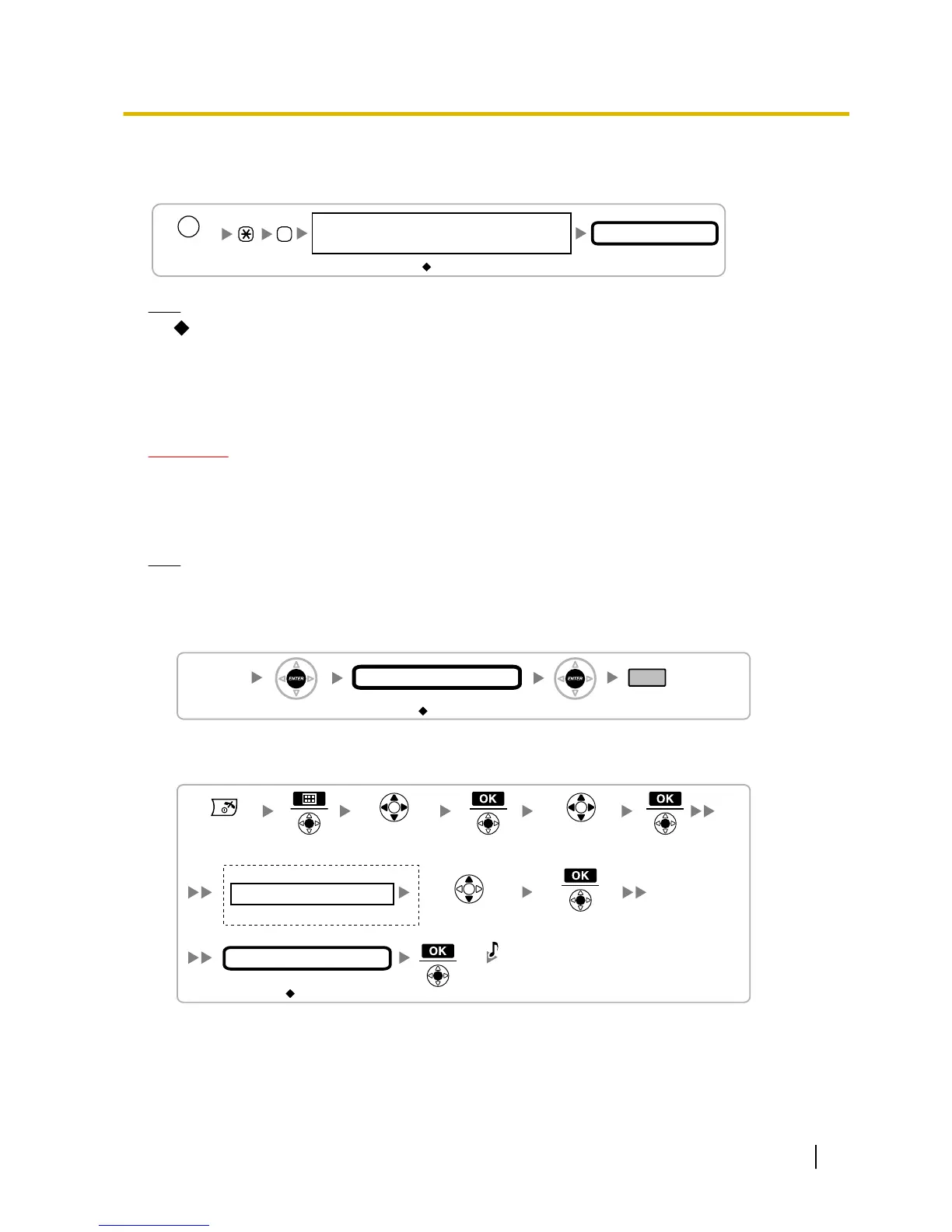
Setting the Personal Identification Number (PIN) for PS Registration
To
prevent registering the PS to a wrong PBX, a PIN for PS registration can be set to the PBX. Before registering
the PS to the PBX, enter the PIN set to the PBX into the PS. By doing so, the PS will only be registered to the
PBX with the matching PIN.
CAUTION
To avoid unauthorised access and possible abuse of the PBX, we strongly recommend:
a. Keeping the password (PIN for PS registration) secret.
b. Not using the default password and changing the password regularly.
c. Selecting a complex, random password that cannot be easily guessed.
Note
The
PIN for PS registration will only be used when registering the PS to the PBX. Therefore, during normal
operation after registration, even if there is more than 1 PBX with the same PIN near the PS, the PS will
not be inadvertently linked to a different PBX.
Setting the PIN for PBX
Changing the Display Language of the PS
Using the KX-TCA175/KX-TCA275
Refer to "PS Registration".
Quick Installation Guide 49
7 Connecting a Cell Station to the PBX



 To Next Page