Accessories and User-supplied Items for the CS
Accessories (included): Screws ´ 2, Washers ´ 2
User-supplied (not included): RJ45 connector
Note
• The
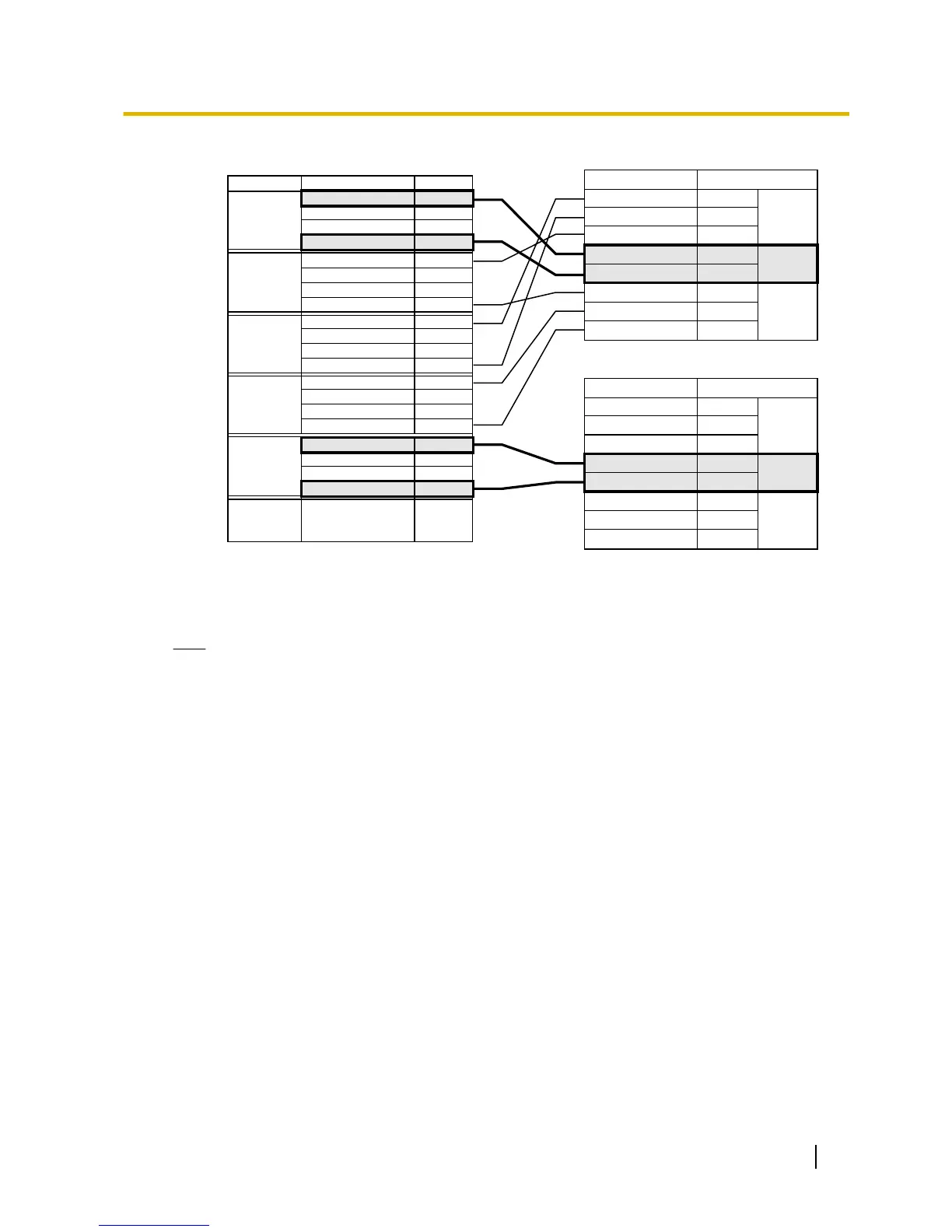
no. 4 and no. 5 pins (Master) of the CS must be connected to a pair of pins on the Super Hybrid
Ports or DLC8 card. Then use 4 consecutive pairs of pins on the Super Hybrid Ports or DLC8 card,
starting with the pins corresponding to the Master, as in the example above.
• When connecting multiple KX-TDA0158 CSs to a DLC8 card, make sure that the no. 4 and no. 5
pins (Master) of adjacent CSs are at least 3 pairs of pins away on the card.
• For details about the Super Hybrid Ports or DLC8 card, refer to the Installation Manual for your
PBX.
• CS connections must be made within the Super Hybrid Ports or the same DLC8 card.
• When a wrong connection is made, satisfactory performance of the CS cannot be guaranteed.
Check the connection of CS and the PBX using the Maintenance Console. For information about
how to view CS information using the Maintenance Console, refer to "Utility—CS Information" in
the PC Programming Manual or the On-line Help for your PBX.
Quick Installation Guide 33
7 Connecting a Cell Station to the PBX



 To Next Page