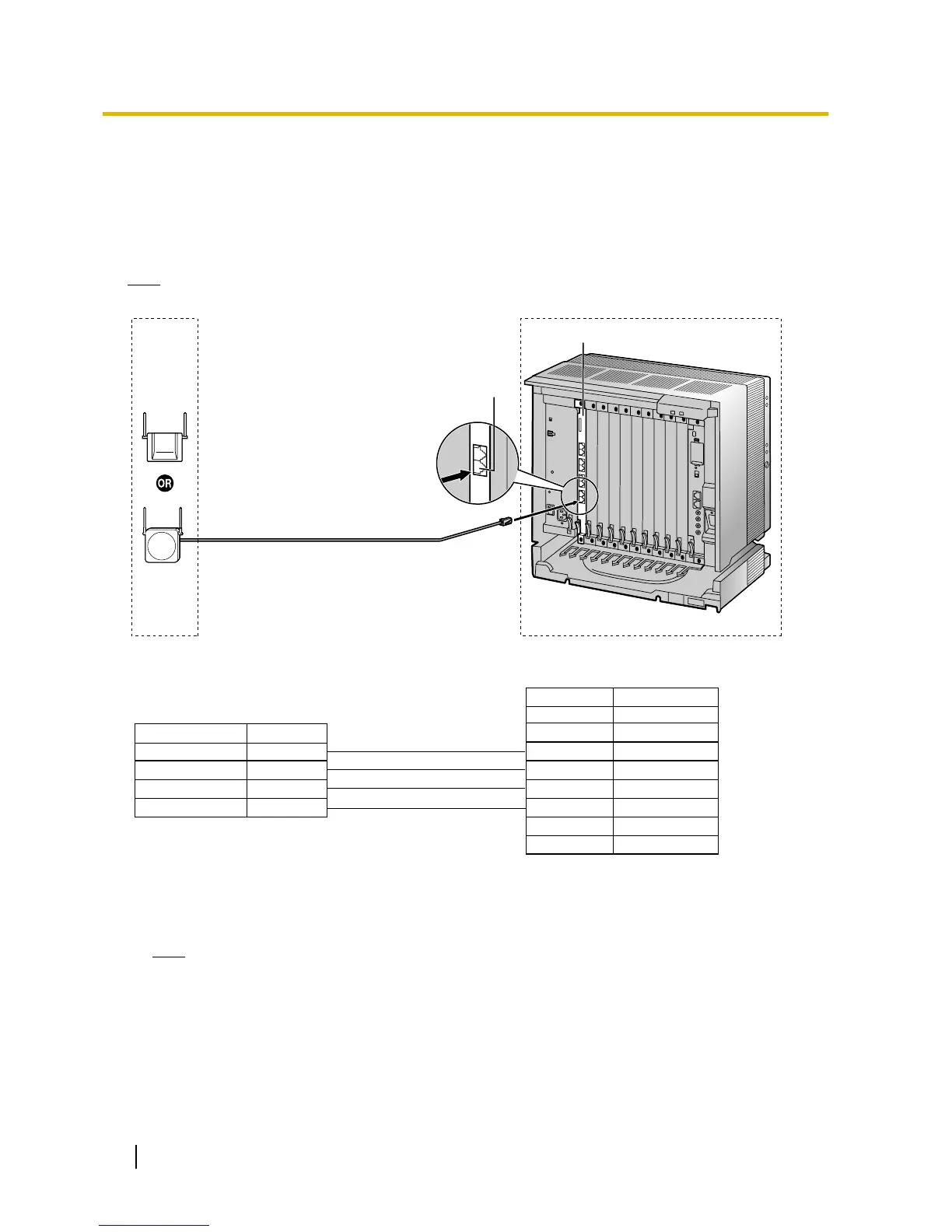
Connection Examples for KX-TDA100/KX-TDA200/KX-TDA600/KX-TDE100/
KX-TDE200/KX-TDE600
Refer to the following examples to connect a CS to the PBX.
KX-TDA0156/KX-TDA0142
connecting to KX-TDA100/KX-TDA200/KX-TDA600/KX-TDE100/
KX-TDE200/KX-TDE600
Note
The illustration of the PBX is based on the KX-TDE200
.
Accessories and User-supplied Items for the CS
Accessories (included): Screws ´ 2, Washers ´ 2, Ferrite core ´ 1
User-supplied (not included): RJ11 connector
Note
For details about the CSIF card, refer to the Installation Manual for your PBX.
40 Quick Installation Guide
7 Connecting a Cell Station to the PBX



 To Next Page