EasyManua.ls Logo

Panasonic KX-TG6811E - User Manual

Panasonic KX-TG6811E
56 pages
Print Icon
To Next Page IconTo Next Page
Loading...
Operating Instructions
Model No. KX-TG6811E
KX-TG6812E
KX-TG6813E
Digital Cordless Phone
Model No. KX-TG6821E
KX-TG6822E
KX-TG6823E
KX-TG6824E
KX-TG6891E
Digital Cordless Answering System
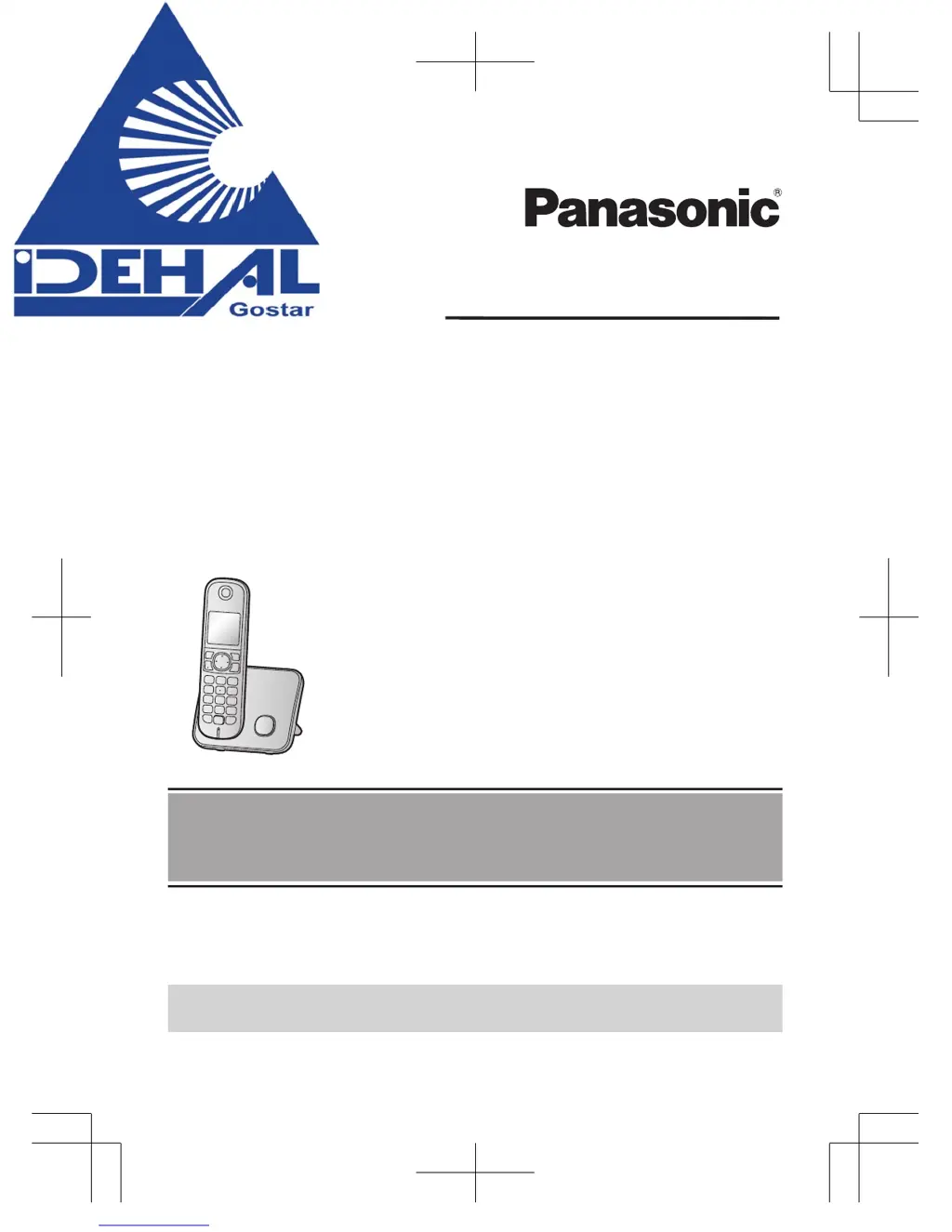
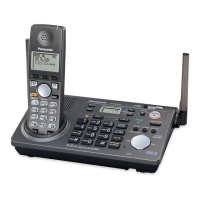
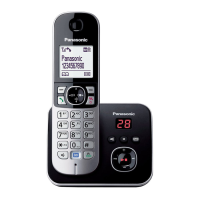
Model shown is KX-TG6811.
Before initial use, see “Getting Started”
on page 11.
Thank you for purchasing a Panasonic product.
Please read these operating instructions before using the unit and save them for
future reference.
Please access our online customer survey:
http://panasonic.net/pcc/tel/q
TG68xxE(en)_1225_ver012.pdf 1 2012/12/25 16:30:10

Questions and Answers

  • C
    Clarence GonzalezSep 23, 2025
    What to do if liquid entered my Panasonic KX-TG6811E?
    • S
      Stacey MillerSep 23, 2025
      Disconnect the AC adaptor and telephone line cord from the base unit. Remove the batteries from the handset and leave to dry for at least 3 days. After the handset/base unit are completely dry, reconnect the AC adaptor and telephone line cord. Insert the batteries and charge fully before use. If the unit does not work properly, contact an authorised service centre.
  • J
    Jennifer AtkinsAug 25, 2025
    What to do if my Panasonic KX-TG6811E Telephone does not work?
    • K
      Kathryn JohnsonAug 25, 2025
      If your Panasonic Telephone is not working, ensure the batteries are correctly installed. Fully charge the batteries. Check all connections. Unplug the base unit’s AC adaptor to reset the unit and turn off the handset; then reconnect the adaptor, turn on the handset, and try again. Also, the handset may not be registered to the base unit, so you may need to register the handset.
  • R
    Ruth OlsonAug 25, 2025
    Why can't I hear a dial tone on my Panasonic Telephone?
    • B
      Brenda LarsonAug 26, 2025
      If you cannot hear a dial tone on your Panasonic Telephone, ensure that you are using the supplied telephone line cord, as your old cord may have a different wiring configuration. Check that the base unit’s AC adaptor or telephone line cord is connected properly. To further diagnose the issue, disconnect the base unit from the telephone line and connect the line to a known working telephone. If the working telephone operates properly, the unit may need repair. If the working telephone does not operate properly, contact your service provider/telephone company.
  • M
    Mr. Robert GlennAug 27, 2025
    Why is my Panasonic Telephone base unit beeping?
    • R
      Randy DavisAug 27, 2025
      If the base unit of your Panasonic Telephone is beeping, it indicates that new messages have been recorded. Listen to the new messages.
  • C
    Cassandra RobinsonAug 27, 2025
    Why I cannot make a call from my Panasonic KX-TG6811E?
    • I
      ikingAug 27, 2025
      If you cannot make a call on your Panasonic Telephone, you may have dialled a call restricted number. Also, verify that the key lock feature is turned off.
  • X
    xmathewsSep 13, 2025
    Why does my Panasonic Telephone flash after fully charging the batteries, or why is the operating time shorter?
    • R
      Robert PetersonSep 14, 2025
      If your Panasonic Telephone still flashes after fully charging the batteries, or if the operating time seems shorter, clean the battery ends and the charge contacts with a dry cloth and charge again. If the problem persists, it may be time to replace the batteries.
  • N
    Nancy BradfordSep 12, 2025
    What does it mean when the Panasonic KX-TG6811E Telephone displays?
    • T
      Timothy DonovanSep 12, 2025
      If your Panasonic Telephone displays , it means the handset is too far from the base unit, so move closer. Check that the base unit’s AC adaptor is properly connected and reconnect it if necessary. The handset may not be registered to the base unit, so register it. Activating one touch eco mode reduces the range of the base unit in standby mode; turn eco mode off if required.
  • U
    ugilesSep 12, 2025
    Why is my Panasonic Telephone handset beeping and flashing?
    • M
      Michelle WilliamsonSep 12, 2025
      If your Panasonic Telephone handset is beeping and/or flashing, it likely indicates that the battery charge is low. Fully charge the batteries.
  • M
    Melissa PerrySep 4, 2025
    Why has the time shifted on my Panasonic KX-TG6811E Telephone?
    • J
      Jason KennedySep 4, 2025
      If the time on your Panasonic Telephone has shifted, it is likely due to incorrect time information from incoming Caller ID changing the time. Set the time adjustment to 'Manual' (off).
  • D
    danielscottSep 2, 2025
    Why is caller information slow to display on my Panasonic KX-TG6811E Telephone?
    • B
      Brian VasquezSep 2, 2025
      Caller information may be slow to display on your Panasonic Telephone because, depending on your service provider/telephone company, the unit may display the caller’s information at the 2nd ring or later. Set the first ring to 'Off'. Also, try moving closer to the base unit.

Summary

Introduction

Model composition

Details the different models and their components, including base units and handsets.

Accessory information

Lists the supplied accessories for various models, such as AC adaptors and batteries.

General information

Provides essential details about the product's design, compliance, and usage.

Important Information

For your safety

Crucial guidelines to prevent injury and ensure safe product operation.

Installation and location

Advice on safe placement and installation to prevent hazards.

Battery

Guidelines for handling, charging, and types of batteries to use.

For best performance

Tips on placement and environmental factors for optimal operation.

Getting Started

Setting up

Step-by-step guide for initial product setup and connections.

Controls

Identifies and explains the buttons and functions on the handset and base unit.

Display

Explains the icons and indicators shown on the handset and base unit displays.

Initial settings

Covers setting language, date, and time for the device.

Smart Function Key (NR key)

Explains the function and usage of the dedicated NR key.

Making;Answering Calls

Making calls

Procedures for initiating phone calls using the handset.

Answering calls

How to receive and respond to incoming calls.

Useful features during a call

Explains additional call management functions like Hold, Mute, and Recall/Flash.

Key lock

Locking the handset to prevent unauthorized use or accidental changes.

Shared Phonebook

Shared phonebook

Managing contact information accessible by all registered handsets.

Adding entries

How to add new contacts to the phonebook with names and numbers.

Speed Dial

Speed dial

Assigning phone numbers to quick dial keys for fast access.

Adding phone numbers to speed dial keys

Configuring speed dial entries by entering numbers or selecting from phonebook.

Programming

Programmable settings

Customizing unit features via menus or direct command codes.

Special programming

Accessing advanced feature configuration like alarms and night mode.

Alarm

Setting up alarms with customizable times, memos, and tones.

Night mode

Managing ring behavior during specific hours to avoid disturbances.

Registering a unit

Adding new handsets or accessories to the base unit.

Caller ID Service

Using Caller ID service

Basic Caller ID functionality and requirements, including service subscription.

Caller list

Viewing a history of incoming calls with caller information.

Viewing the caller list and calling back

Accessing call history and redialing numbers directly from the list.

Answering System

Answering system

Overview of the unit's automated call answering and message recording functions.

Turning the answering system on;off

Managing the answering service by enabling or disabling it.

Recording your greeting message

Personalizing greetings played to callers.

Listening to messages using the base unit

Accessing recorded messages via the base unit controls.

Listening to messages using the handset

Accessing recorded messages via the handset.

Remote operation

Controlling the answering system remotely from an external phone.

Answering system settings

Configuring various operational parameters like ring count and recording time.

Voice Mail Service

Voice mail service

Explanation of the voice mail service provided by telephone companies.

Intercom;Locator

Intercom

Making calls between internal handsets for communication.

Handset locator

Finding misplaced handsets by paging them from the base unit.

Transferring calls, conference calls

Managing external calls, including transferring and holding conference calls.

Useful Information

Character entry

How to input text and numbers using the dial keys and character modes.

Error messages

Understanding common device error displays and their solutions.

Troubleshooting

Solutions for common problems encountered with the unit's operation.

Conditions of guarantee

Details of the product's warranty terms, coverage, and exclusions.

Index

Panasonic KX-TG6811E Specifications

General IconGeneral
GAP compatibleYes
Number of Handsets1
Display coloursMonochrome
Backlit LCDYes
Caller IDYes
Talk time15 hours
Battery typeAAA Ni-MH
Frequency1.9 GHz
Range300 meters outdoors, 50 meters indoors
Call WaitingYes
Handset SpeakerphoneYes
IntercomYes
Answering MachineNo
Weight (Handset)120 g
DECTYes
TypeCordless
Multiple handsets capabilityYes
DisplayYes

Related product manuals