EasyManua.ls Logo

Panasonic KX-TG6511C - User Manual

Panasonic KX-TG6511C
56 pages
Print Icon
To Next Page IconTo Next Page
Loading...
Thank you for purchasing a Panasonic product.
Please read these operating instructions before using the unit and save
them for future reference.
This unit is compatible with Call Display. You must subscribe to the
appropriate service offered by your service provider/telephone company.
For assistance, please call 1-800-561-5505 or visit us at
www.panasonic.ca
Before initial use, see “Getting
Started” on page 10.
Operating Instructions
Expandable Digital Cordless
Answering System
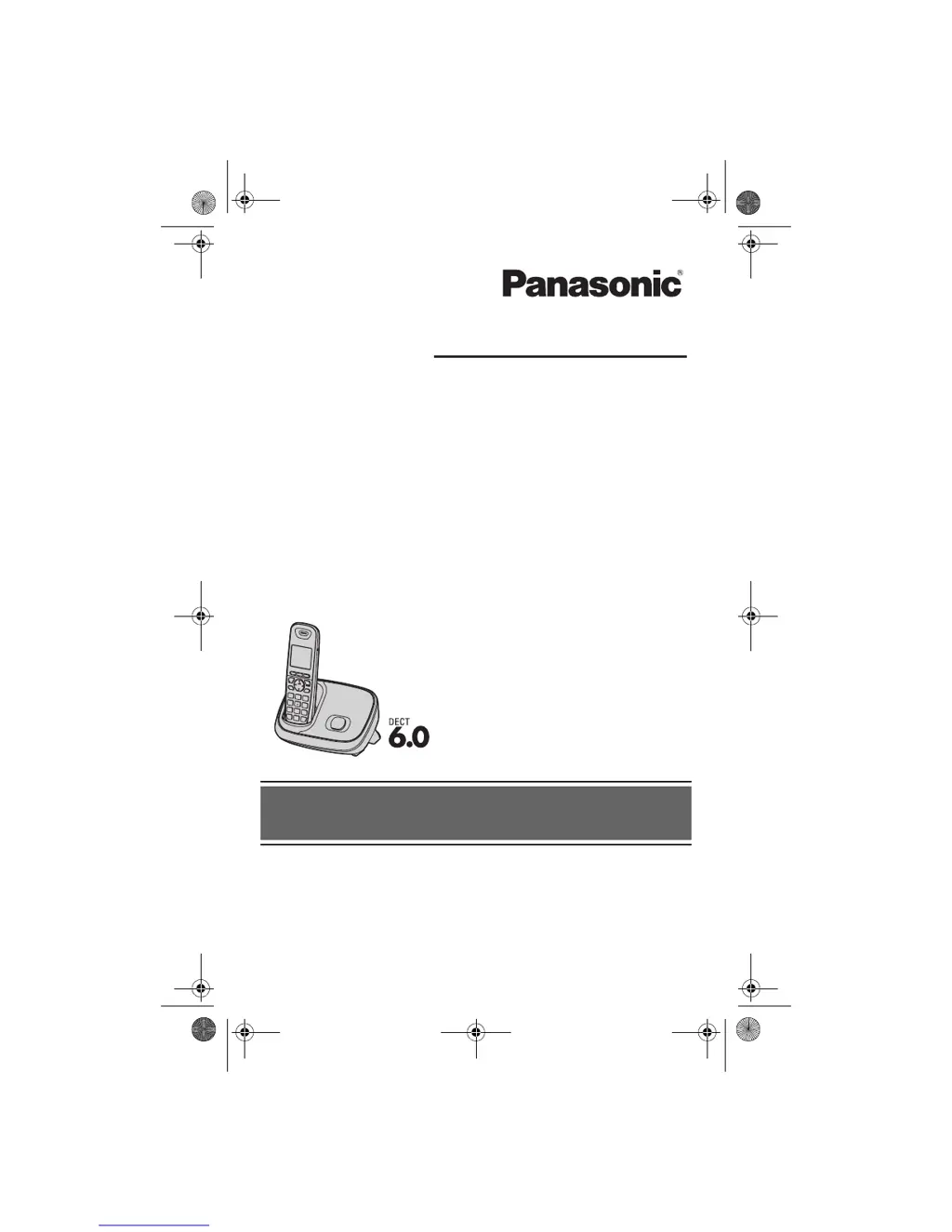
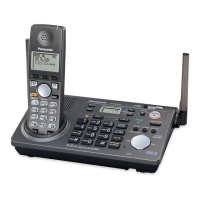
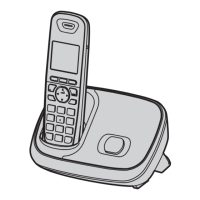
Model shown is KX-TG6511.
Model No. KX-TG6522C
KX-TG6523C
KX-TG6524C
KX-TG6531C
KX-TG6534C
KX-TG6552C
KX-TG6553C
Expandable Digital Cordless Phone
Model No.
KX-TG6511C
KX-TG6512C
KX-TG6513C
KX-TG6514C
TG65xxC(e).book Page 1 Friday, January 15, 2010 2:06 PM

Questions and Answers

  • C
    Caleb JonesSep 23, 2025
    What to do if liquid entered my Panasonic Telephone handset/base unit?
    • A
      Anthony JohnsonSep 23, 2025
      If liquid or moisture has entered your Panasonic Telephone handset/base unit: * Disconnect the AC adapter and telephone line cord from the base unit. * Remove the batteries from the handset and leave to dry for at least 3 days. * After the handset/base unit are completely dry, reconnect the AC adapter and telephone line cord. * Insert the batteries and charge fully before use.
  • S
    Sarah KimAug 23, 2025
    Why is my Panasonic Telephone not recording new messages?
    • B
      Brittany HaysAug 23, 2025
      If your Panasonic Telephone is not recording new messages, consider the following: * Ensure the answering system is turned on. * Erase unnecessary messages if the memory is full. * Check that the recording time is not set to “Greeting only”. * If you subscribe to a Voice Mail service, messages are recorded by your service provider/telephone company, not your telephone. In this case, change the unit’s number of rings setting or contact your service provider/telephone company.
  • J
    James HenryAug 25, 2025
    What to do if my Panasonic Telephone does not work?
    • S
      Samantha LivingstonAug 26, 2025
      If your Panasonic Telephone is not working, try the following: * Ensure the batteries are installed correctly. * Fully charge the batteries. * Check the connections. * Unplug the base unit’s AC adapter to reset the unit, then reconnect the adapter and try again. * If the handset has not been registered to the base unit, register the handset.
  • R
    Ricardo WestAug 26, 2025
    Why is my Panasonic KX-TG6511C Telephone handset not ringing?
    • C
      Catherine Brooks DVMAug 27, 2025
      If the handset does not ring on your Panasonic Telephone, it could be that the ringer volume is turned off. Adjust the ringer volume. Alternatively, night mode may be turned on; turn it off.
  • S
    Sara DuncanAug 27, 2025
    What to do if I cannot make a call on my Panasonic Telephone?
    • M
      mandersonAug 27, 2025
      If you cannot make a call on your Panasonic Telephone, it might be due to the dialing mode being set incorrectly. Change the setting. Also, ensure the handset is not too far from the base unit; move closer and try again.
  • W
    wellscraigSep 17, 2025
    Why is the 2nd caller's information not displayed on my Panasonic Telephone?
    • D
      Derek MartinSep 18, 2025
      If the 2nd caller’s information is not displayed during an outside call on your Panasonic Telephone (Visual Call Waiting feature does not function), you must first contact your service provider/telephone company and subscribe to the desired service. After subscribing, you may need to contact them again to activate this specific service, even if you already subscribed to both Call Display and Visual Call Waiting services.
  • T
    Thomas CarrSep 14, 2025
    Why is caller information displayed or announced late on my Panasonic KX-TG6511C?
    • M
      mikesmithSep 14, 2025
      If the caller information is displayed or announced late on your Panasonic Telephone, the unit may display or announce the caller’s information at the 2nd ring or later. Also, move closer to the base unit.
  • L
    Lance KimSep 15, 2025
    Why can't I dial the phone number edited in the caller list on my Panasonic KX-TG6511C?
    • S
      Sara MccarthySep 16, 2025
      If you cannot dial the phone number edited in the caller list on your Panasonic Telephone, the phone number you dialed might have been edited incorrectly (for example, the long distance “1” or the area code is missing). Edit the phone number with another pattern.
  • J
    james68Sep 6, 2025
    Why does my Panasonic Telephone have noise or sound cuts in and out?
    • M
      margaretcoleSep 6, 2025
      If you are experiencing noise or the sound cuts in and out on your Panasonic Telephone, consider the following: * Ensure you are not using the handset or base unit in an area with high electrical interference. Re-position the base unit and use the handset away from sources of interference. * Move closer to the base unit. * If you use a DSL/ADSL service, connect a DSL/ADSL filter between the base unit and the telephone line jack.
  • W
    wmooreSep 3, 2025
    Why has the time on my Panasonic KX-TG6511C shifted?
    • S
      Suzanne EstradaSep 3, 2025
      If the time on your Panasonic Telephone has shifted, incorrect time information from incoming Call Display changes the time. Set the time adjustment to “Manual” (off).

Panasonic KX-TG6511C Specifications

General IconGeneral
TypeCordless Phone
Number of Handsets1
Frequency1.9 GHz
DECTYes
GAP compatibleYes
Answering machineYes
SpeakerphoneYes
Phonebook entries50
DisplayLCD
Talk timeUp to 10 hours
Number of batteries supported1
Caller IDYes
Call WaitingYes
Backlit DisplayYes
IntercomYes
Battery typeNi-MH
Range300m outdoor / 50m indoor
ExpandableUp to 6 handsets

Related product manuals