EasyManua.ls Logo

Panasonic KX-TGE463 - User Manual

Panasonic KX-TGE463
96 pages
Print Icon
To Next Page IconTo Next Page
Loading...
Operating Instructions
Cordless Telephone with Bluetooth
and Digital Answering Machine
Model No.
KX-TGE463
KX-TG654SK
KX-TG684SK
KX-TGE474
KX-TGE475
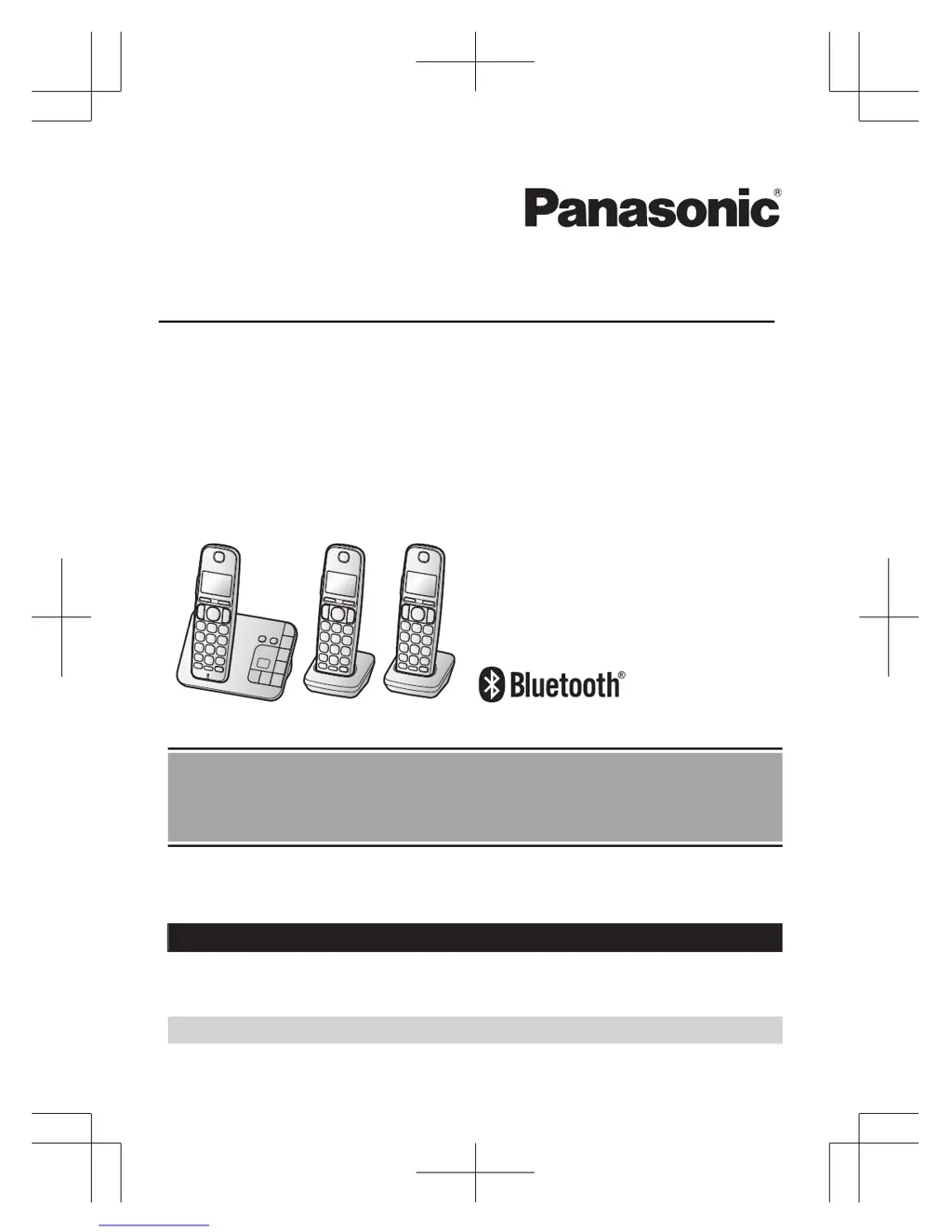
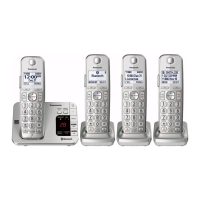
Model shown is KX-TGE463.
Before initial use, see “Getting Started”
on page 11.
Thank you for purchasing a Panasonic product.
Please read these operating instructions before using the unit and save them for
future reference.
Consulte “Guía Rápida Española”, página 81.
For assistance, visit our Web site: http://shop.panasonic.com/support for
customers in the U.S.A.
Please register your product: http://shop.panasonic.com/support
TGE46x47x(en)_1117_ver061.pdf 1 2015/11/17 15:14:12

Table of Contents

Other manuals for Panasonic KX-TGE463

Questions and Answers

  • J
    John RichmondAug 2, 2025
    What to do if my Panasonic KX-TGE463 unit does not work?
    • J
      Jason SteeleAug 2, 2025
      If your Panasonic Cordless Telephone isn't working, try these steps: * Ensure the batteries are correctly installed. * Fully charge the batteries. * Check all connections. * Unplug the base unit’s AC adapter to reset it, then reconnect and try again. * Register the handset to the base unit.
  • M
    Michael WoodAug 11, 2025
    Why can't I pair my cellular phone to my Panasonic Cordless Telephone?
    • J
      John LiuAug 11, 2025
      There could be several reasons why you cannot pair your cellular phone to the Panasonic Cordless Telephone base unit: * Your cellular phone may not be compatible. Confirm it supports the hands-free profile (HFP) specification. * The Bluetooth feature on your cellular phone may not be turned on. Ensure it is activated. * The Bluetooth technology on your cellular phone may not be functioning correctly. Try turning your cellular phone off and on again. * Your cellular phone may already be connected to another Bluetooth device. Turn off or disconnect from other devices. * Some cellular phones require a Bluetooth PIN for pairing. Ensure you enter the correct PIN.
  • M
    Melissa VillanuevaAug 21, 2025
    What to do if Panasonic Cordless Telephone handset does not turn on?
    • J
      Jennifer HernandezAug 21, 2025
      If the Panasonic Cordless Telephone handset does not turn on even after installing charged batteries, place the handset on the base unit or charger to turn it on.

Summary

Introduction

Important Information

For Your Safety

Critical safety precautions for proper operation and to prevent injury.

Getting Started

Setting Up Connections

Step-by-step instructions for connecting the base unit and charger.

Battery Installation and Charging

Procedures for inserting and charging handset batteries.

Link to Cell Feature

Link to Cell Feature Explanation

How to connect and use cellular calls via Bluetooth.

Pairing a Cellular Phone

Step-by-step process to connect a cellular phone via Bluetooth.

Making and Answering Calls

Using the Handset

Procedures for making and answering calls with the handset.

Power Backup Operation for Landline

How the unit functions during a power failure.

Phonebook and Caller ID

Bluetooth Device Integration

Answering System for Landline

Troubleshooting and Support

General Troubleshooting Guide

Solutions for common operational problems.

Panasonic KX-TGE463 Specifications

General IconGeneral
TypeCordless Telephone
Frequency1.9 GHz
TechnologyDECT 6.0
Expandable HandsetsYes
Answering SystemYes
Caller IDYes
Call BlockYes
Talking Caller IDYes
SpeakerphoneYes
Keypad on BaseYes
Backlit KeypadYes
DisplayLCD
Headset JackYes
Battery LifeUp to 10 hours
RangeUp to 1000 feet
Call WaitingYes
IntercomYes
Answering MachineYes
Battery Life (Standby)7 days
ColorBlack
Battery TypeNi-MH

Related product manuals