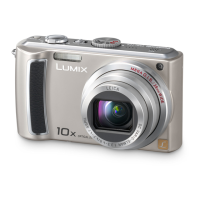
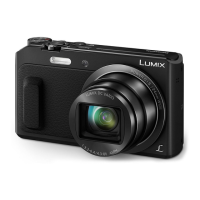
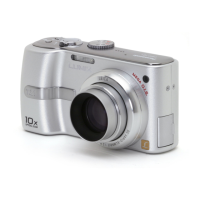
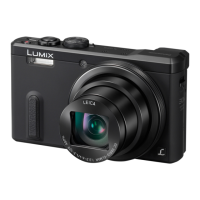
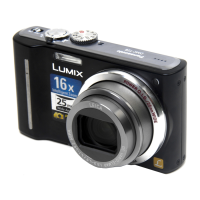
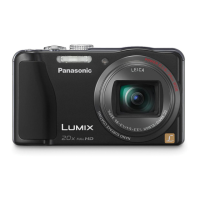
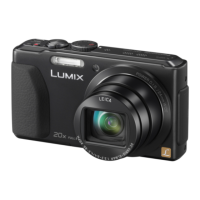
VQT1U22 7
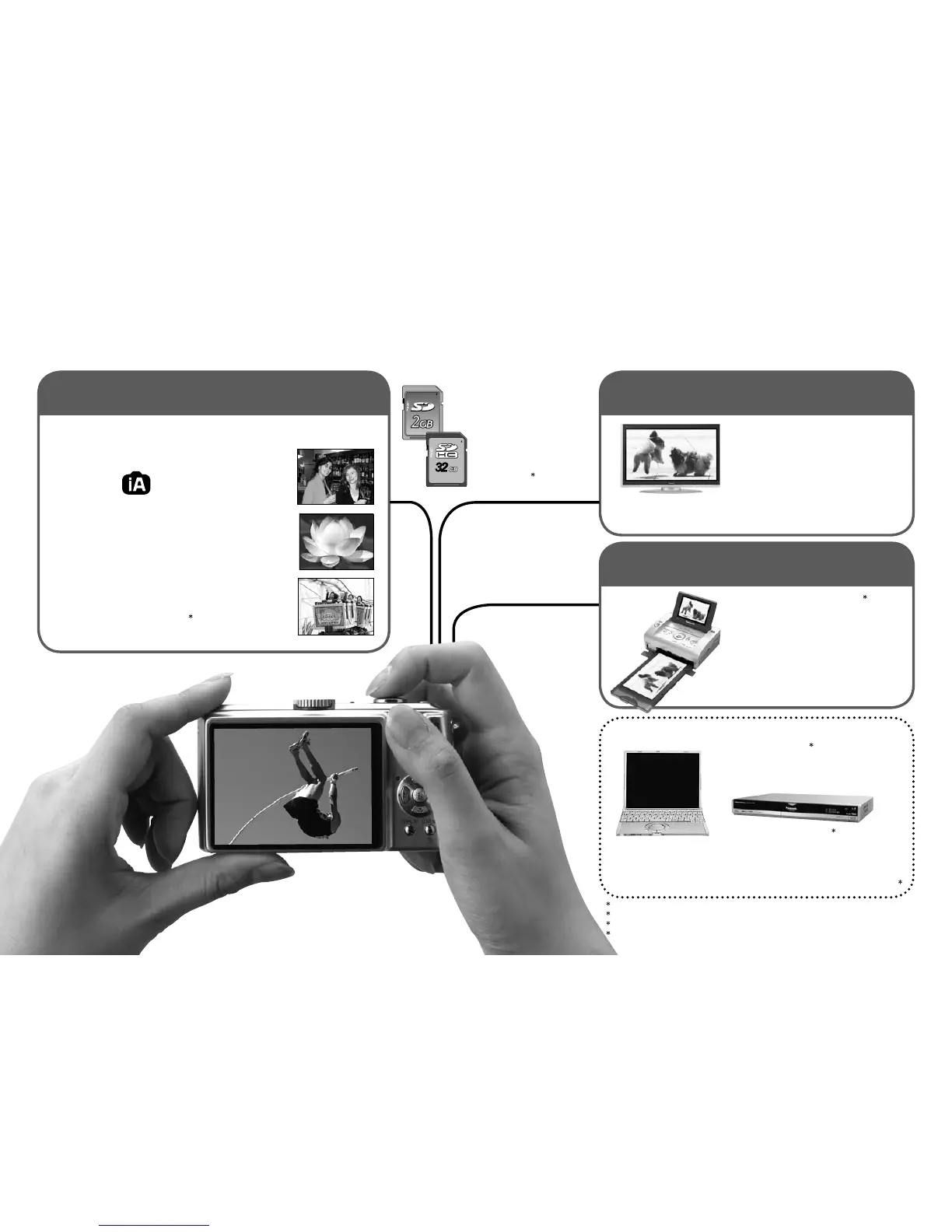
Automatically reads the scene to take crisper pictures!
INTELLIGENT
AUTO
● Make ideal settings for the subject and distance
just by pointing the camera!
Zoomed-in pictures
● Close-up pictures of people at a distance
‘10x optical zoom’
Rapid zoom ‘EASY ZOOM’ (P.33)
Motion pictures
● Capture moving scenes
‘MOTION PICTURE Mode’
1
(P.52)
Save and enjoy your pictures!
Record (P.28)
Cards may be
inserted directly into
devices with SD
memory card slots.
● SD memory card/
SDHC memory
card
2
(sold separately)
Enjoy crisp pictures
on large screens!
● AV cable (supplied)
● Component cable
(sold separately)
Enjoy videos in HD on TV with
component terminals (1080i) by
using a component cable.
With your printer
3
Connect directly to easily print
pictures at home. Use a PictBridge-
compatible printer.
● USB connection cable (supplied)
At digital photo center
Give card to shop assistant to print
pictures.
Using your PC
3
Send by e-mail, save to hard disk.
Print out pictures.
● USB connection cable (supplied)
With DVD recorder
3
Save to DVD or hard disk
● AV cable (supplied)
1
Sounds of zoom and other operations may be recorded.
2
Can be used on SDHC memory card-compatible devices.
3
See respective products’ instruction manuals for details.
4
See Operation Instructions ‘Wi-Fi mode’ for details.
32
3232
View
(Playback) on large screen (P.86)
VQT1U226 VQT1U22
Using Wi-Fi mode to upload photos to the ‘Picasa Web
Albums’ (online album service) and share the photos
4
Print
at home, or at a digital photo center (P.78, 83)
Record, view, save those precious moments.

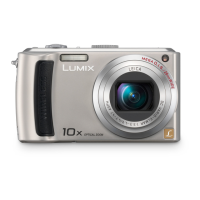

 To Next Page
 Loading...