- 96 -
Different playback methods [Playback Mode]
Use cursor button to set playback effects and press [MENU/
SET]
[Effect] (Select music and effects according to picture atmosphere)
[AUTO] (only available with [Category Selection] setting) / [NATURAL] / [SLOW] / [SWING] /
[URBAN] / [OFF]
∗
[Setup]
[Duration]
∗
[1SEC] / [2SEC] / [3SEC] / [5SEC] (Only available when [Effect] is [OFF])
[Repeat] [ON] / [OFF]
[Sound]
[OFF]: Music and audio will not play back.
[AUTO]: With still pictures, music will play back, and with motion pictures,
audio will play back.
[Music]: Music effect will play back.
[Audio]: Audio is played back from motion pictures.
∗
In the following case, [Effect] is fixed to [OFF].
• [Motion Pic. Only]
• [Burst] of [Category Selection]
Select [Start] with cursor button and press [MENU/SET]
■
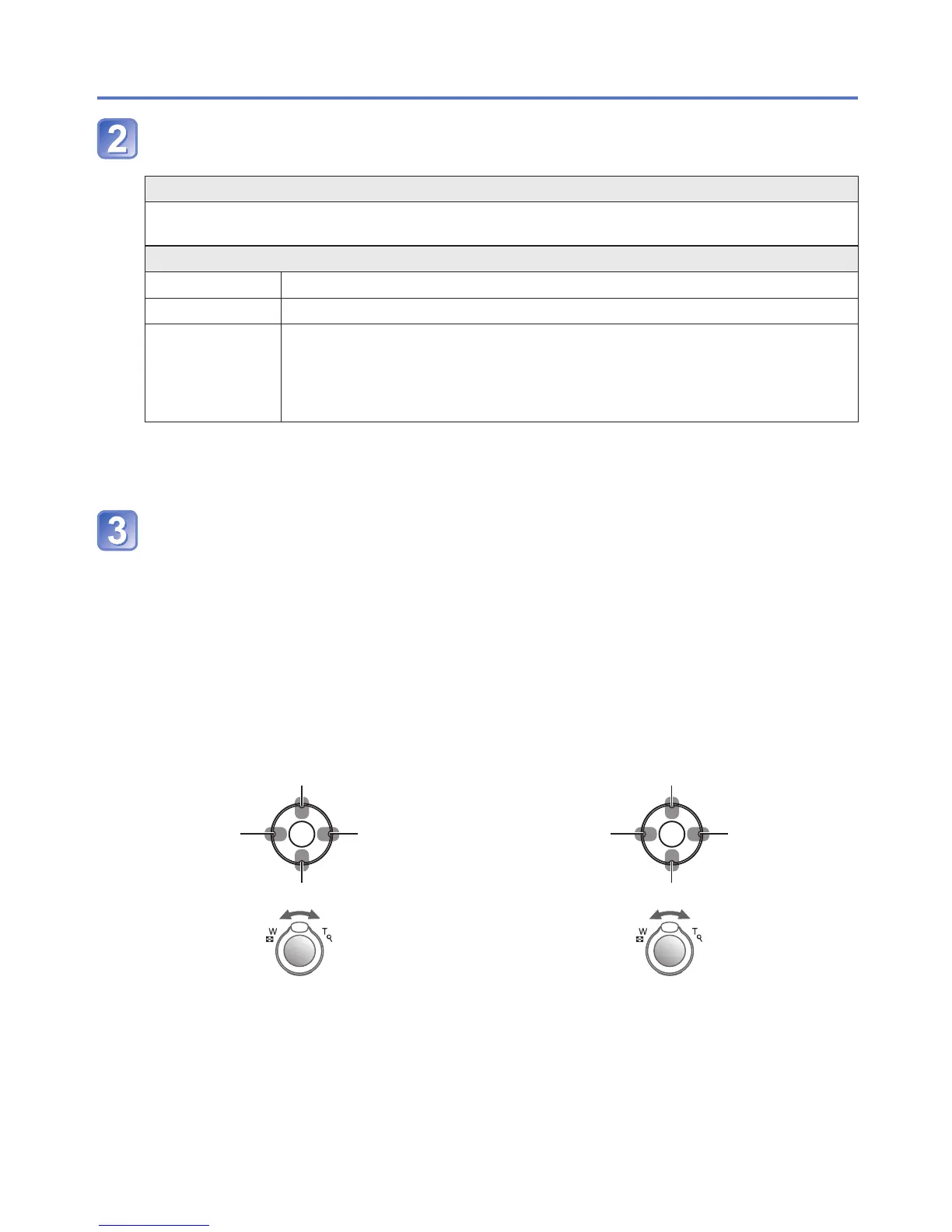
Operations during Slide Show
The operation guide appears on the bottom right of the LCD monitor.
• If you do not perform any operation for approx. 2 seconds, the operation guide is
turned off. To display the guide again, press the [DISP.] button.
During motion picture/burst group/
panorama picture playback
During still picture playback
Pause/play
Previous
Next
Stop
Volume down
Volume up
Pause/play
(While paused)
Previous
(While paused)
Next
Stop
Volume down
Volume up
●
When [URBAN] has been selected, the picture may appear in black and white as a
screen effect.
●
When panorama pictures are played back, the [Duration] setting is disabled.
●
Part of [Effect] cannot be used when displaying pictures on television using an HDMI
mini cable (optional) or when displaying pictures recorded in portrait position.
●
Music effects cannot be added.


 To Next Page
 Loading...