EasyManua.ls Logo

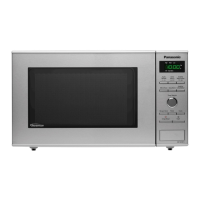
Panasonic NN-SD351M - Quick Guide to Operation; Setting Clock and Safety Lock; Manual Cooking and Defrosting; Auto Cook and Reheat

Panasonic NN-SD351M
48 pages
Print Icon
To Next Page IconTo Next Page
To Previous Page IconTo Previous Page
Loading...
– 44 –
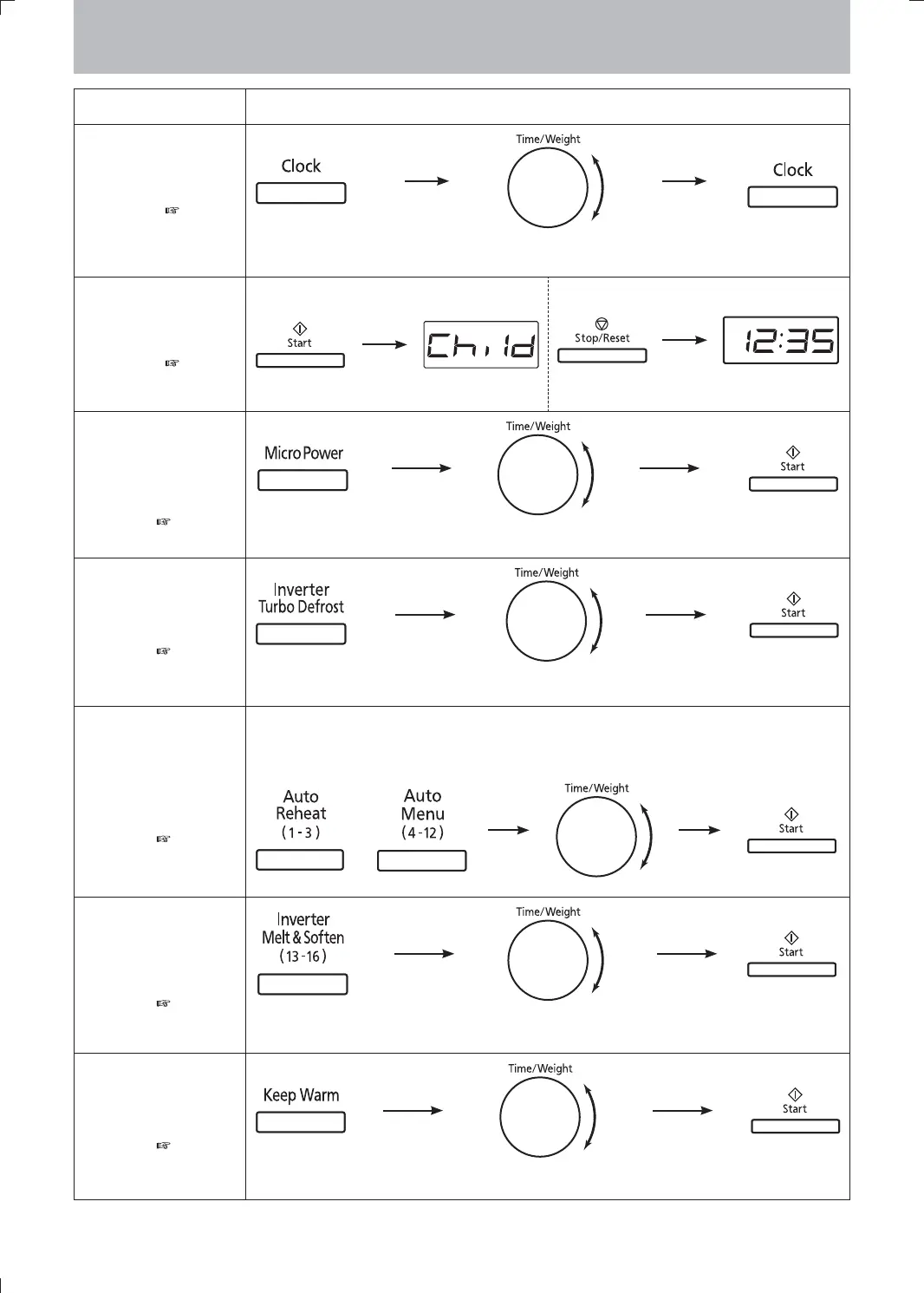
Quick Guide to Operation
Feature How to Operate
To Set Clock
(
page 8)
once Press onceSet time of day. (Max 12:59)
To Set/Cancel Child
Safety Lock
(
page 8)
To set
3 times. Display
To cancel
3 times. Display
To Cook/Reheat/
Defrost by Micro
Power and Time
Setting
(
page 10)
Select power. Select cooking time.
To Use Turbo
Defrost Pad
(
page 13)
once Select desired weight
To Reheat/Cook
Food using “Auto
Reheat/Cook”
Pads
(
page 15)
Select the desired
menu number.
or
Turn dail until desired
weight appears.
To use “Inverter
Melt&Soften”
Pads
(
page 17)
Select the desired
menu number.
Select desired weight
To use “Keep Warm”
Pads
(
page 17)
Once Select Keep Warm time.
F0003BA30QP.indd 44F0003BA30QP.indd 44 2011-7-4 10:07:352011-7-4 10:07:35

Other manuals for Panasonic NN-SD351M

Related product manuals