12
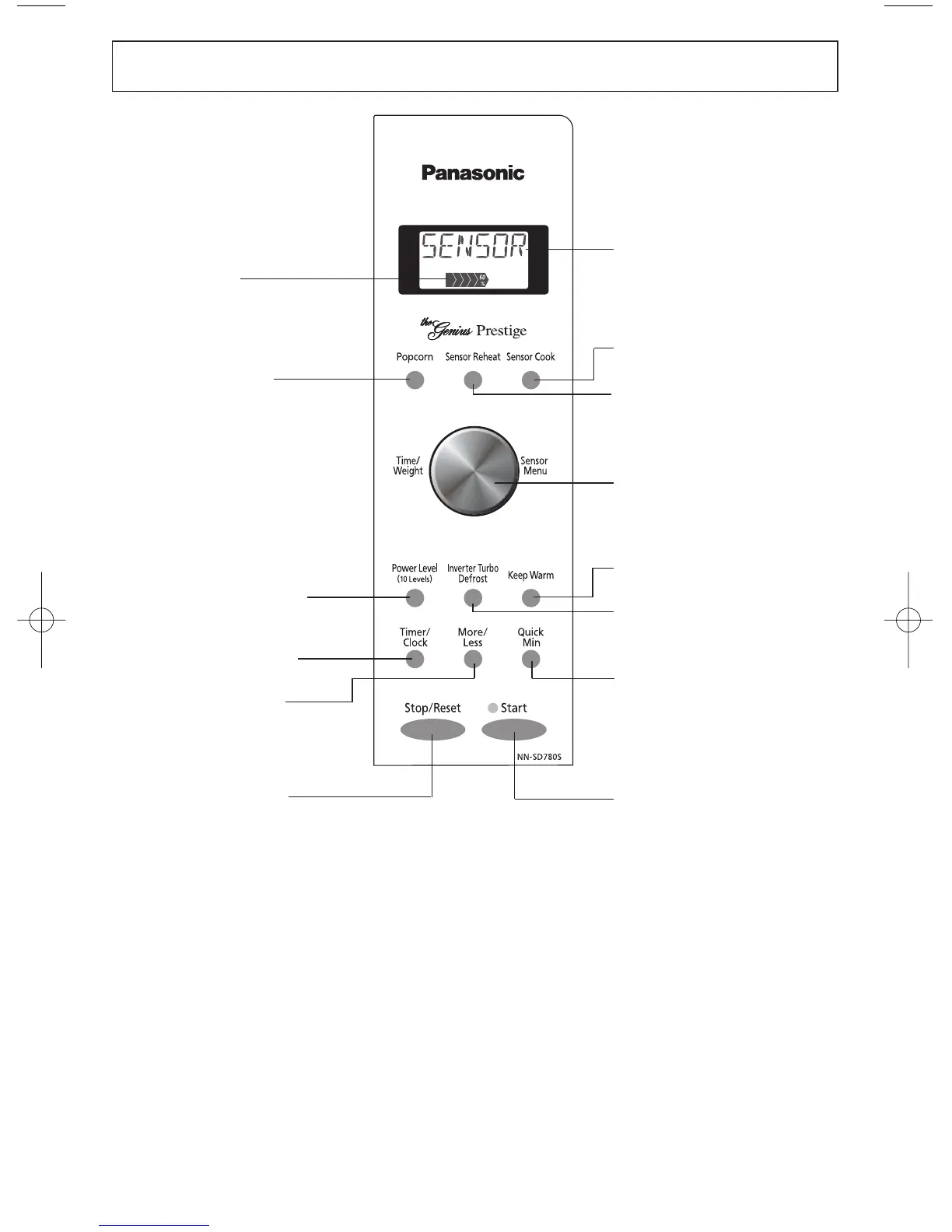
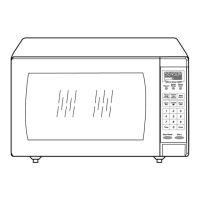
Control Panel
Beep Sound:
When a button is pressed correctly, a beep will be heard.
If a button is pressed and no beep is heard, the unit did not or cannot accept the instruc-
tion. When operating, the oven will beep twice between programmed stages. At the end
of any complete program, the oven will beep 5 times.
NOTE:
If an operation is set and the Start Button is not pressed, after 6 minutes, the oven will
automatically cancel the operation. The display will revert back to clock or colon mode.
Power Level
Popcorn Button
(☛ page 17)
Power Level Button
(☛ page 16)
More/Less Button
(☛ page 17)
Timer/Clock Button
(☛ page 23, 13)
Quick Min Button
(☛ page 16)
Stop/Reset Button
Sensor Reheat Button
(☛ page 20)
Display Window
Step by step instructions
scroll for easy operation.
Inverter Turbo
Defrost Button
(☛ page 18)
Keep Warm Button
(☛ page 16)
Start Button
Sensor Cook Button
(☛ page 20)
Time/Weight and
Sensor Menu Dial
(☛ page 14)
Before cooking: One tap clears
memory.
During cooking: One tap temporarily
stops the cooking process. Another
tap cancels all your instructions and
time of day or colon appears in the
Display Window.
One tap allows oven to
begin functioning. If door is
opened or Stop/Reset
Button is pressed once
during oven operation,
Start Button must be
pressed again to restart
oven.
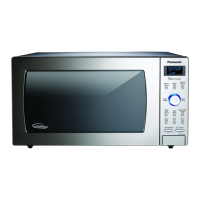
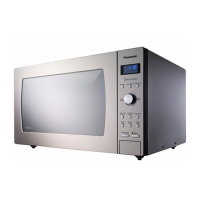
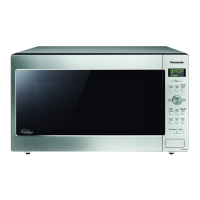
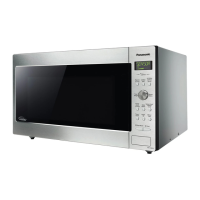
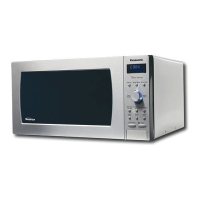
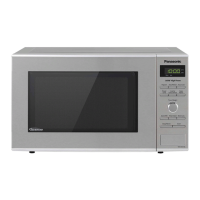
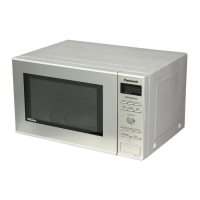
* The control panel of
NN-SD980S has the
same key layout as
NN-SD780S.



 To Next Page