14
This unique function of your PANASONIC microwave oven allows you to establish the initial
non-cooking features of your Oven.
This microwave oven has three functions:
LB/KG CHOICE: The oven has both imperial and metric weight measurements.
LANGUAGE CHOICE: The oven has a choice of English, French or Spanish display.
BEEP CHOICE: The oven has both Beep On and Beep Off mode.
• Plug into a properly grounded electrical outlet.
LB/KG CHOICE LANGUAGE CHOICE BEEP CHOICE
• Press Start once.
The oven automatically
defaults to the imperial
measure system (oz/lb).
• Press Start twice.
The default display language
is English.
• Press Start 3 times.
The default mode is Beep On.
• Rotate the dial to choose
metric weight measure-
ments (g/kg).
• Press More/Less once.
The display language
changes to French.
• Press More/Less twice.
The display language
changes to Spanish.
• Press Timer/Clock once.
The mode changes to
Beep Off.
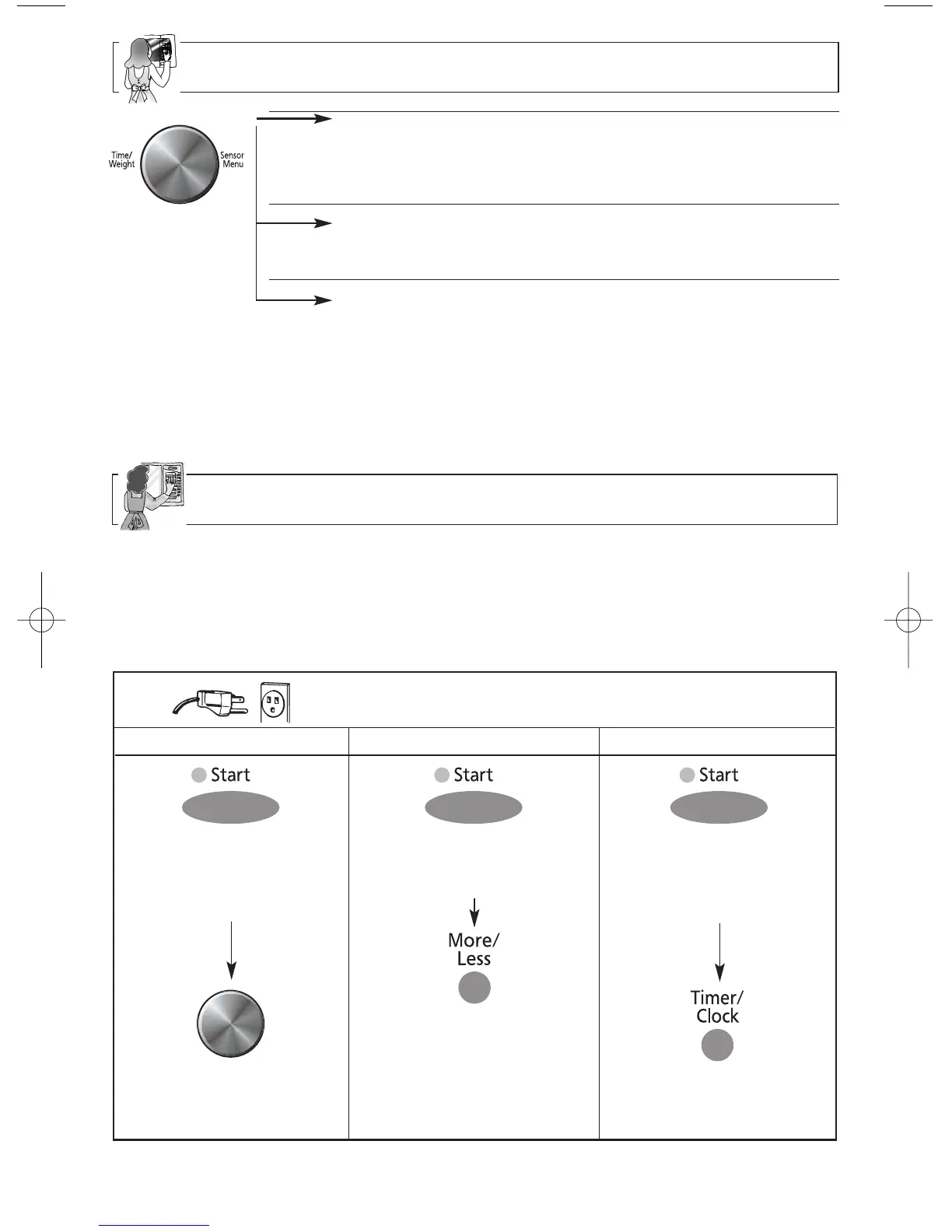
TIME CHOICE
Rotate the dial clockwise to increase the cooking time and
rotate the dial counter-clockwise to decrease the cooking
time.
WEIGHT CHOICE
Rotate the dial clockwise to increase the weight and rotate
the dial counter-clockwise to decrease the weight setting.
SENSOR MENU CHOICE
Dial can be rotated in either direction to select the Sensor
Menus.
Dial Features
NOTE:
The maximum programmable time using Time Dial is up to 90 minutes. For P10 (HIGH)
and Keep Warm feature, the maximum time is 30 minutes.
Function Features



 To Next Page