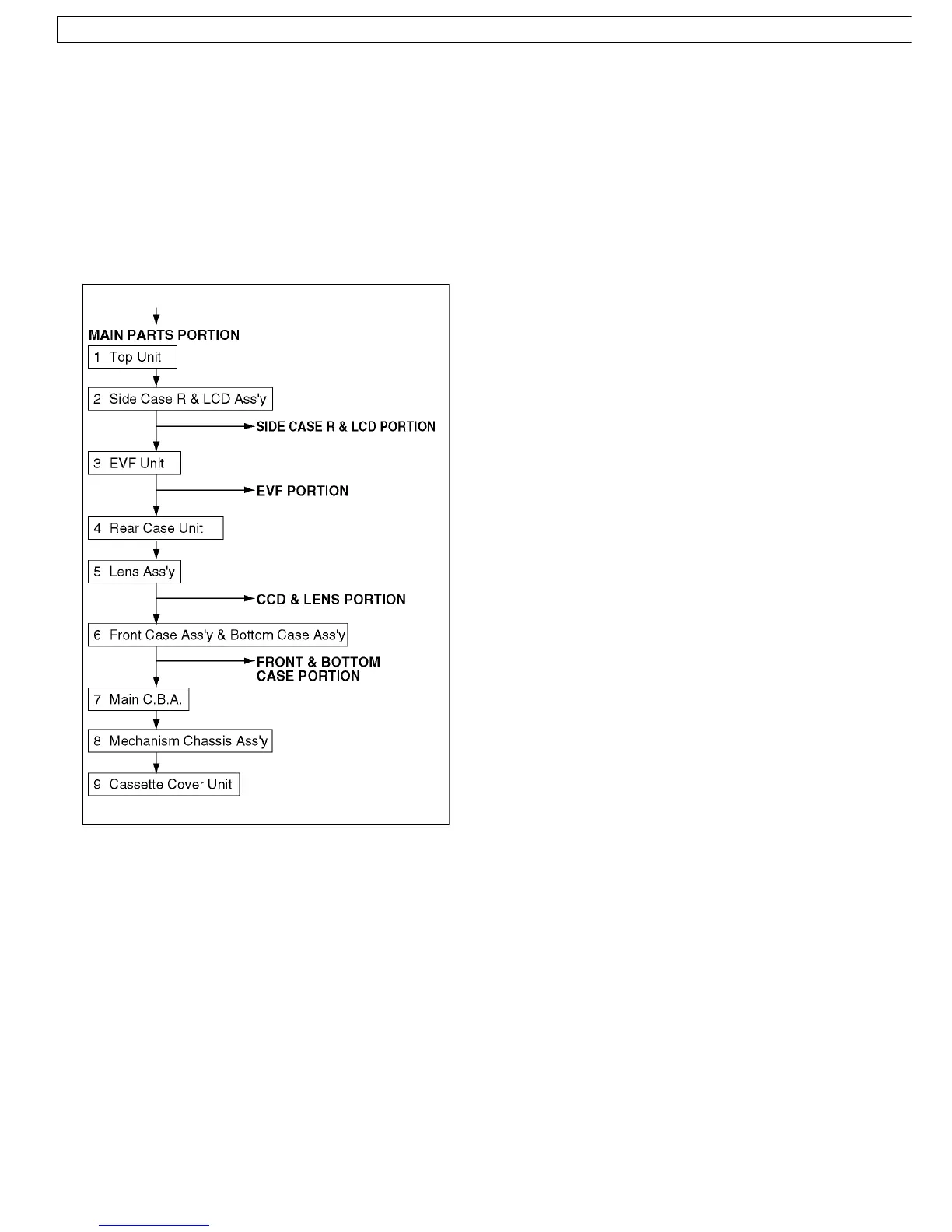
8.1.1. DISASSEMBLY FLOWCHART
This flow chart indicates the disassembly steps of the
cabinet parts and the P.C.Boards in order to gain access to
item (s) to be serviced. When reassembling, perform the
step (s) in the reverse order. Bend, route and dress the
wires as they were originally.
Note :
1. When removing the cabinet, work with care so as not to
break the Locking Tabs.
2. Place a cloth or some other soft material under the P.C.
Boards or Unit to prevent damage.
3. When reinstalling, ensure that the connectors are
connected and electrical components have not been
damaged.
4. Do not supply power to the unit during disassembly and
reassembly.
8 DISASSEMBLY/ASSEMBLY PROCEDURES
8.1. CABINET SECTION
34
NV-GS6EE / NV-GS6GC / NV-GS17E / NV-GS17EB / NV-GS17EF / NV-GS17EG / NV-GS17EP / NV-GS18E / NV-GS21E / NV-GS21EB / NV-GS21EG / NV-GS21EK / NV-GS21EP / NV-GS25GC / NV-GS25GN /
GS28GK / NV-GS35E / NV-GS35EB / NV-GS35EG / NV-GS35EP / NV-GS35GC / NV-GS35GN / NV-GS38GK



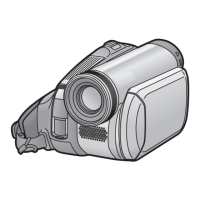
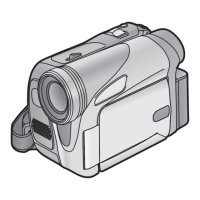

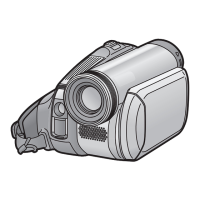

 To Next Page