53
Various Settings
Language Setting
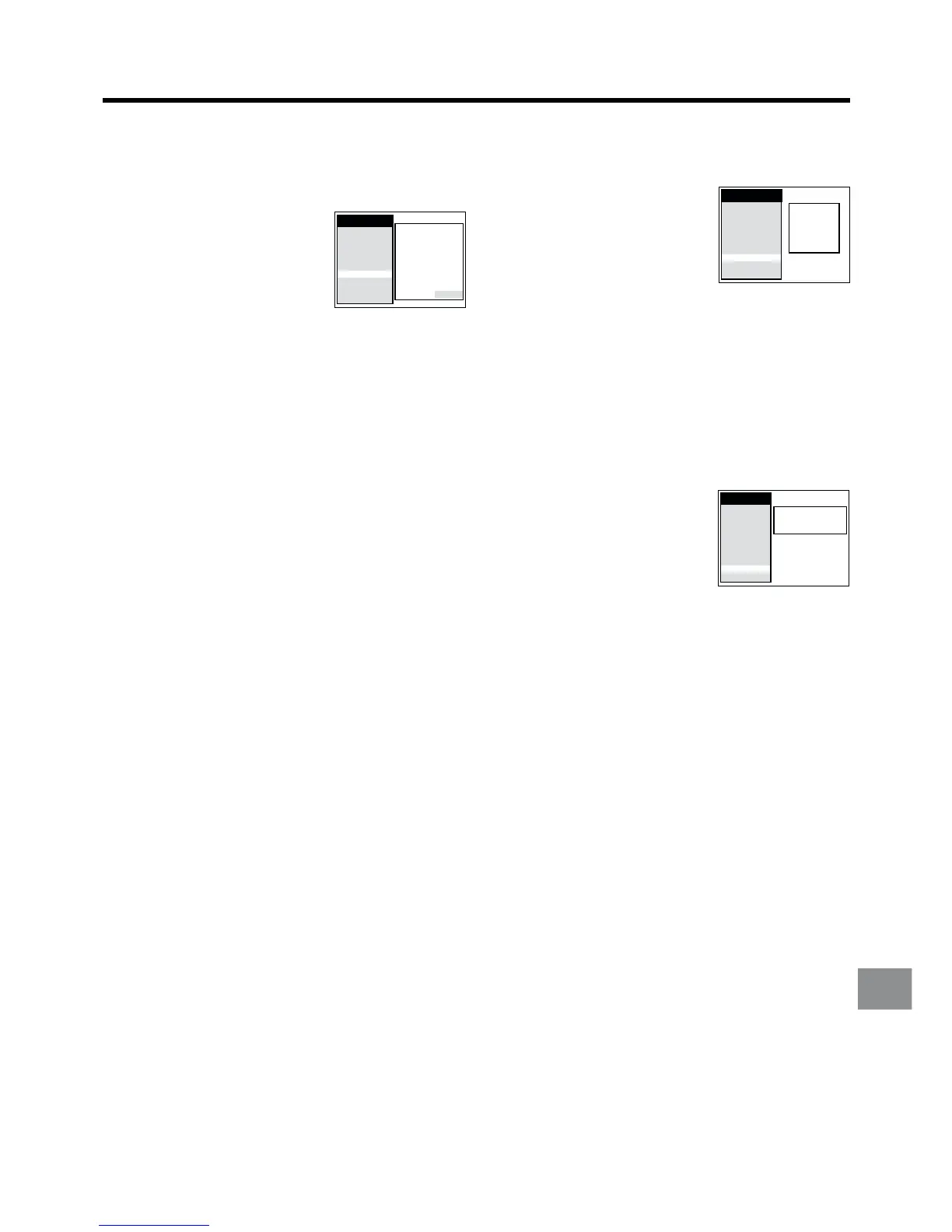
1 Press the MENU button U to display the Main menu on
the TV screen.
2 Press the Cursor buttons
(3421) R to select
“Language” and the entry field
for “Language” in this order.
3 Press the Cursor buttons (34) R to select the desired
language.
4 Press the OK button T to conclude the setting.
5 Press the EXIT button S to exit the On Screen Display.
Country Setting
1 Press the MENU button U to display the Main menu on
the TV screen.
2 Press the Cursor buttons
(3421) R to select “Country”
and the entry field for “Country”
in this order.
3 Press the Cursor buttons (3421) R to select the
desired country.
4 Press the OK button T to conclude the setting.
5 Press the EXIT button S to exit the On Screen Display.
English
Deutsch
Polski
Čeština
Magyar
Русский
Main menu
Timer record
Tape Library
Display
Tuning
Clock
Functions
Language
Country
Satellite
Deutschland
Česká Rep.
Magyarország
Polska
Россия
others
Main menu
Timer record
Tape Library
Display
Tuning
Clock
Functions
Language
Country
Satellite
To Play Back a Video Cassette Recorded in
the NTSC Signal
1 Press the MENU button U to display the Main menu on
the TV screen.
2 Press the Cursor buttons
(3421) R to select
“Functions” and “NTSC P.B.”
and in this order. Then, select
the “NTSC P.B.” field.
3 Press the Cursor buttons (34) R to select the type of
colour TV system to be used during playback or during
recording from an external source.
PAL TV: For TVs that can receive PAL signal.
4.43: For TVs that can receive NTSC 4.43 signal.
4 Press the OK button T to conclude the setting.
5 Press the EXIT button S to exit the On Screen Display.
Main menu
AV2:
DECODER
TV system: AUTO
RFC system: DK
Colour mode: COLOUR
Picture: AUTO
Remote: VCR 1
Audio mode: NORMAL
S-VHS P.B.: AUTO
NTSC P.B.: PAL TV
Timer record
Tape Library
Display
Tuning
Clock
Functions
Language
Country
Satellite




 To Next Page