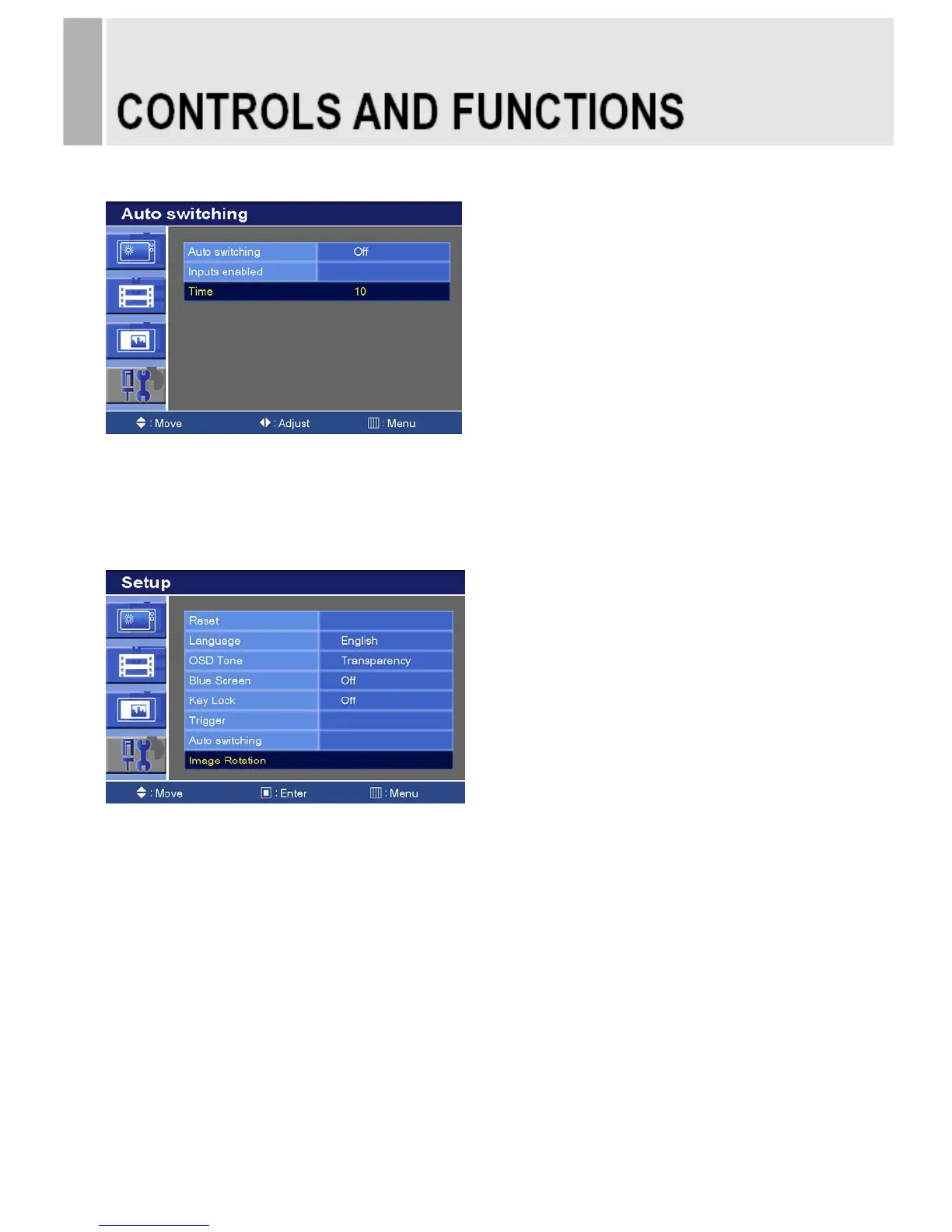
7-3. Auto switching Time
1) Press the up(▲) or down(▼) button to select the Time.
2) Press the left() or right() button to adjust the Time setting.
3) Press the MENU button to save.
8. Image Rotation
1) Press the up(▲) / down(▼) button to select the Image Rotation.
2) Press the right(▶) or ENTER button.
※ Image Rotation support
Image Rotation prevents Image persistence.
The displayed image slightly moves when this function is On.
※ Image persistence
When an LCD panel is continuously displaying the same image(graphic) for a long period of time, a
trace of the image can remain visibly. Image persistence is not a product defect, and all LCD products
are subject to image persistence.
30 ……………………………………………………………………. INSTRUCTION MANUAL







 To Next Page