EasyManua.ls Logo

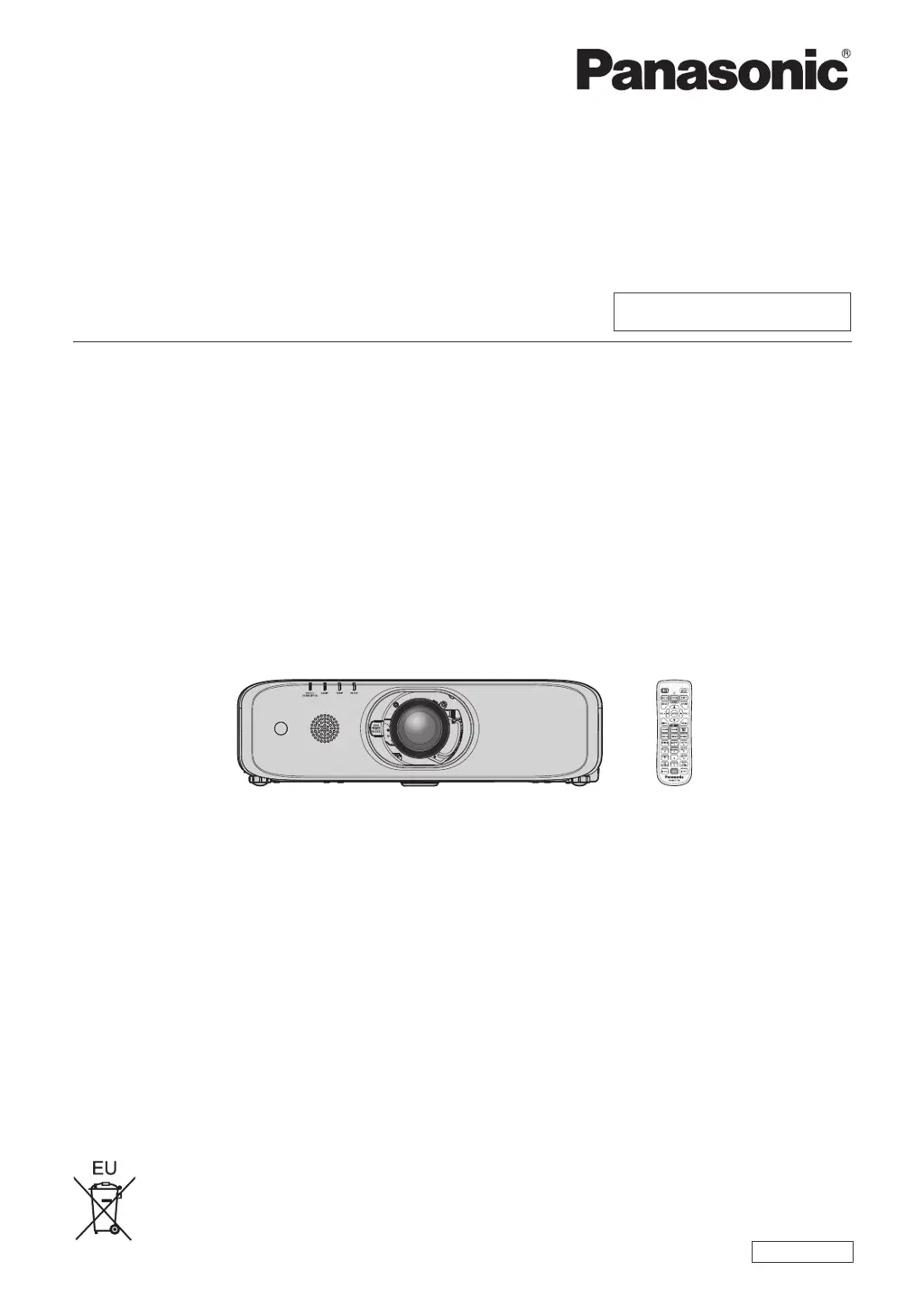
Panasonic PT-EW550 - User Manual

Panasonic PT-EW550
164 pages
Print Icon
To Next Page IconTo Next Page
Loading...
Thank you for purchasing this Panasonic product.
This manual is intended for products manufactured from Aug. 2016 and beyond.
This manual is common to all the models regardless of sufxes of the Model No.
z
for Taiwan
T: The standard zoom lens supplied
z
for India
D: The standard zoom lens supplied
z
for Asia (except for Taiwan, India, Korea)
A: The standard zoom lens supplied LA: The lens sold separately
z
for other countries or regions
Without L: The standard zoom lens supplied With L: The lens sold separately
Before operating this product, please read the instructions carefully and save this manual
for future use.
Before using this product, be sure to read “Read this rst!” (
x
pages 4 to 13).
TQBJ0950-2
LCD Projector
Commercial Use
Operating Instructions
Functional Manual
ENGLISH
Model No.
PT-EZ590
PT-EW650
PT-EW550
PT-EX620
PT-EX520

Table of Contents

Questions and Answers

  • M
    Mr. Colton PorterNov 25, 2025
    Why is my Panasonic PT-EW550 Projector remote control not responding?
    • K
      kwhiteNov 25, 2025
      If the remote control for your Panasonic Projector is not responding, check the following: * Make sure the batteries are not depleted. * Verify that the polarity of the batteries is set correctly. * Ensure there are no obstructions between the remote control and the projector's signal receiver. * Confirm the remote control is within its effective operation range. * Check if other light sources, such as fluorescent light, are affecting the projection. * Verify that the [REMOTE CONTROLLER] setting in [CONTROL DEVICE SETUP] is not set to [DISABLE]. * Confirm the ID number setting operation is correct. * Check if the terminal is used for contact control. * Ensure the cable connected to the terminal is connected to the remote control wired terminal.
  • G
    Garrett OrtizAug 23, 2025
    How to fix Panasonic PT-EW550 when power does not turn on?
    • M
      Mrs. Stacey AndersonAug 25, 2025
      If your Panasonic Projector's power isn't turning on, make sure the power plug is firmly inserted into the outlet. Check if the switch is set to . Verify that the wall outlet is supplying electricity and that the circuit breakers haven't tripped. Also, check if the lamp indicator or the temperature indicator is lit or blinking, and ensure the lamp cover is securely attached.
  • D
    David JohnsonAug 25, 2025
    What to do if no image appears on my Panasonic PT-EW550?
    • D
      deckerkimberlyAug 26, 2025
      If no image is appearing on your Panasonic Projector, consider the following: * Check if the connections to external devices are correctly performed. * Ensure the input selection setting is correct. * Verify that the [BRIGHTNESS] adjustment setting is not at a minimum. * Confirm that the external device connected to the projector is working properly. * Check if the shutter function or the AV mute function is in use. * Make sure the lens cover is removed from the lens.
  • K
    Kimberly BarnesAug 27, 2025
    What to do if the image on my Panasonic PT-EW550 Projector does not display correctly?
    • K
      Kelli KelleyAug 28, 2025
      If the image on your Panasonic Projector does not display correctly: * Ensure that the [TV-SYSTEM], [RGB/YC C ]/[RGB/YP P ] selection is set correctly. * Check if there is a problem with the video tape or other image sources. * Verify that a signal which is not compatible with the projector is not being input.
  • K
    Kevin JohnsonAug 28, 2025
    What to do if menu screen does not appear on my Panasonic PT-EW550 Projector?
    • S
      Scott OlsonAug 29, 2025
      If the menu screen does not appear on your Panasonic Projector, ensure that the on-screen display function is not turned off (hidden).
  • J
    Joshua JenkinsSep 16, 2025
    What to do if HDMI video doesn't appear correctly on Panasonic Projector?
    • J
      Jesus FieldsSep 16, 2025
      If the video from your HDMI compatible device doesn't appear or appears jumbled on your Panasonic Projector, ensure the HDMI cable is securely connected. Try turning off and on the power of both the projector and the external device. Also, check if the input signal is compatible with the projector.
  • E
    Elizabeth PayneSep 14, 2025
    How to troubleshoot no audio output on Panasonic Projector?
    • B
      Bradley BerrySep 14, 2025
      If there's no audio output from your Panasonic Projector, ensure the external device is correctly connected to the audio input terminal. Check if [MUTE] in [AUDIO SETTING] is set to [ON]. Also, verify that the audio input selection in [AUDIO SETTING] is correctly configured.
  • S
    Sharon BrownSep 15, 2025
    Why is there no audio from the built-in speaker on my Panasonic PT-EW550?
    • C
      coopercatherineSep 15, 2025
      If your Panasonic Projector isn't outputting audio from the built-in speaker, check if [BUILT-IN SP] in [AUDIO SETTING] is set to [OFF]. Also, verify that the audio input selection in [AUDIO SETTING] is correctly configured.
  • B
    Brooke ObrienSep 6, 2025
    Why is audio not outputting from the built-in speaker on my Panasonic Projector?
    • B
      Brian HoodSep 6, 2025
      If audio is not outputting from the built-in speaker on your Panasonic Projector: * Ensure that [BUILT-IN SP] in [AUDIO SETTING] is not set to [OFF]. * Verify that the audio input selection in [AUDIO SETTING] is set correctly.
  • U
    umirandaSep 4, 2025
    What to do if video from an HDMI device doesn't appear correctly on my Panasonic Projector?
    • J
      Joseph SanchezSep 4, 2025
      If video from an HDMI compatible device does not appear or appears jumbled on your Panasonic Projector: * Ensure the HDMI cable is connected securely. * Try turning off and on the power of both the projector and the external device. * Verify that the input signal is compatible with the projector.

Panasonic PT-EW550 Specifications

General IconGeneral
Brightness5000 lumens
Resolution1280 x 800 (WXGA)
Aspect Ratio16:10
Display Type3LCD
Zoom Ratio1.6x
ConnectivityHDMI, USB, LAN, RS-232C

Related product manuals