EasyManua.ls Logo

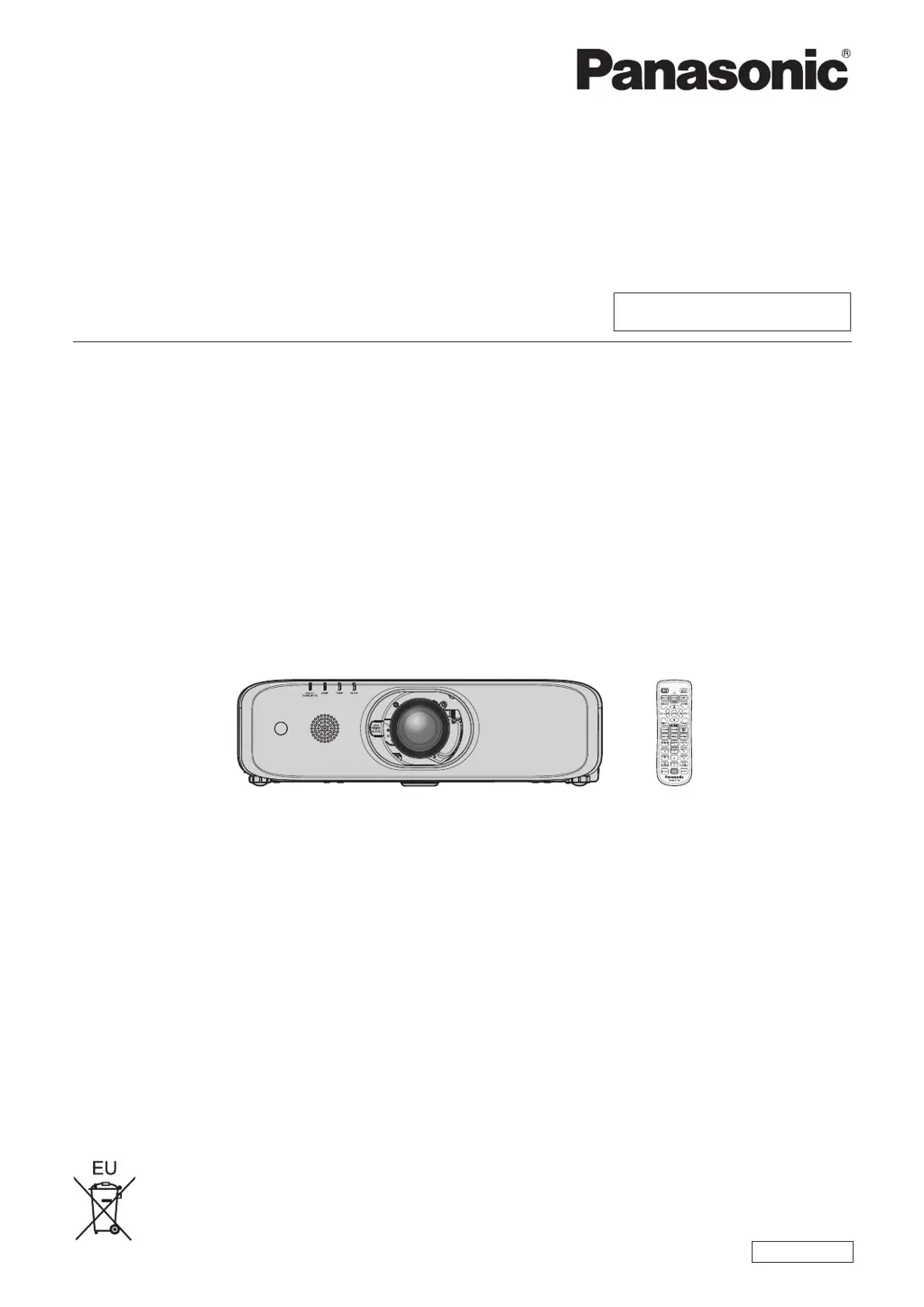
Panasonic PT-EW650 - User Manual

Panasonic PT-EW650
164 pages
Print Icon
To Next Page IconTo Next Page
Loading...
Thank you for purchasing this Panasonic product.
This manual is intended for products manufactured from Aug. 2016 and beyond.
This manual is common to all the models regardless of sufxes of the Model No.
z
for Taiwan
T: The standard zoom lens supplied
z
for India
D: The standard zoom lens supplied
z
for Asia (except for Taiwan, India, Korea)
A: The standard zoom lens supplied LA: The lens sold separately
z
for other countries or regions
Without L: The standard zoom lens supplied With L: The lens sold separately
Before operating this product, please read the instructions carefully and save this manual
for future use.
Before using this product, be sure to read “Read this rst!” (
x
pages 4 to 13).
TQBJ0950-2
LCD Projector
Commercial Use
Operating Instructions
Functional Manual
ENGLISH
Model No.
PT-EZ590
PT-EW650
PT-EW550
PT-EX620
PT-EX520

Table of Contents

Questions and Answers

  • L
    Larry TaylorNov 25, 2025
    Why is my Panasonic PT-EW650 Projector remote control not responding?
    • A
      andreanguyenNov 25, 2025
      If the remote control for your Panasonic Projector is not responding, check the following: * Make sure the batteries are not depleted. * Verify that the polarity of the batteries is set correctly. * Ensure there are no obstructions between the remote control and the projector's signal receiver. * Confirm the remote control is within its effective operation range. * Check if other light sources, such as fluorescent light, are affecting the projection. * Verify that the [REMOTE CONTROLLER] setting in [CONTROL DEVICE SETUP] is not set to [DISABLE]. * Confirm the ID number setting operation is correct. * Check if the terminal is used for contact control. * Ensure the cable connected to the terminal is connected to the remote control wired terminal.
  • B
    Billy PenningtonAug 25, 2025
    How to fix Panasonic PT-EW650 Projector when power does not turn on?
    • K
      Kristin BondAug 25, 2025
      If your Panasonic Projector's power isn't turning on, make sure the power plug is firmly inserted into the outlet. Check if the switch is set to . Verify that the wall outlet is supplying electricity and that the circuit breakers haven't tripped. Also, check if the lamp indicator or the temperature indicator is lit or blinking, and ensure the lamp cover is securely attached.
  • K
    Kylie BensonAug 25, 2025
    What to do if no image appears on my Panasonic PT-EW650 Projector?
    • D
      David RogersAug 26, 2025
      If no image is appearing on your Panasonic Projector, consider the following: * Check if the connections to external devices are correctly performed. * Ensure the input selection setting is correct. * Verify that the [BRIGHTNESS] adjustment setting is not at a minimum. * Confirm that the external device connected to the projector is working properly. * Check if the shutter function or the AV mute function is in use. * Make sure the lens cover is removed from the lens.
  • P
    petersonandreaAug 27, 2025
    What to do if the image on my Panasonic PT-EW650 does not display correctly?
    • B
      Benjamin TrevinoAug 27, 2025
      If the image on your Panasonic Projector does not display correctly: * Ensure that the [TV-SYSTEM], [RGB/YC C ]/[RGB/YP P ] selection is set correctly. * Check if there is a problem with the video tape or other image sources. * Verify that a signal which is not compatible with the projector is not being input.
  • R
    rcalhounAug 28, 2025
    What to do if menu screen does not appear on my Panasonic PT-EW650?
    • Q
      qjohnsonAug 28, 2025
      If the menu screen does not appear on your Panasonic Projector, ensure that the on-screen display function is not turned off (hidden).
  • C
    Christopher ThomasSep 16, 2025
    What to do if HDMI video doesn't appear correctly on Panasonic PT-EW650 Projector?
    • J
      Jordan BrownSep 16, 2025
      If the video from your HDMI compatible device doesn't appear or appears jumbled on your Panasonic Projector, ensure the HDMI cable is securely connected. Try turning off and on the power of both the projector and the external device. Also, check if the input signal is compatible with the projector.
  • J
    Jeffrey SmithSep 13, 2025
    How to troubleshoot no audio output on Panasonic Projector?
    • T
      Teresa GreenSep 14, 2025
      If there's no audio output from your Panasonic Projector, ensure the external device is correctly connected to the audio input terminal. Check if [MUTE] in [AUDIO SETTING] is set to [ON]. Also, verify that the audio input selection in [AUDIO SETTING] is correctly configured.
  • A
    Amy TaylorSep 15, 2025
    Why is there no audio from the built-in speaker on my Panasonic Projector?
    • M
      Michelle ChandlerSep 15, 2025
      If your Panasonic Projector isn't outputting audio from the built-in speaker, check if [BUILT-IN SP] in [AUDIO SETTING] is set to [OFF]. Also, verify that the audio input selection in [AUDIO SETTING] is correctly configured.
  • C
    crossjamesSep 6, 2025
    Why is audio not outputting from the built-in speaker on my Panasonic PT-EW650?
    • S
      Sheila KimSep 6, 2025
      If audio is not outputting from the built-in speaker on your Panasonic Projector: * Ensure that [BUILT-IN SP] in [AUDIO SETTING] is not set to [OFF]. * Verify that the audio input selection in [AUDIO SETTING] is set correctly.
  • S
    Stephen LevineSep 4, 2025
    What to do if video from an HDMI device doesn't appear correctly on my Panasonic Projector?
    • D
      Dylan FrankSep 4, 2025
      If video from an HDMI compatible device does not appear or appears jumbled on your Panasonic Projector: * Ensure the HDMI cable is connected securely. * Try turning off and on the power of both the projector and the external device. * Verify that the input signal is compatible with the projector.

Panasonic PT-EW650 Specifications

General IconGeneral
Native aspect ratio16:10
Projection distance- m
Vertical scan range24 - 120 Hz
Horizontal scan range15 - 91 kHz
Projection technology3LCD
Contrast ratio (typical)10000:1
Screen size compatibility40 - 400 \
Projector native resolutionWXGA (1280x800)
Keystone correction, vertical-30 -30 °
Keystone correction, horizontal-25 - 25 °
Power sourceAC
AC input voltage100 - 240 V
AC input frequency50 - 60 Hz
Power consumption (standby)0.3 W
Power consumption (typical)461 W
Focal length range17.1 - 31.7 mm
Aperture range (F-F)1.6 - 2.2
Lamp power320 W
Lamps quantity1 lamp(s)
Light source typeLamp
Service life of light source4000 h
Service life of light source (economic mode)5000 h
HDCPYes
Noise level35 dB
Noise level (economic mode)29 dB
Dot clock scanning frequency162 MHz
RMS rated power10 W
Number of built-in speakers1
PlacementDesktop, Ceiling
Product typeStandard throw projector
Product colorWhite
Cable lock slot typeKensington
Built-in displayNo
Card reader integrated-
Operating temperature (T-T)0 - 45 °C
Operating relative humidity (H-H)20 - 80 %
Ethernet LAN (RJ-45) ports2
Composite video in0
USB 2.0 ports quantityUSB 2.0 ports have a data transmission speed of 480 Mbps, and are backwards compatible with USB 1.1 ports. You can connect all kinds of peripheral devices to them.
VGA (D-Sub) ports quantity3
Weight and Dimensions IconWeight and Dimensions
Depth398.3 mm
Width498 mm
Height145.7 mm
Weight9000 g

Related product manuals