Basic Operation
Switching the projector on/off
ENGLISH - 22
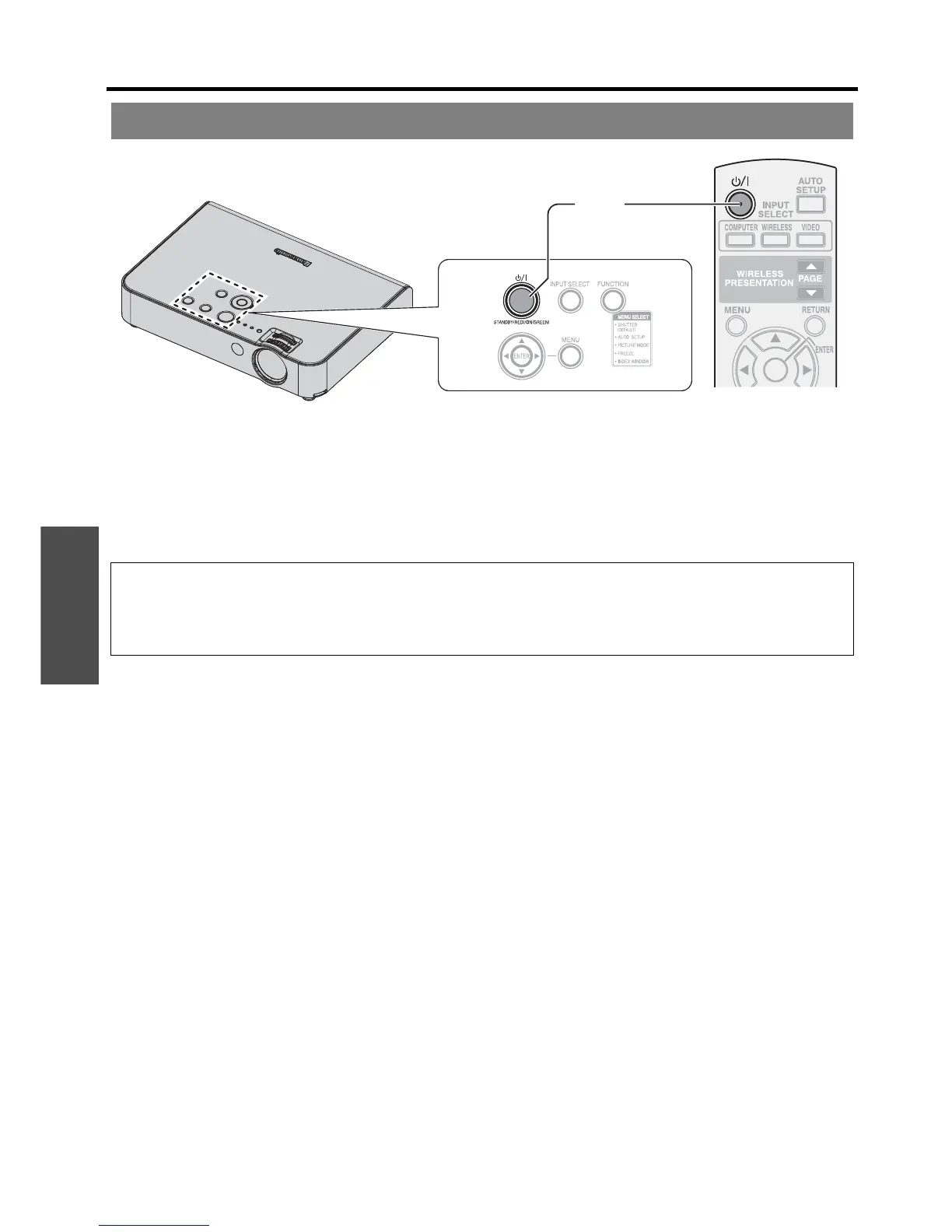
1. Plug the Mains lead into the projector.
The POWER indicator lights up in RED.
2. Press the POWER button.
The POWER indicator lights up in GREEN after flashing for a while.
The STARTUP LOGO is displayed on the screen. See “STARTUP LOGO” on page 36.
Switching on the projector
NOTE:
• Some small rattling or tinkling sound may be heard when starting up, but this is normal and does not affect the
performance of the projector.
• If you disconnected the Mains lead while on projecting mode, the projection will start with connecting the Mains lead.
See “DIRECT POWER ON” on page 37.
(2)
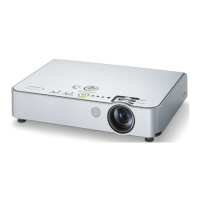
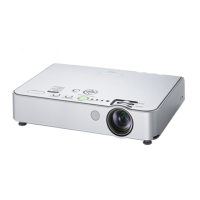
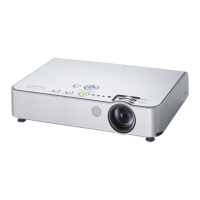
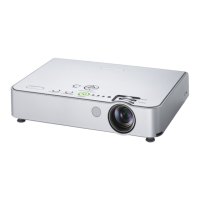
POWER button
POWER indicator




 To Next Page