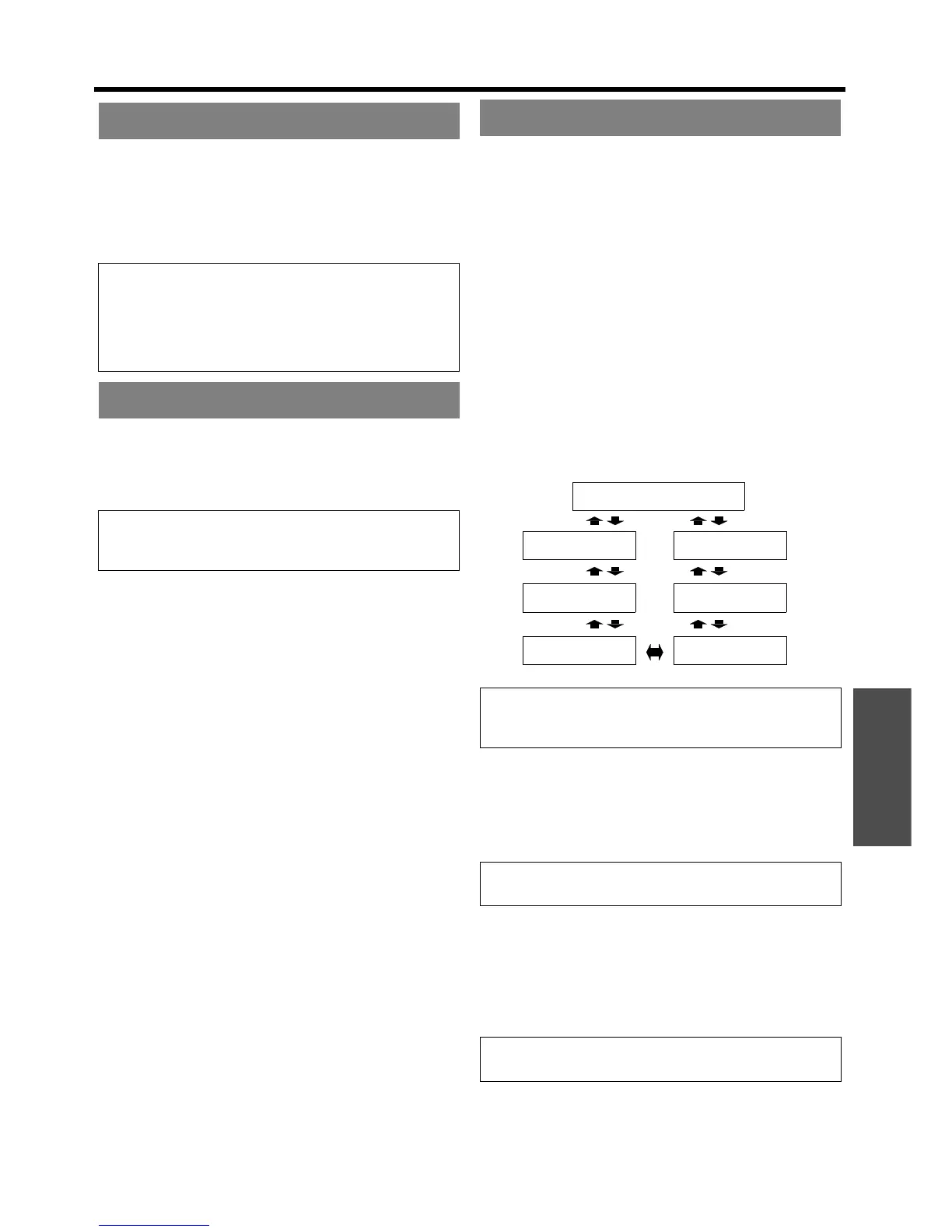
PICTURE menu
ENGLISH - 33
Settings
You can keep the projected image bright and vivid even
in well-lit rooms where the ambient light sources cannot
be controlled, such as when a door opens or when
window coverings fail to block out sunlight.
AUTO: Automatic adjustment
OFF:Deactive
The lamp is controlled according to the input signals to
project images with the best quality.
ON: Active
OFF:Deactive
You can perform more detailed image adjustment
manually.
J For RGB signals
Q WHITE BALANCE
You can adjust the white balance more properly in
3 colours temperature by pressing I H.
WHITE BALANCE RED
WHITE BALANCE GREEN
WHITE BALANCE BLUE
J For S-VIDEO/VIDEO signals
Q TV-SYSTEM
When the video signal is changed, the setting
switches automatically. You can switch the setting
manually to match the video data. Press I H to
cycle through the options.
Q STILL MODE
You can reduce the vertical flicker when projecting
a still image.
OFF: Deactive
ON: Active
Q NOISE REDUCTION
You can switch the automatic noise reduction
system on/off. Press I H to select the required
setting.
ON: Automatic noise reduction
OFF: No noise reduction
DAYLIGHT VIEW
NOTE:
• Do not cover the Luminance Sensor of the projector.
See “Luminance Sensor” on page 14.
• AUTO is not available when INSTALLATION setting in
OPTION menu is set to REAR/DESK or REAR/
CEILING.
AI
NOTE:
•“AI” is disabled when “LAMP POWER” is set to “ECO-
MODE”. See “LAMP POWER” on page 36.
DETAILED SETUP
NOTE:
• AUTO setting will select from NTSC/NTSC 4.43/PAL/
PAL60/PAL-M/PAL-N/SECAM.
NOTE:
•Set to OFF when projecting a moving image.
NOTE:
• Applying noise reduction may affect image quality.
NTSC
NTSC 4.43
PAL
AUTO
SECAM
PAL-N
PAL-M



 To Next Page