EasyManua.ls Logo

Panasonic RF-2200BS - Gyro Antenna Case Removal; Core Antenna Removal

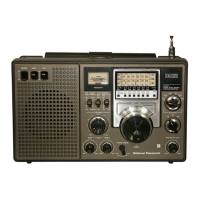
Panasonic RF-2200BS
15 pages
Print Icon
To Next Page IconTo Next Page
To Previous Page IconTo Previous Page
Loading...
rev
RF.
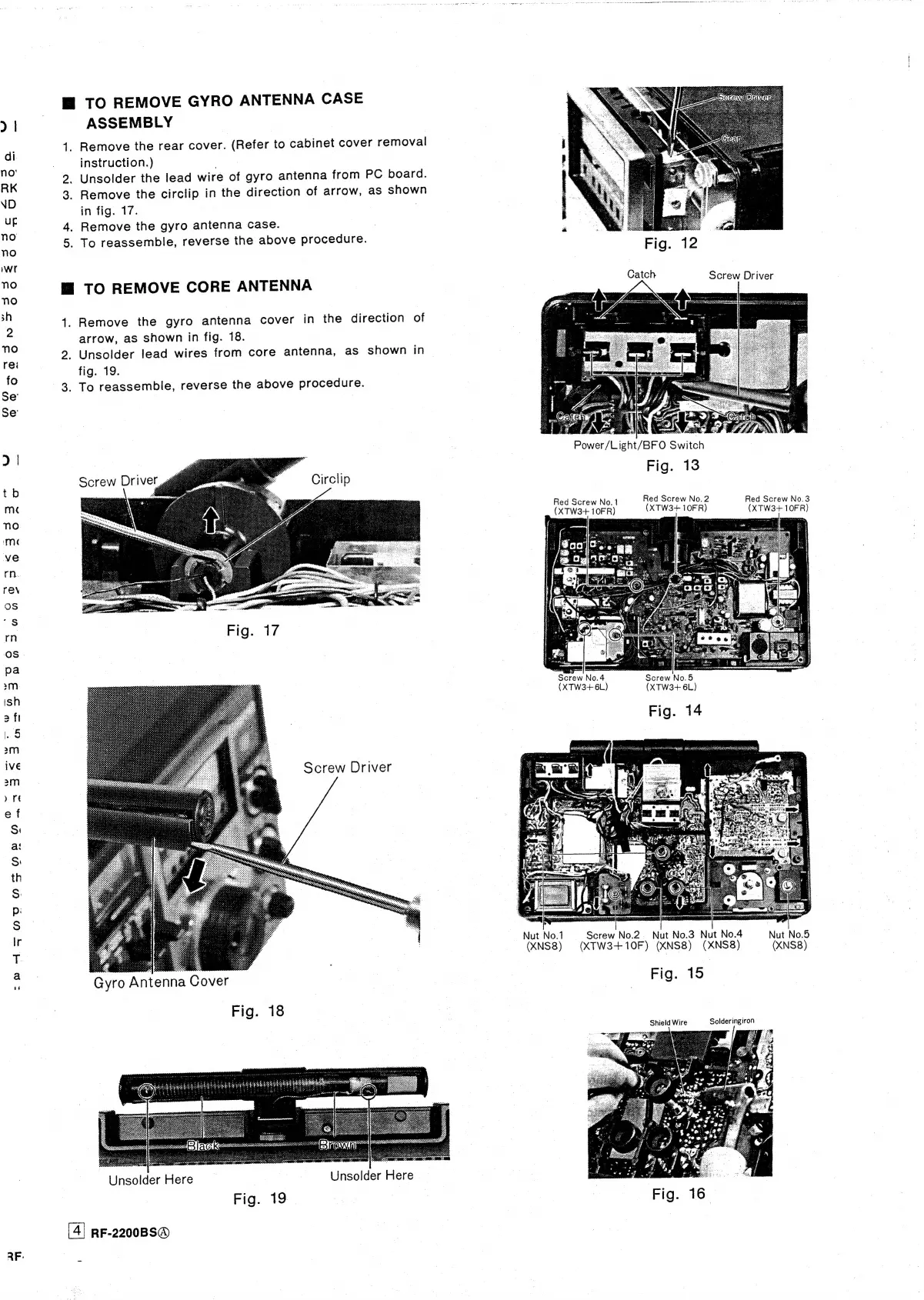
WTO
REMOVE
GYRO
ANTENNA
CASE
ASSEMBLY
14.
Remove
the
rear
cover.
(Refer
to
cabinet
cover
removal
instruction.)
n
3
2.
Unsolder
the
lead
wire
of
gyro
antenna
from
PC
board.
3.
Remove
the
circlip
in
the
direction
of
arrow,
as
shown
in
fig.
17.
|
4.
Remove
the
gyro
antenna
case.
5.
To
reassemble,
reverse
the
above
procedure.
M@
TO
REMOVE
CORE
ANTENNA
1.
Remove
the
gyro
antenna
cover
in
the
direction
of
arrow,
as
shown
in
fig.
18.
2.
Unsolder
lead
wires
from
core
antenna,
as
shown
in
fig.
19.
3.
To
reassemble,
reverse
the
above
procedure.
Screw
Driver
Circlip
Screw
Driver
Gyro
Antenna
Cover
Fig.
18
Ce
56
Unsolder
Here
Unsolder
Here
RF-2200BS®@
Fig.
42
Catch
Screw
Driver
:
a
.
IN
,
7
“hi
oF
Power/Light/BFO
Switch
Fig.
13
Red
Screw
No.2
(XTW3+
10FR)
Red
Screw
No.3
(XTW3+
10FR)
Red
Screw
No.1
(XTW3+
10FR)
Screw
No.4
=
Screw
No.5
(XTW3+6L)
(XTW3+
6L)
Fig.
14
Screw
No.2.
Nut
No.3
Nut
No.4
(XNS8)
(XTW3+
10F)
(XNS8)
(XNS8)
(XNS8)
Fig.
15
Nut
No.1
Nut
No.5

Related product manuals