EasyManua.ls Logo

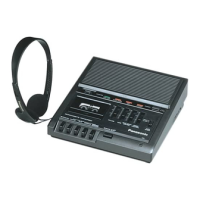
Panasonic RR-930 - RECORDING

Panasonic RR-930
12 pages
Print Icon
To Next Page IconTo Next Page
To Previous Page IconTo Previous Page
Loading...
ATOR
LOTS
e
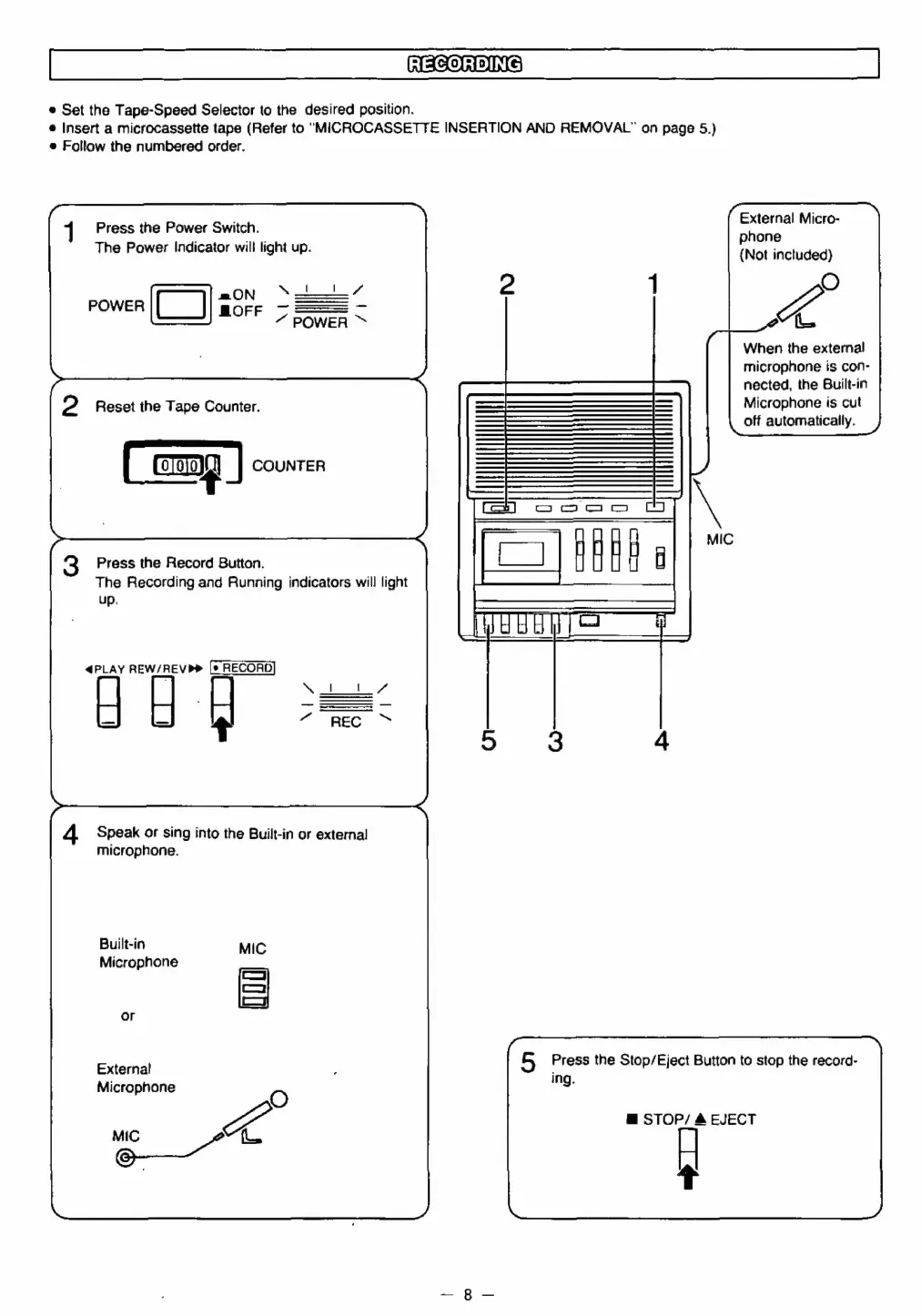
Set
the
Tape-Speed
Selector
to
the
desired
position.
®
Insert
a
microcassette
tape
(Refer
to
"MICROCASSETTE
INSERTION
AND
REMOVAL”
on
page
5.)
e
Follow
the
numbered
order.
External
Micro-
phone
{Not
inctuded}
Ko
When
the
external
microphone
is
con-
nected,
the
Built-in
Microphone
is
cut
off
automatically.
Press
the
Power
Switch.
The
Power
Indicator
will
light
up.
ON
Sei”
nen
(CT)
a8
ee
POWER
Reset
the
Tape
Counter.
Cony
COUNTER
Press
the
Record
Button.
The
Recording
and
Running
indicators
will
light
up.
4@PLAY
REW/REVP®
|e
RECORD
4
Speak
or
sing
into
the
Built-in
or
external
microphone.
Built-in
Microphone
5
Press
the
Stop/Eject
Button
to
stop
the
record-
ing.
External
Microphone
o
ot
O
@
STOP/
&
EJECT
t

Related product manuals