RQTT0627
5
Controls
1 23
456
789
0 10
These speakers do not have magnetic shielding. Do not place
them near televisions, personal computers or other devices
easily influenced by magnetism.
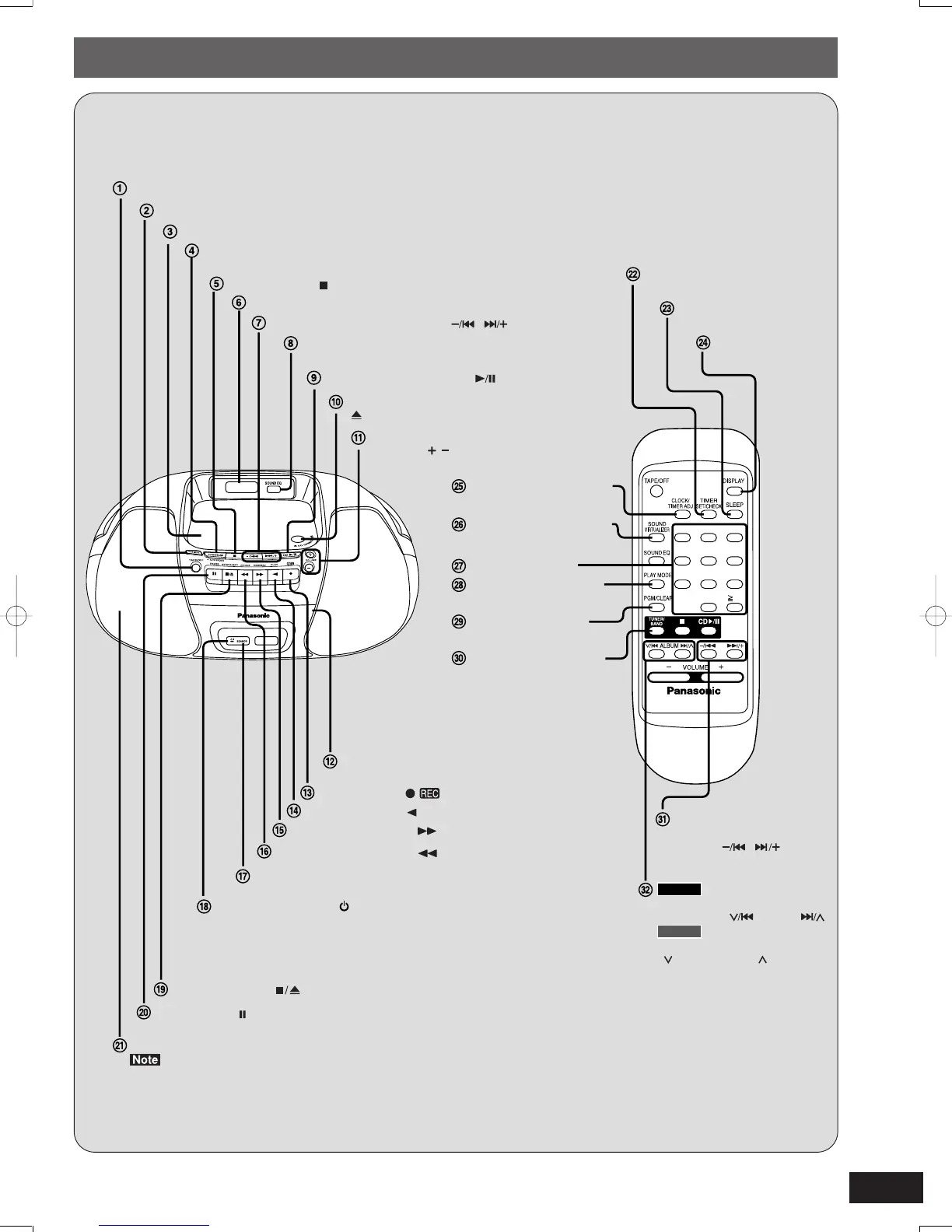
Tape mode/standby switch (TAPE/OFF)
Tune mode select button (TUNE MODE)
Tuning/CD skip, search buttons ( , )
CD play/pause button ( CD )
CD lid
Tuner mode/band select/auto preset button
(TUNER/BAND –AUTO PRESET)
CD Iid open/close
( CD OPEN/CLOSE)
Volume control buttons
(VOLUME , )
CD stop button ( )
Display
Sound equalizer select button
(SOUND EQ)
Standby/on indicator ( /I)
The indicator lights green when the unit is turned on.
When the AC power supply is used, it functions as an AC
connection indicator. (The indicator colour changes to red
when the unit is turned off.)
Normal tuning/CD skip,
search/clock, timer adjust
buttons ( , )
Preset channel select/album
skip buttons( ALBUM )
Clock display button
(DISPLAY)
Sleep timer button
(SLEEP)
Timer set/check button
(TIMER SET/CHECK)
Clock/timer adjust button
(CLOCK/TIMER ADJ)
Sound virtualizer button
(SOUND VIRTUALIZER)
Numbered buttons
CD play mode/FM mode
select button (PLAY MODE)
Program/clear button
(PGM/CLEAR)
Tuner mode/band select
button (TUNER/BAND)
Record button ( )
Tape play button ( PLAY)
Rewind/review button ( REW/REV)
Fast-forward/cue button ( FF/CUE)
Remote control signal sensor (SENSOR)
Stop/eject button ( STOP/EJECT)
Pause button ( PAUSE)
Speaker
Deck
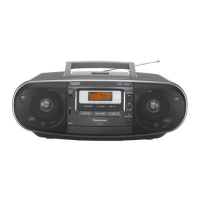
Main unit: Remote control:
The functions of the buttons without descriptions are the
same as on the main unit.
RX-D29
Preset channel select buttons
( PRESET TUNE )
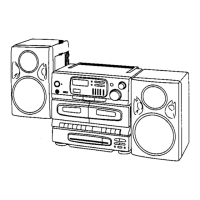
RX-D27
D29/27-1B2-4 04.1.30, 13:26Page 5 AdobePageMaker6.5J/PPC



 To Next Page