EasyManua.ls Logo

Panasonic RX-D29 - User Manual

Panasonic RX-D29
12 pages
Print Icon
To Next Page IconTo Next Page
Loading...
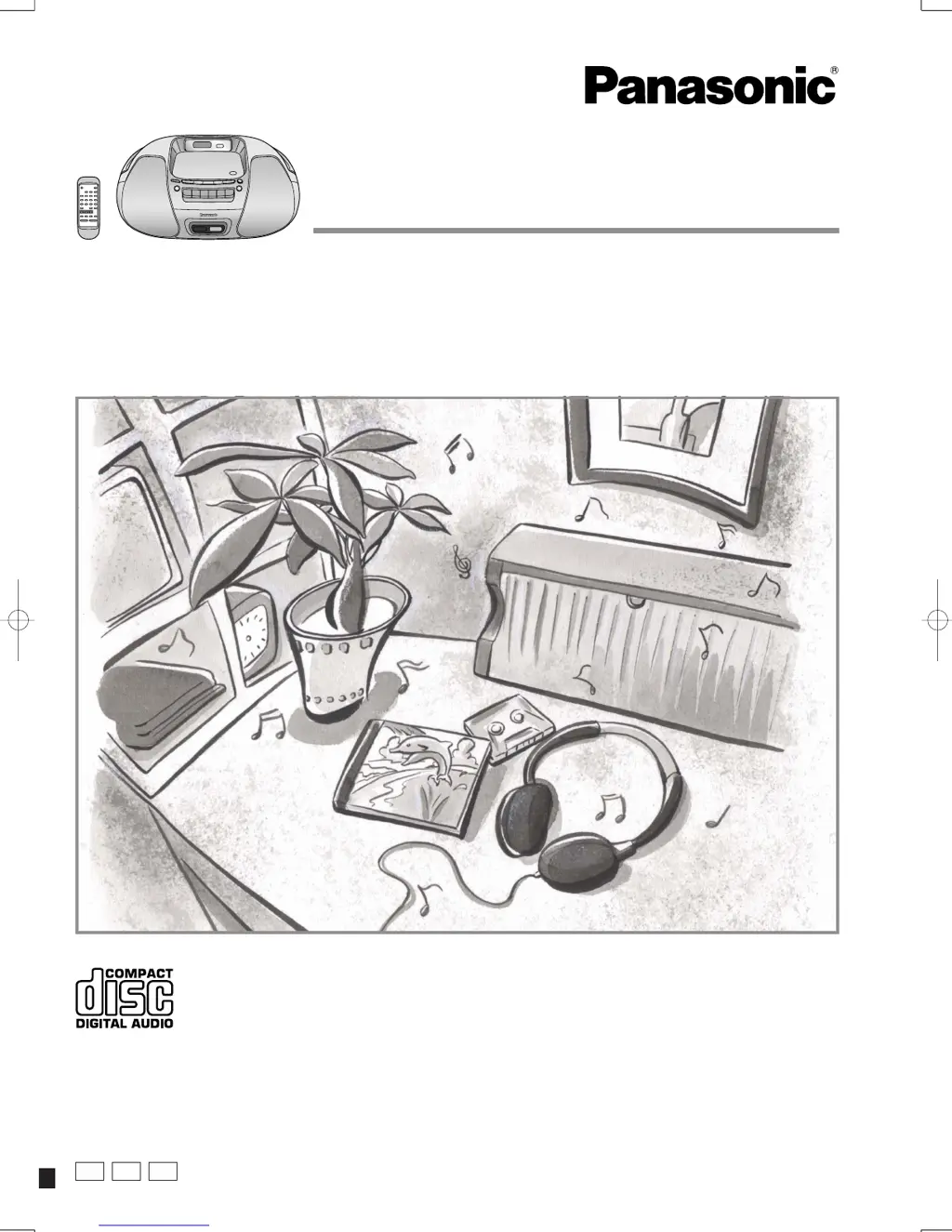
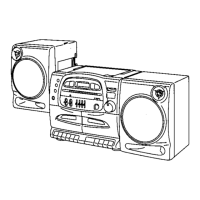
Portable Stereo CD System
Operating Instructions
Model No. RX-D29
RX-D27
P PC
PL
RQTT0585-P
Dear customer
Thank you for purchasing this product.
Before connecting, operating or adjusting this product, please read these
instructions completely.
Please keep this manual for future reference.
These operating instructions fundamentally explain the operation of
RX-D29.

Questions and Answers

  • R
    Rebecca ScottAug 12, 2025
    Why does the Panasonic RX-D29 Stereo System remote control not work?
    • D
      davidgravesAug 13, 2025
      If the remote control for your Panasonic Stereo System isn't working, first check that the batteries are correctly inserted. If they are, try replacing the batteries, as they may be worn.
  • A
    Amanda RiveraAug 16, 2025
    Why is there poor sound quality on my Panasonic Stereo System?
    • J
      Jacqueline RobinsonAug 16, 2025
      Poor sound quality on your Panasonic Stereo System may occur for several reasons. If you're using a cassette, check if the tab has been removed; if so, cover the hole with adhesive tape. Also, try cleaning the heads. Finally, check the batteries; if they are flat, replace them or connect the unit to household AC power.
  • L
    Leah CruzAug 20, 2025
    What to do if my Panasonic Stereo System is making a lot of noise?
    • A
      Amy BirdAug 20, 2025
      If your Panasonic Stereo System is producing excessive noise, it could be due to interference from other devices. Check if another remote control is being used nearby and, if so, use it further away from the unit. Additionally, check if a TV is on; if it is, move the stereo system away from the TV or turn the TV off.
  • B
    bfrazierAug 25, 2025
    What to do if play doesn’t start or display is incorrect on Panasonic RX-D29 Stereo System?
    • N
      Nancy WilliamsAug 25, 2025
      If your Panasonic Stereo System won't start playing or the display is incorrect, especially with a CD-RW, try the following: First, clean the CD. If that doesn't work, wait an hour to allow any condensation to dry, and then try again. Ensure the CD label is facing up and replace the CD if it's scratched, warped, or irregularly shaped. Also, if using a CD-RW, the disc may have been incompletely formatted, so use the recording equipment to fully format the disc before recording.
  • H
    housedebbieAug 28, 2025
    What to do if the cassette cannot be ejected from my Panasonic RX-D29?
    • T
      Taylor WilliamsAug 28, 2025
      If the cassette in your Panasonic Stereo System cannot be ejected, press the [PLAY] button and then the [ / STOP/EJECT] button.
  • A
    Amy FisherAug 31, 2025
    What does “ERROR” displayed on my Panasonic RX-D29 Stereo System mean?
    • P
      Patrick LopezAug 31, 2025
      When “ERROR” is displayed on your Panasonic Stereo System, it indicates an incorrect operation. Refer to the instructions for proper operation.
  • J
    Jennifer HansenSep 4, 2025
    How to fix “UO1” displayed on Panasonic RX-D29 Stereo System?
    • T
      Travis ReedSep 4, 2025
      If “UO1” is displayed on your Panasonic Stereo System, ensure the batteries are inserted correctly, paying attention to the correct alignment of the poles (+ and –). Replace the batteries or use household AC power.
  • S
    Sara WashingtonSep 8, 2025
    Why Panasonic Stereo System doesn’t work on batteries?
    • B
      bennettjanetSep 8, 2025
      If your Panasonic Stereo System doesn’t work on batteries, check if the AC power supply cord is connected to the unit. Disconnect it when using batteries.

Summary

IMPORTANT SAFETY INSTRUCTIONS

Battery Usage and Safety

Guidelines for safe battery insertion, mixing, and handling to prevent hazards.

Safe Listening Practices

Recommendations for maintaining hearing health by setting appropriate volume levels.

Understanding Safety Symbols

Explanation of warning symbols such as electrical shock and caution alerts.

Supplied Accessories

Accessory Identification and Ordering

List of included items and how to order replacements or optional accessories.

Maintenance and Cleaning

Cleaning Internal Components

Instructions for cleaning the CD lens and tape heads for optimal playback quality.

Product Service and Support

Service Requirements and Contact

Guidance on when to seek professional service and how to contact Panasonic.

FCC Compliance Statement (USA)

Information on FCC rules for Class B digital devices and potential radio interference.

Powering the Unit

AC Power and Battery Operation

Details on using household AC power, batteries, and memory backup for continuous operation.

Remote Control Usage

Installation, Operation, and Care

How to install batteries, use the remote correctly, and prevent accidental damage.

Unit Controls and Indicators

Main Unit Control Panel

Identification of buttons, switches, and indicators on the main unit.

Remote Control Button Functions

Explanations of all buttons on the remote control for comprehensive operation.

Cassette Deck Controls

Buttons dedicated to cassette playback, recording, and tape management.

Tuning and Selection Buttons

Buttons for radio tuning, CD track skipping, and album selection.

Listening to Radio Broadcasts

Radio Tuning Methods

Comprehensive guide to tuning radio stations, including normal, preset, and automatic methods.

Improving Radio Reception

Tips and techniques to enhance radio signal quality and reduce noise.

Listening to CDs

CD Playback Operations

Instructions for normal CD playback, track searching, and pausing.

CD Program Playback and Modes

How to program custom track sequences and utilize various playback modes.

Playing MP3 Discs (RX-D29 Only)

MP3 File Management and Playback

Guide to creating MP3 discs, naming files, and playing albums or individual tracks.

Listening to Cassette Tapes

Cassette Tape Playback Controls

Steps for playing normal tapes, including basic controls and auto-stop feature.

Recording Audio Content

Recording Procedures and Preparation

How to record radio or CDs, including tape handling and erase protection.

Setting the Units Clock

Clock Setting and Display

Instructions for setting the 12-hour clock and displaying the time.

Timer and Sound Settings

Play Timer Functionality

How to set a timer to automatically turn the unit on and play a selected source.

Sleep Timer and Sound Virtualizer

Instructions for using the sleep timer and activating the 3D Sound Virtualizer.

Sound Quality Adjustments

Using the Sound EQ feature to select different audio profiles for enhanced listening.

Headphones and Disc Care

Using Headphones Safely

Connecting headphones and advice on listening at safe volumes to protect hearing.

Disc Handling and Maintenance

Precautions for handling CDs and CD-Rs to prevent damage to the unit.

Limited Warranty and Customer Service

Warranty Coverage and Mail-In Service

Details of the limited warranty, including coverage, exclusions, and mail-in service procedures.

Customer Service Directory and Parts

Information on accessing customer support, finding service centers, and ordering accessories.

Troubleshooting and Specifications

Common Problem Solutions

Step-by-step guide to resolve common operational issues with the unit.

Technical Specifications

Detailed technical data, dimensions, power requirements, and performance metrics of the unit.

Panasonic RX-D29 Specifications

General IconGeneral
Frequency range50 - 12000 Hz
Speakers4
Driver unit80 mm
AM band range522 - 1629 kHz
FM band range87.5 - 108 MHz
Device typePortable CD player
Product colorSilver
Display type-
Battery typeUM-2/UM-3
Power requirements110 - 127 / 220 - 240V, 50 / 60Hz
Number of batteries supported6
Dimensions (WxDxH)408 x 288 x 167 mm
Weight and Dimensions IconWeight and Dimensions
Weight3500 g

Related product manuals