Listening
to
CD
When
"PULL" appears on the display:
The
number of programmed
tracks has exceeded
36. No more
tracks can
be programmed.
When
"
—
:
—
" appears on the display:
The total
play time of the programmed
tracks has
exceeded
1
20
minutes.
However, programming and piay
are stili
possibie.
Memory retention
of programmed trades:
The contents of
the
memory
will be retained
even if piay is
stopped
or If
the unit is
turned
off before its
compietion.
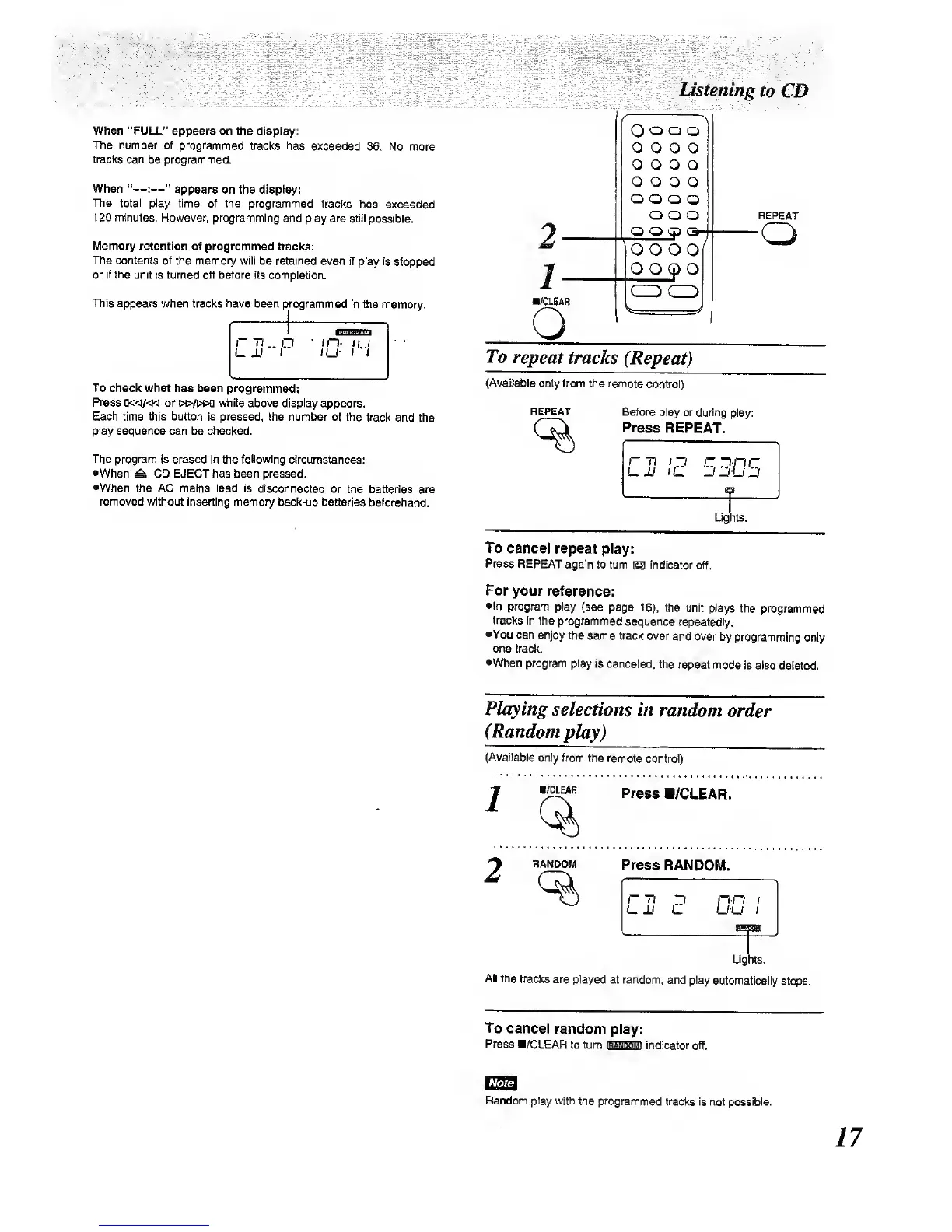
This
appears
when tracks have been programmed
in the
memory.
To checl< wliat has been programmed:
Press
or dc/coq while above
display appears.
Each time this button Is pressed, the
number of the track
and the
play
sequence
can be checked.
The program is erased in the following
circumstances:
•When
^
CD EJECT has
been pressed.
•When the AC mains
lead is disconnected
or the batteries
are
removed
witiiout inserting memory back-up
tKitteries beforehand.
WCLEAR
O
O
o
o
o
O
O O O
o o o
o
0
0
0 0
o
o o
o
o
o o
Q O
O-
O O O
O
QQCP
O
REPEAT
To
repeat
tracks
(Repeat)
(Available only
from the remote
control)
REPEAT
Before play
or during
!pi&y:
Press
REPEAT.
Ughts.
To cancel
repeat
play:
Press
REPEAT
again lo turn
S3
indicator
off.
For
your
reference:
•in program
piay
(see page
16),
the unit
piays the
programmed
trades
in ttie
programmed
sequence
repeatedly.
•You
can enjoy
the same track
over
and over
by programming only
one
track.
•When
program
play is canceled,
the
repeat mode
is also
deleted.
Playing
selections
in
random
order
(Random
play)
(Available
only from
the remote
contrd)
AXEAR
Press
B/CLEAR.
Press
RANDOM.
r 77
13 nn
i
UM U U-U
(
HANDOM
Ughts.
All the
tracks are
played at random,
and play
automatk»lly
stc^.
To cancel
random
play:
Press
a/CLEAR
to tum
OSHBBl
indteator off.
Random play with
the programmed
tracks Is not possible.



 To Next Page