RQT7967
14
Sound Quality
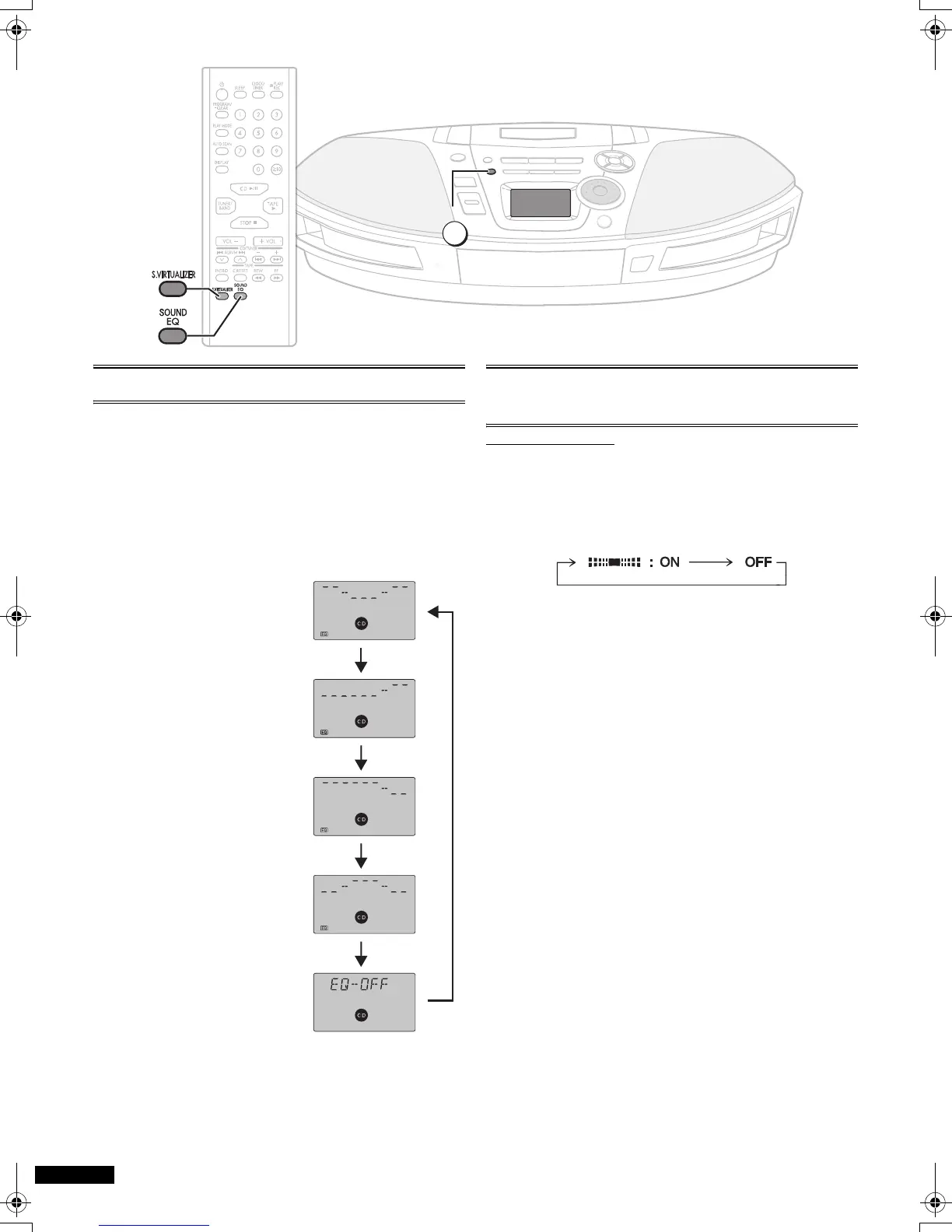
You can choose one of four types of sound quality.
1 Heavy: Adds punch to rock
2 Clear: Clarifies higher sounds
3 Soft: For background music
4 Vocal: Adds gloss to vocals
Press [SOUND EQ] to select a setting.
Each time you press the button:
1 Heavy > 2 Clear
e v
l 3 Soft
l v
l 4 Vocal
l v
EQ-OFF (canceled)
Note:
≥ Changes to sound
quality do not affect
recordings.
3-D Sound
with the Sound Virtualizer
Remote control only
You can create a three-dimensional sound field when listening
to stereo sound.
Press [S.VIRTUALIZER].
Press again to cancel.
Notes:
≥ This feature does not affect recordings.
≥ The actual effect depends on the source played.
SOUND EQ
1
3
4
2
RX-ES29-ad.book 14 ページ 2005年1月28日 金曜日 午前10時7分



 To Next Page