http://servis-manual.com/
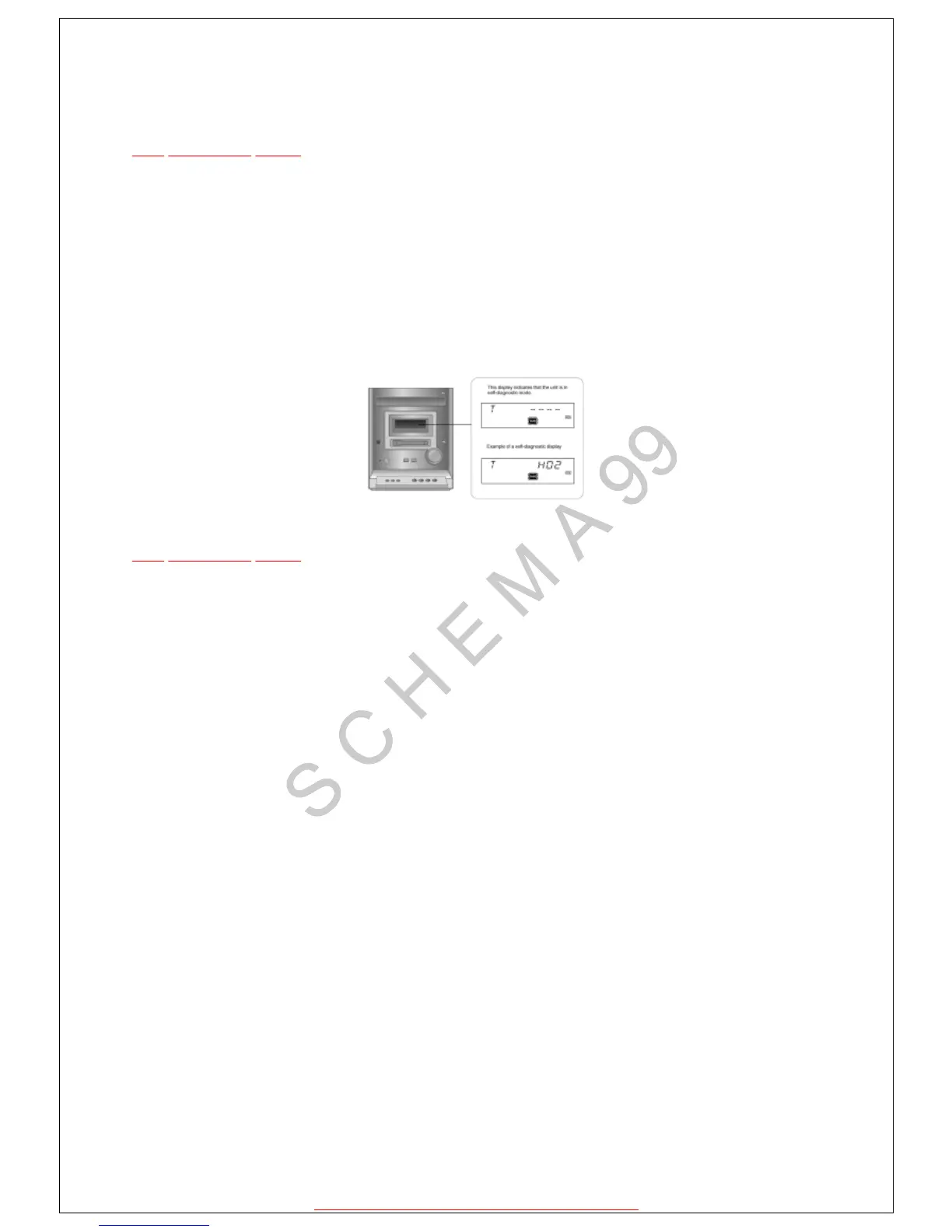
10.1.1 Setting of self diagnosis mode
TOP PREVIOUS NEXT
1.Remove the cassette from the deck.
2.Switch to CD function.
3.Press the STOP key of the main set for more than 2 seconds. While pressing this key, press
the FF key on the main set for another 2 seconds to enter into the Self-Diagnosis mode.
*Even if STOP / FUNCTION key of the main set is pressed while the Self Diagnosis mode is
on, function shall not be switched. Instead, confirmation of error numbers shall begin.
TOP PREVIOUS NEXT







 To Next Page