EasyManua.ls Logo

Panasonic SC-AK403 - User Manual

Panasonic SC-AK403
20 pages
Print Icon
To Next Page IconTo Next Page
Loading...
RQT6707-3P
CD Stereo System
Operating Instructions
Model No. SC-AK610
SC-AK510
SC-AK410
SC-AK403
Before connecting, operating or adjusting this product, please read these
instructions completely.
Please keep this manual for future reference.
SC-AK610 and SC-AK403 are available in the U.S.A. only.
As an ENERGY STAR
®
Partner, Panasonic has determined
that this product meets the ENERGY STAR
®
guidelines for
energy efficiency.
P PC
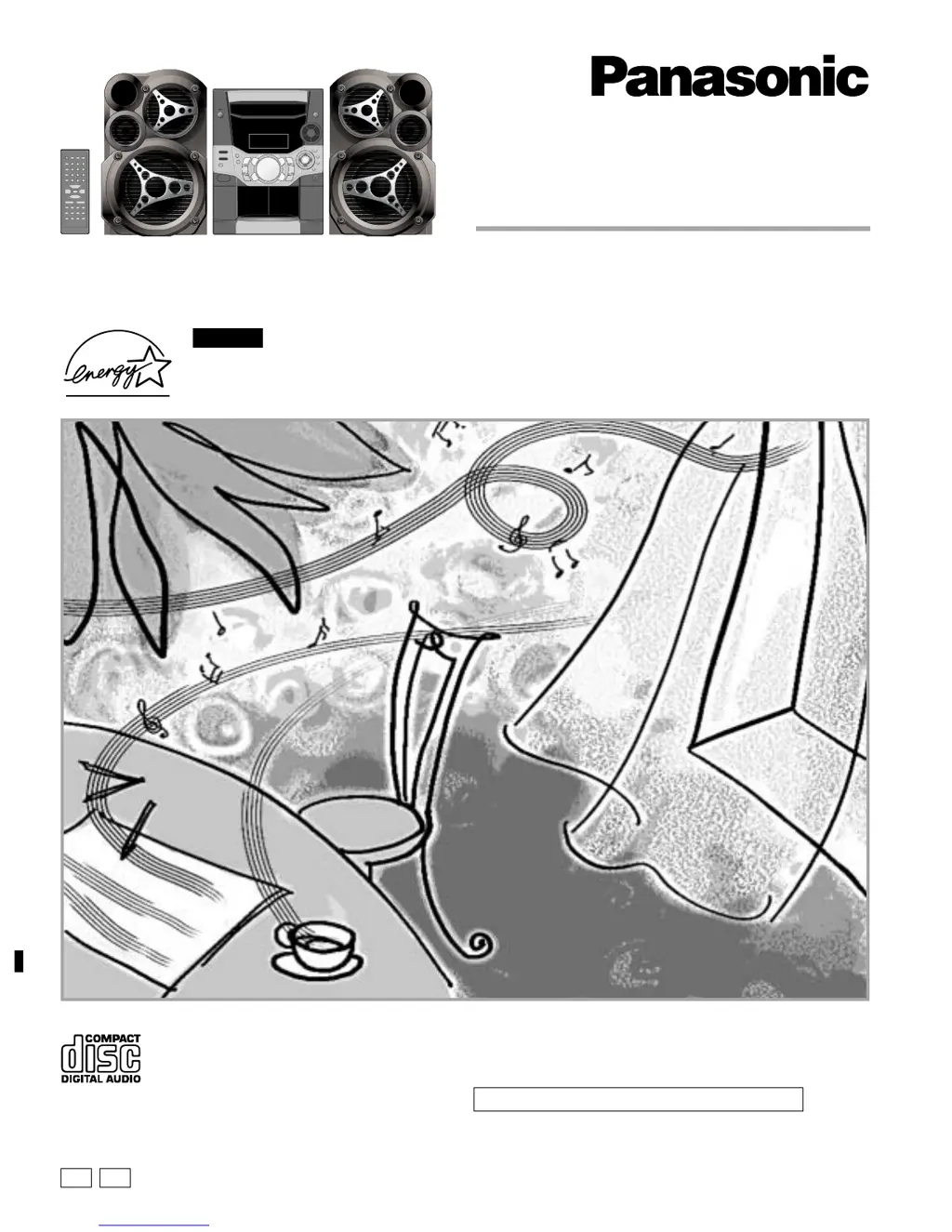
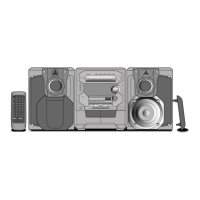
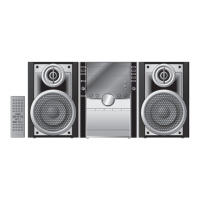
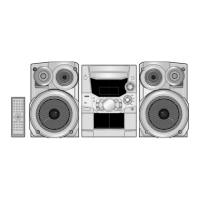
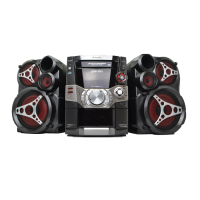
The illustrations show SC-AK510.
For U.S.A.

Questions and Answers

  • B
    baileypatriciaJul 30, 2025
    What to do if my Panasonic SC-AK403 has no sound?
    • S
      Sylvia KaiserJul 30, 2025
      If your Panasonic Stereo System has no sound, several factors could be at play. Check the speaker connections to ensure they are correctly connected. The positive and negative speaker wires might be shorting. Speakers could be strained due to excessive volume or power. The unit may be in a hot environment. Try turning the volume up. If the issue persists, switch off the unit, identify and correct the cause, then switch it back on. Also, verify and correct the speaker cords connection. If none of these steps resolve the problem, it may indicate a power supply issue, and you should consult a dealer.
  • A
    Angela PatelAug 7, 2025
    How to fix a Panasonic SC-AK403 remote control that isn't working?
    • M
      Matthew RobertsonAug 7, 2025
      If your Panasonic Stereo System remote control isn't working, first, check that the batteries are inserted correctly. If they are, replace the batteries, as they may be worn.
  • R
    Robert MartinAug 15, 2025
    What to do if my Panasonic SC-AK403 Stereo System displays 'TAKE OUT/DISC'?
    • R
      Robert RoweAug 15, 2025
      If your Panasonic Stereo System displays 'TAKE OUT/DISC', it indicates a problem with the disc mechanism. Remove the disc from the tray, ensure the tray is empty, and then close it. Other potential issues include: the disc being upside down (wipe the disc), the disc being scratched, warped, or non-standard (replace the disc), condensation inside the unit (wait about an hour for it to clear), the disc data being defective (replace the disc), or the disc being incompletely formatted (fully format the disc before recording). Also, the unit cannot display the remaining play time for variable bit rate (VBR) tracks.
  • A
    Alyssa CastilloAug 21, 2025
    What to do if the picture on the TV disappears or stripes appear when using my Panasonic Stereo System?
    • C
      Charles PetersAug 21, 2025
      If the picture on the TV disappears or stripes appear on the screen when using your Panasonic Stereo System, it may be due to the antenna's location and orientation. If you're using an indoor antenna, switch to an outdoor antenna. Also, separate the antenna wire of the TV set from the unit.

Summary

Panasonic CD Stereo System

Important Safety Instructions

General Safety Precautions

Covers critical safety warnings regarding laser, electric shock, and operational hazards.

Radio Tuning

Manual Radio Tuning

Instructions for manually searching and tuning radio stations.

Preset Radio Station Management

Methods for storing and selecting pre-set radio stations.

CD Playback Fundamentals

CD Handling and Loading

Guidelines for selecting, loading, and preventing damage to CDs.

Basic CD Playback Operations

How to play, pause, stop, and skip tracks on CDs.

Advanced CD Playback Features

Repeat and Program Playback

Setting up repeat playback and programming a sequence of tracks.

MP3 and WMA Disc Compatibility

MP3;WMA vs. Standard CDs

Explains differences in file formats, structure, and compatibility for MP3/WMA discs.

MP3;WMA Playback Modes

Details on using playback modes like ALL-DISC, 1-SONG, 1-ALBUM for MP3/WMA files.

MP3;WMA Navigation and Programming

Recording, Connections, and Accessories

Recording from Various Sources

Instructions for recording from radio, CD, or tape, including stopping and preventing erasure.

Timer Functions for Playback and Recording

Setting Play and Record Timers

How to configure timers for automatic playback or recording at specific times.

Troubleshooting and Maintenance

Resolving Common Problems

A guide to diagnose and fix common issues with sound, display, and operation.

System Specifications

Warranty and Customer Support

Limited Warranty Coverage

Outlines the warranty terms, coverage, limitations, and exclusions for the product.

Panasonic SC-AK403 Specifications

General IconGeneral
BrandPanasonic
ModelSC-AK403
CategoryStereo System
LanguageEnglish

Related product manuals