EasyManua.ls Logo

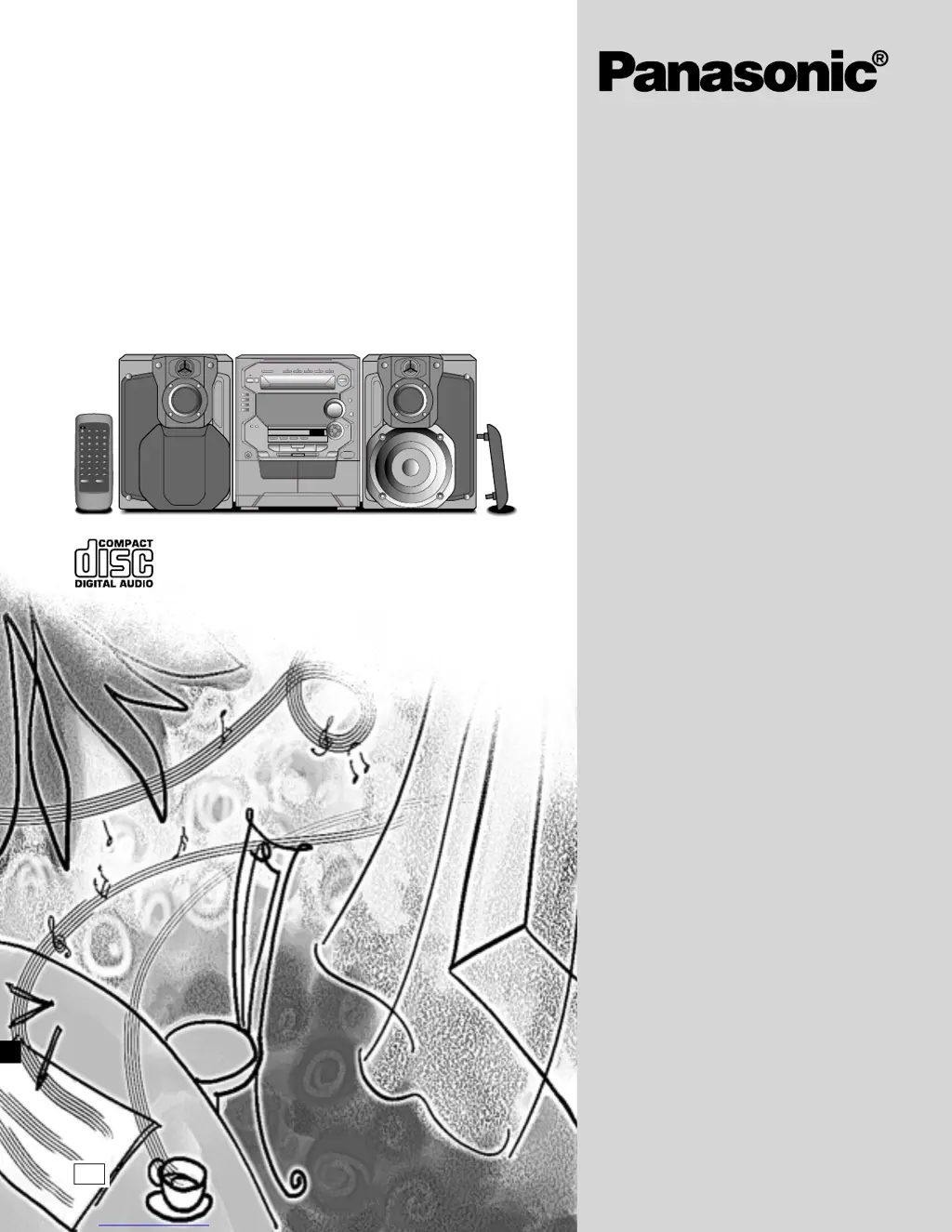
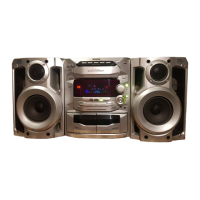
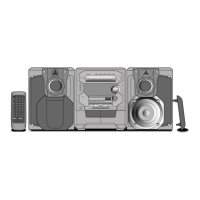
Panasonic SC-AK48 - User Manual

Panasonic SC-AK48
32 pages
Print Icon
To Next Page IconTo Next Page
Loading...
RQT5321-B
CD Stereo System
Operating Instructions
Model No. SC-AK48
Note:
The “EB” indication shown on the packing case
indicates United Kingdom.
Before connecting, operating or adjusting this pro-
duct, please read these instructions completely.
Please keep this manual for future reference.
EB

Other manuals for Panasonic SC-AK48

Questions and Answers

  • J
    Joseph SpencerAug 19, 2025
    Why does my Panasonic SC-AK48 Stereo System display “– – : – –”?
    • J
      jenniferreynoldsAug 19, 2025
      If you see “– – : – –” on the display of your Panasonic Stereo System, it could be because you plugged in the power cord for the first time or there was a recent power failure. You will need to set the time.
  • D
    derekwebsterAug 21, 2025
    What does the “ERROR” message mean on my Panasonic Stereo System?
    • J
      James LeeAug 21, 2025
      If the “ERROR” message appears on the display of your Panasonic Stereo System, it indicates an incorrect operation. Refer to the operating instructions and operate the unit correctly.
  • K
    Keith DavisAug 25, 2025
    What does 'TAKE OUT/DISC' mean on my Panasonic SC-AK48 and how do I fix it?
    • M
      Marcus BlankenshipAug 25, 2025
      If “TAKE OUT/DISC” appears on the display of your Panasonic Stereo System, it could be due to a power failure or disconnection during disc changing or when the disc tray is open. To resolve this: 1. Press [f/7] to switch on the power. The tray will open. 2. Take out the CD from the tray, if there is one, then press [c] of [CD 1] to close the tray. The system should then restore normal operation.
  • M
    Michael LewisAug 26, 2025
    Why are the left and right sounds reversed on my Panasonic Stereo System?
    • V
      Veronica ThomasAug 26, 2025
      If the left and right sounds are reversed on your Panasonic Stereo System, the speaker cords might be connected incorrectly. Ensure that you connect the speaker cords correctly.
  • B
    Benjamin GomezAug 28, 2025
    What to do if left and right sounds are reversed on my Panasonic SC-AK48 when using an external unit?
    • A
      Antonio GloverAug 28, 2025
      If the left and right sounds are reversed when listening to an external unit with your Panasonic Stereo System, the connections to the external unit might be reversed. Connect the external unit’s cord correctly.
  • S
    smithclaudiaAug 30, 2025
    Why can't I hear low frequency sounds on my Panasonic SC-AK48?
    • R
      Ruth ButlerAug 30, 2025
      If you cannot hear low frequency sounds on your Panasonic Stereo System, one of the LOW speaker cables might not be connected. Connect the left and right speaker cables to the LOW terminals.
  • W
    walterspaulSep 1, 2025
    What to do if my Panasonic SC-AK48 Stereo System won't play a specific disc?
    • J
      Jessica HoweSep 1, 2025
      If your Panasonic Stereo System is not playing a disc, it might be a nonstandard disc. Replace the disc with a different one.
  • J
    Joel JonesSep 3, 2025
    Why can't my Panasonic Stereo System play a specific music passage correctly?
    • J
      James PenaSep 3, 2025
      If a certain music passage cannot be played correctly on your Panasonic Stereo System, the disc might be dirty. Wipe the disc with a soft cloth.
  • J
    Jonathan HillSep 6, 2025
    Why is the display still on when ECO mode is enabled on my Panasonic SC-AK48 Stereo System?
    • C
      Chad GarciaSep 6, 2025
      If ECO mode is activated on your Panasonic Stereo System, but the display panel remains lit, it's possible that DEMO mode is also active. Turn DEMO mode off.
  • K
    Katherine ThomasSep 7, 2025
    Why is there a rushing noise during stereo broadcasts on my Panasonic SC-AK48 Stereo System?
    • K
      krangelSep 8, 2025
      If you hear a “rushing noise” during a stereo broadcast on your Panasonic Stereo System, but not during a monaural broadcast, the transmitting station might be far away. If you are using an indoor antenna, switch to an outdoor antenna.

Summary

Supplied Accessories

Identifying Included Accessories

Verify all supplied accessories are present and identify them for proper use and setup.

Safety Precautions

Unit Placement and Environmental Conditions

Learn optimal placement for performance and longevity, avoiding direct sunlight, heat, and humidity.

Electrical Safety: Voltage and AC Mains Lead

Understand voltage requirements and safe handling of the AC power cord to prevent shock or fire.

AC Mains Lead Safety (UK)

Fuse Replacement Procedure

Detailed steps to safely replace the fuse in the UK mains plug, including fuse rating and safety warnings.

Remote Control and Speaker Setup

Remote Control: Battery Installation and Usage

Proper battery insertion and guidelines for effective remote control operation.

System Connection Guide

Basic Connections for Supplied Accessories

Connect FM/AM antennas, speakers, and AC power lead following basic setup procedures.

Advanced System Connections

Optional Antenna and External Unit Connectivity

Connect outdoor antennas and external audio/digital equipment for enhanced functionality.

Front Panel Control Overview

Main Unit and Center Console Button Identification

Identify and understand the function of controls on the main unit and center console.

CD Handling and Care

CD Handling, Storage, and Damage Prevention

Proper techniques for handling, cleaning, and storing CDs to prevent damage and ensure playback.

Recording Operations Overview

Preparing for Recording and Tape-to-Tape Transfer

Understand deck preparation, tape types for recording, and performing tape-to-tape dubbing.

Radio Recording Procedures

CD Recording Procedures

Recording from Compact Discs to Tape

Transfer audio from CDs to tape, including selecting discs and stopping recording.

Timer Functions

Setting and Operating the Play;Record Timer

Program the system to turn on/off or record at set times, managing start/finish times and sources.

Timer Operation Details

Checking Timer Settings and Operation

Verify timer settings, source, volume, and confirm timer status for play/record functions.

Troubleshooting Common Issues

System, FM, and AM Broadcast Troubleshooting

Resolve common problems like display issues, sound reversal, and broadcast reception difficulties.

Troubleshooting and Maintenance

Specific Troubleshooting and Unit Maintenance

Address TV interference, cassette deck, CD playback, remote control issues, and cleaning procedures.

Panasonic SC-AK48 Specifications

Amplifier Section IconAmplifier Section
RMS power output (HIGH)40 W per channel (6 Ω)
RMS power output (MID)40 W per channel (6 Ω)
RMS power output (LOW)120 W per channel (6 Ω)
RMS power output (TOTAL)200 W per channel (6 Ω)
Input sensitivity AUX250 mV
Input impedance AUX13.9 kΩ
FM Tuner Section IconFM Tuner Section
Frequency range87.50 – 108.00 MHz (50 kHz steps)
Sensitivity1.8 µV (IHF)
S/N 26 dB1.5 µV
Antenna terminal(s)75 Ω (unbalanced)
AM Tuner Section IconAM Tuner Section
Frequency range522 – 1629 kHz (9 kHz steps)
Sensitivity S/N 20 dB at 999 kHz560 µV/m
Cassette Deck Section IconCassette Deck Section
Track system4 track, 2 channel
Tape speed4.8 cm/s
Frequency response NORMAL (TYPE I)35 Hz – 14 kHz
Frequency response HIGH (TYPE II)35 Hz – 14 kHz
Wow and flutter0.18% (WRMS)
Fast forward and rewind timeApprox. 120 seconds with C-60 cassette tape
CD Section IconCD Section
Sampling frequency44.1 kHz
Frequency response20 Hz – 20 kHz (+1 dB, –2 dB)
Beam source/wave lengthSemiconductor laser/780 nm
Speaker Section IconSpeaker Section
Type4 way speaker system
Super woofer17 cm cone type
Woofer12 cm cone type
Tweeter6 cm ring shaped dome type
Super tweeterPiezo type
Input power HIGH60 W (music)
Input power MID60 W (music)
Input power LOW200 W (music)
Output sound pressure level87 dB/W (1.0 m)
Cross over frequency150 Hz, 3.5 kHz
Frequency range40 Hz – 50 kHz (–16 dB)
Speaker dimensions250 x 348 x 292 mm
Speaker weight5.1 kg
General IconGeneral
Power supplyAC 230 – 240 V, 50 Hz
Power consumption210 W
Power consumption in standby mode Eco mode on0.4 W
Power consumption in standby mode Eco mode off14 W
Dimensions270 x 331 x 338 mm
Weight8.8 kg

Related product manuals