EasyManua.ls Logo

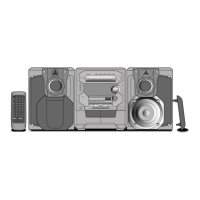
Panasonic SC-AK520 - User Manual

Panasonic SC-AK520
20 pages
Print Icon
To Next Page IconTo Next Page
Loading...
RQT7336-3B
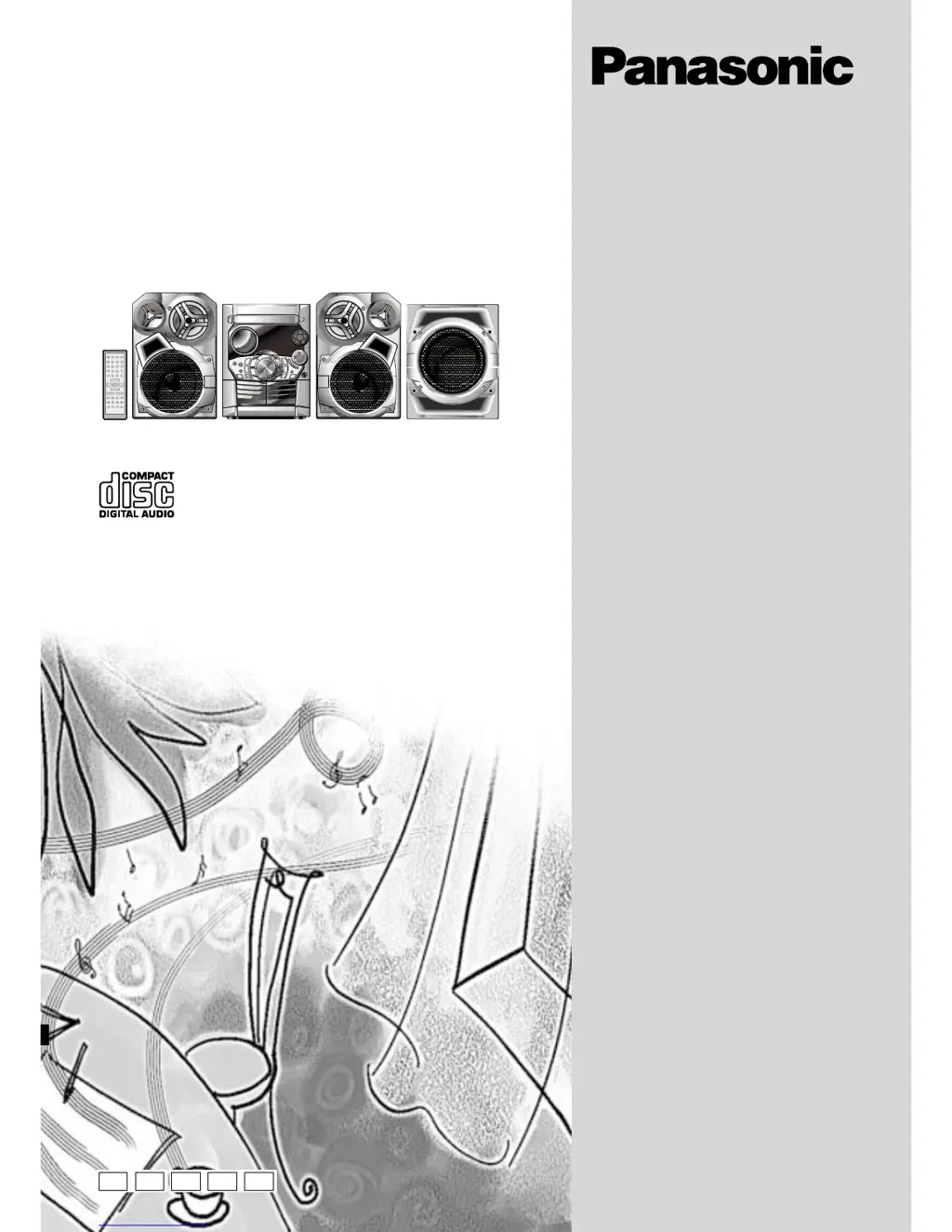
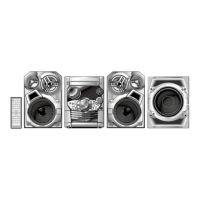
CD Stereo System
Operating Instructions
Model No. SC-AK520
SC-AK320
Note:
“EB” on the packaging indicates the United
Kingdom.
Before connecting, operating or adjusting this pro-
duct, please read these instructions completely.
Please keep this manual for future reference.
E EB EE GN
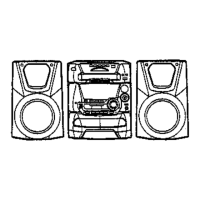
The illustrations show SC-AK520.
GC

Questions and Answers

  • B
    benjamin58Aug 14, 2025
    Why doesn't my Panasonic SC-AK520 Stereo System remote control work?
    • M
      Michelle ReidAug 14, 2025
      If the remote control of your Panasonic Stereo System isn't working, first, verify that the batteries are correctly inserted. If the remote still fails to operate, replace the batteries, as they may be worn.
  • R
    richardramirezAug 17, 2025
    Why is there an unusual sound coming from my Panasonic SC-AK520 Stereo System?
    • M
      Mary MirandaAug 17, 2025
      If you hear unusual sounds from your Panasonic Stereo System, it could be due to condensation inside the unit caused by a sudden temperature change. Wait about an hour for the condensation to clear, and then try again.
  • N
    nicole01Aug 21, 2025
    How to fix distorted sound on my Panasonic SC-AK520 Stereo System?
    • K
      Kelly BensonAug 21, 2025
      If your Panasonic Stereo System is producing distorted sound, try separating the antenna from other cables and cords.
  • J
    Jason JosephAug 25, 2025
    What to do if my Panasonic Stereo System displays 'TAKE OUT/DISC'?
    • D
      danielsjustinAug 25, 2025
      If the Panasonic Stereo System display shows “TAKE OUT/DISC”, it indicates an issue with the disc mechanism, possibly due to a power failure. To resolve this, remove the disc from the tray, ensure the tray is empty, and then close the tray.
  • D
    Derrick RobertsAug 27, 2025
    Why does the TV picture disappear when using my Panasonic SC-AK520 Stereo System?
    • N
      Nicole SullivanAug 27, 2025
      If the picture on your TV disappears or stripes appear when using the Panasonic Stereo System, it may be due to the antenna's location or orientation being incorrect. If you're using an indoor antenna, try switching to an outdoor antenna. Also, ensure the TV antenna wire is not too close to the unit; separate them if necessary.
  • M
    Michelle Stephens DDSAug 31, 2025
    Why does my Panasonic Stereo System display 'VBR' instead of play time?
    • R
      Robert ThompsonAug 31, 2025
      If your Panasonic Stereo System is displaying “VBR–” instead of the remaining play time, it means the unit cannot display the remaining play time for variable bit rate (VBR) tracks.
  • T
    Timothy AllenSep 3, 2025
    Why is the stereo indicator flickering on my Panasonic SC-AK520 Stereo System?
    • K
      Kimberly WardSep 3, 2025
      If the stereo indicator on your Panasonic Stereo System flickers or doesn’t light, turn off the TV or separate it from the unit.
  • K
    Kenneth WilliamsSep 6, 2025
    Why can't my Panasonic Stereo System read CD-RW discs?
    • D
      Dustin WhiteSep 6, 2025
      If a CD-RW cannot be read by your Panasonic Stereo System, replace the disc, as it may be scratched or its data may be defective.
  • T
    Thomas JonesSep 9, 2025
    Why does the number of tracks vary on my Panasonic SC-AK520 Stereo System?
    • M
      Mr. Craig ValenzuelaSep 9, 2025
      If the total number of tracks displayed differs each time the same disc is inserted into your Panasonic Stereo System, replace the disc if it is scratched, warped, or non-standard.

Summary

AC Mains Lead Safety for UK Users

UK Plug and Fuse Details

Information on the moulded three-pin plug, 5-ampere fuse, and necessary approvals (ASTA/BSI).

Fuse Replacement Procedure

Step-by-step guide for safely replacing the fuse in the mains plug.

Handling Unsuitable Plugs

Safety warnings regarding the use of cut-off plugs to prevent severe electrical shock.

Mains Lead Wiring Guidelines

Instructions for correctly wiring the mains lead, avoiding the earth terminal.

Safety Precautions and Supplied Accessories

Safe Unit Placement and Voltage Usage

Guidelines for safe unit placement, voltage usage, and protection against foreign matter.

AC Mains Lead and Service Safety

Ensuring AC mains lead integrity and referring service to qualified personnel.

Accessory Identification and Details

Checking and identifying all supplied accessories, including remote controls and adapters.

Speaker Placement and Remote Control Usage

Optimizing Speaker Placement

Instructions for positioning front speakers for best sound and ventilation.

Remote Control Battery and Operation

Proper battery installation and optimal usage guidelines for the remote control.

Remote Control Handling Precautions

Important precautions to prevent damage to the remote control.

CD and MP3 Disc Management

CD Selection and Damage Prevention

Guidelines for selecting, handling, and preventing damage to CDs.

MP3 File Preparation for Playback

Steps for preparing MP3 discs, including format, file naming, and order.

MP3 Playback Compatibility Notes

Information on limitations and compatibility issues when playing MP3 discs.

System Setup and Connections

Antenna and Voltage Selector Setup

Connecting antennas and adjusting the voltage selector for regional compatibility.

AC Mains and Speaker Wiring

Final connection of AC mains lead and wiring the speaker system correctly.

Unit Controls and Remote Functions

Front Panel and Center Console Controls

Detailed explanation of all buttons and indicators on the main unit's front panel.

Remote Control Button Functions

Comprehensive guide to the functions of each button on the remote control.

Radio Tuning and Presets

Manual and Automatic Radio Tuning

Methods for manually tuning and automatically presetting radio stations.

RDS Broadcasting and Channel Selection

Using RDS features and selecting pre-programmed radio channels.

Basic CD Playback and Modes

CD Playback Controls and Displays

Operating basic playback functions like play, pause, stop, search, and understanding CD displays.

CD Playback Modes Explained

Explanation of various playback modes such as ALL-DISC, 1-SONG, and RANDOM.

Advanced CD and MP3 Playback

Track Selection and Program Play

How to play specific tracks and create custom track programs.

MP3 Playback Modes and Indicators

Understanding MP3 specific playback modes and file format indicators.

MP3 Disc Navigation Features

MP3 Album Scan and Program Play

Using Intro function for album scan and programming tracks for MP3 playback.

Album and Track Skipping for MP3

Navigating MP3 discs by skipping between albums and tracks.

MP3 Title Search Functionality

Searching Albums and Tracks by Title

How to find albums and tracks using keyword searches based on titles.

Character Input for Title Search

Instructions for entering characters to perform album and track title searches.

MP3 Disc Information Display and Editing

Editing Search Keywords and Input

Methods for editing search keywords and navigating input fields for title searches.

MP3 CD Display Modes Explained

Understanding various display modes for MP3 discs, including ID3 tag information.

Track Marking and Cassette Operations

Marking and Recalling MP3 Tracks

How to mark and recall specific tracks on MP3 discs for later playback.

Cassette Playback and Recording

Instructions for playing and recording audio cassettes, including tape types and sources.

Erasure Prevention and Tape Management

Methods to prevent accidental erasure and manage recorded cassette tapes.

Sound Settings and External Connections

Customizing Sound Quality and Fields

Using preset EQ, Super Sound EQ, and bass adjustments for optimal sound.

Antenna and External Unit Connections

Connecting optional antennas and external analogue/digital audio sources.

Convenient Unit Functions

External Unit and Headphone Usage

Connecting external units via AUX and using headphones safely.

Display, Auto-Off, and Muting Controls

Managing display brightness, auto-off function, and volume muting.

Setting the Units Clock

Instructions for setting the 24-hour clock on the unit.

Timer Functions for Playback and Recording

Setting Play;Record Timers

How to set timers for automatic playback or recording at specific times.

Using the Sleep Timer

Setting the sleep timer to automatically turn off the unit after a predetermined duration.

Troubleshooting and Maintenance Guide

Resolving Common Unit Issues

Solutions for problems related to display, sound, radio, and media playback.

Maintenance and Remote Control Help

Basic maintenance for cleanliness and troubleshooting remote control operation.

Technical Specifications

Amplifier, Cassette, and CD Specifications

Detailed technical data for the unit's amplifier, cassette deck, and CD sections.

Speaker, Tuner, and General Details

Specifications for speakers, FM/AM tuners, power supply, dimensions, and mass.

Panasonic SC-AK520 Specifications

General IconGeneral
BrandPanasonic
ModelSC-AK520
CategoryStereo System
LanguageEnglish

Related product manuals