EasyManua.ls Logo

Panasonic SC-CH55 - Skip play; Search play

Panasonic SC-CH55
60 pages
Print Icon
To Next Page IconTo Next Page
To Previous Page IconTo Previous Page
Loading...
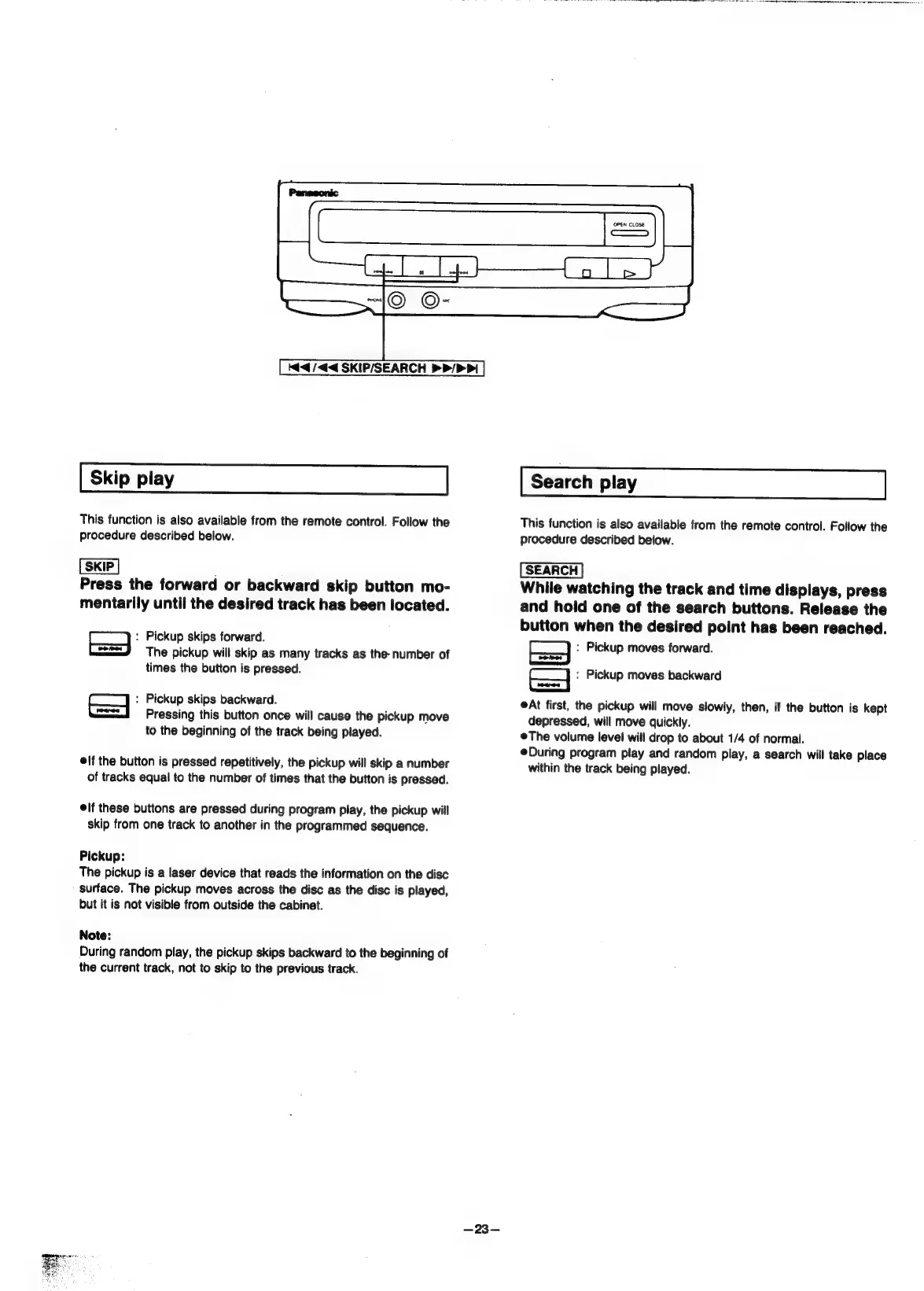
Kad
/<4<4
SKIP/SEARCH
>
P/>
Pi
This
function
is
also
available
from
the
remote
control.
Follow
the
procedure
described
below.
R
Press
the
forward
or
backward
skip
button
mo-
mentarily
until
the
desired
track
has
been
located.
:
Pickup
skips
forward.
The
pickup
will
skip
as
many
tracks
as
the
number
of
times
the
button
is
pressed.
Pickup
skips
backward.
Pressing
this
button
once
will
cause
the
pickup
move
to
the
beginning
of
the
track
being
played.
if
the
button
is
pressed
repetitively,
the
pickup
will
skip
a
number
of
tracks
equal
to
the
number
of
times
that
the
button
is
pressed.
lf
these
buttons
are
pressed
during
program
play,
the
pickup
will
skip
from
one
track
to
another
in
the
programmed
sequence.
Pickup:
The
pickup
is
a
laser
device
that
reads
the
information
on
the
disc
surface.
The
pickup
moves
across
the
disc
as
the
disc
is
played,
but
it
is
not
visible
from
outside
the
cabinet.
Note:
During
random
play,
the
pickup
skips
backward
to
the
beginning
of
the
current
track,
not
to
skip
to
the
previous
track.
Search
play
This
function
is
also
available
from
the
remote
control.
Follow
the
procedure
described
below.
While
watching
the
track
and
time
displays,
press
and
hold
one
of
the
search
buttons.
Release
the
button
when
the
desired
point
has
been
reached.
:
Pickup
moves
forward.
EA
:
Pickup
moves
backward
At
first,
the
pickup
will
move
slowly,
then,
if
the
button
is
kept
depressed,
will
move
quickly.
@The
volume
level
will
drop
to
about
1/4
of
normal.
During
program
play
and
random
play,
a
search
will
take
place
within
the
track
being
played.

Related product manuals