EasyManua.ls Logo

Panasonic SC-CH55 - To stop the tape playback; Full auto-stop; About the Dolby NR system

Panasonic SC-CH55
60 pages
Print Icon
To Next Page IconTo Next Page
To Previous Page IconTo Previous Page
Loading...
@
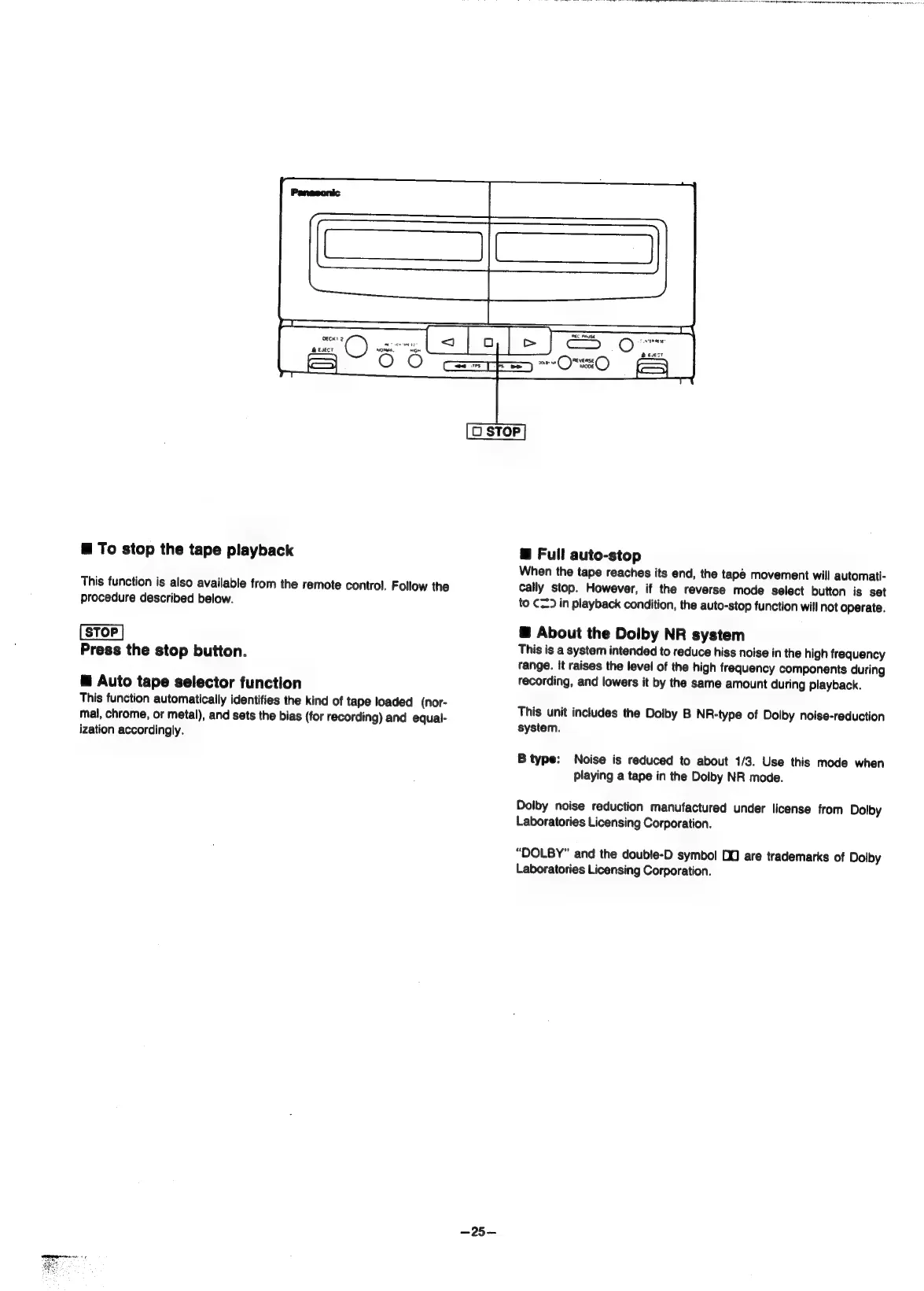
To
stop
the
tape
playback
This
function
is
also
available
from
the
remote
control.
Follow
the
procedure
described
below.
Press
the
stop
button.
@
Auto
tape
selector
function
This
function
automatically
identifies
the
kind
of
tape
loaded
(nor-
mal,
chrome,
or
metal),
and
sets
the
bias
(for
recording)
and
equal-
ization
accordingly.
—25-—
@
Full
auto-stop
When
the
tape
reaches
its
end,
the
tapé
movement
will
automati-
cally
stop.
However,
if
the
reverse
mode
select
button
is
set
to
C2)
in
playback
condition,
the
auto-stop
function
will
not
operate.
@
About
the
Dolby
NR
system
This
is
a
system
intended
to
reduce
hiss
noise
in
the
high
frequency
range.
It
raises
the
level
of
the
high
frequency
components
during
recording,
and
lowers
it
by
the
same
amount
during
playback.
This
unit
includes
the
Dolby
B
NR-type
of
Dolby
noise-reduction
system.
Noise
is
reduced
to
about
1/3.
Use
this
mode
when
playing
a
tape
in
the
Dolby
NR
mode.
B
type:
Dolby
noise
reduction
manufactured
under
license
from
Dolby
Laboratories
Licensing
Corporation.
“DOLBY”
and
the
double-D
symbol
D0
are
trademarks
of
Dolby
Laboratories
Licensing
Corporation.

Related product manuals