5
TQBJ2205
5
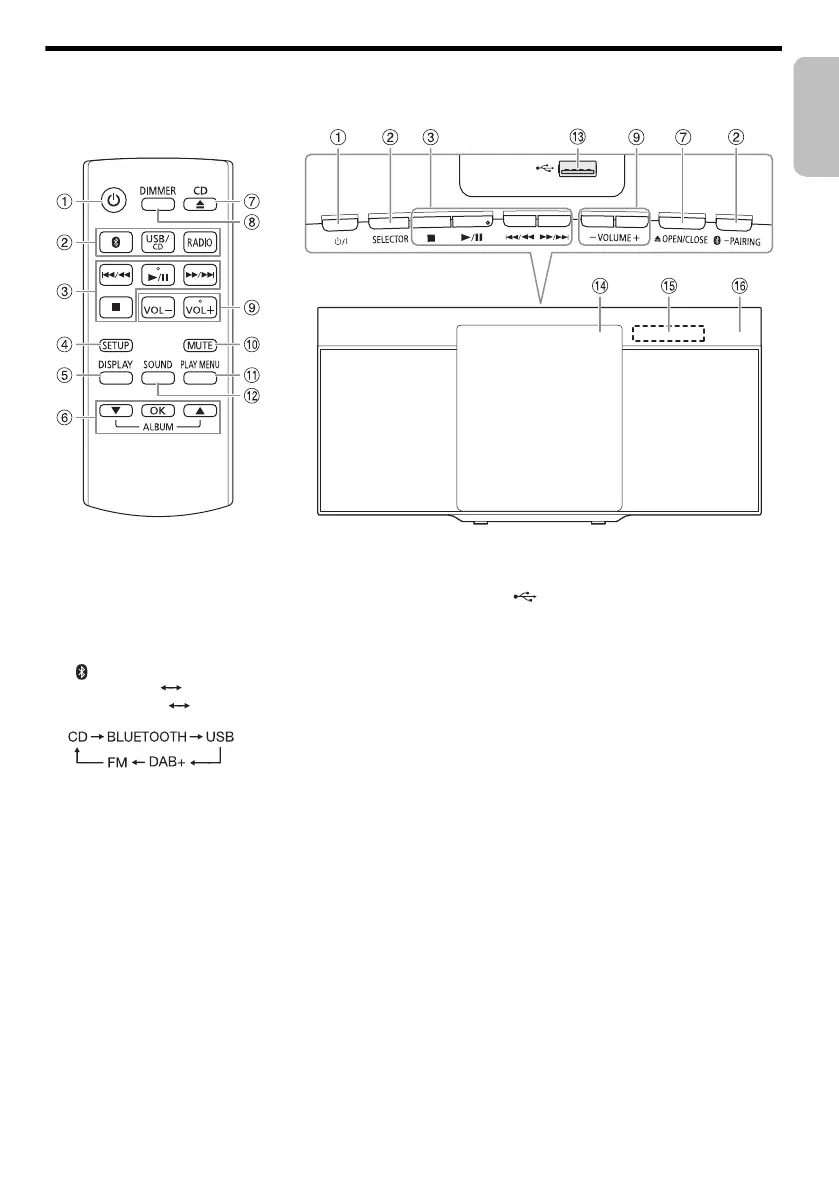
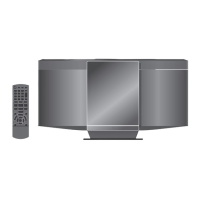
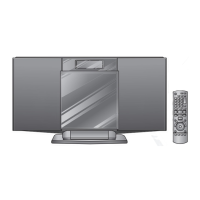
Overview of controls
Do the procedures with the remote control. You can also use the buttons on the main unit if they are the same.
A Standby/on switch [`], [1]
Press to switch the unit from on to standby mode or
vice versa. In standby mode, the unit is still consuming
a small amount of power.
B Select the audio source
On the remote control:
Press the corresponding button to select the source.
[ ]: BLUETOOTH
[USB/CD]: CD USB
[RADIO]: DAB+ FM
On the main unit:
Select “BLUETOOTH” as the audio source
To start Bluetooth
®
pairing or disconnect a Bluetooth
device, press and hold the corresponding button.
C Basic playback control
D View the setup menu
E View the content information
F Select or confirm the option
G Open or close the sliding door
H Decrease the brightness of the display panel
To cancel, press the button again.
I Adjust the volume level
J Mute the sound
To cancel, press the button again.
“MUTE” is also cancelled when you adjust the volume
or when you switch off the system.
K View the play menu
L Select the sound effects
M USB port ( )
N Sliding door
O Display panel
P Remote control sensor
Point the remote control at the remote control
sensor, away from obstacles and within the
operation range.
Distance: Within approximately 7 m
Angle: Approximately 20° up and down, 30° left
and right
HC212EG_TQBJ2205_En.Sw.Da.Fi.Po.Cz.book Page 5 Tuesday, November 12, 2019 2:39 PM





 To Next Page