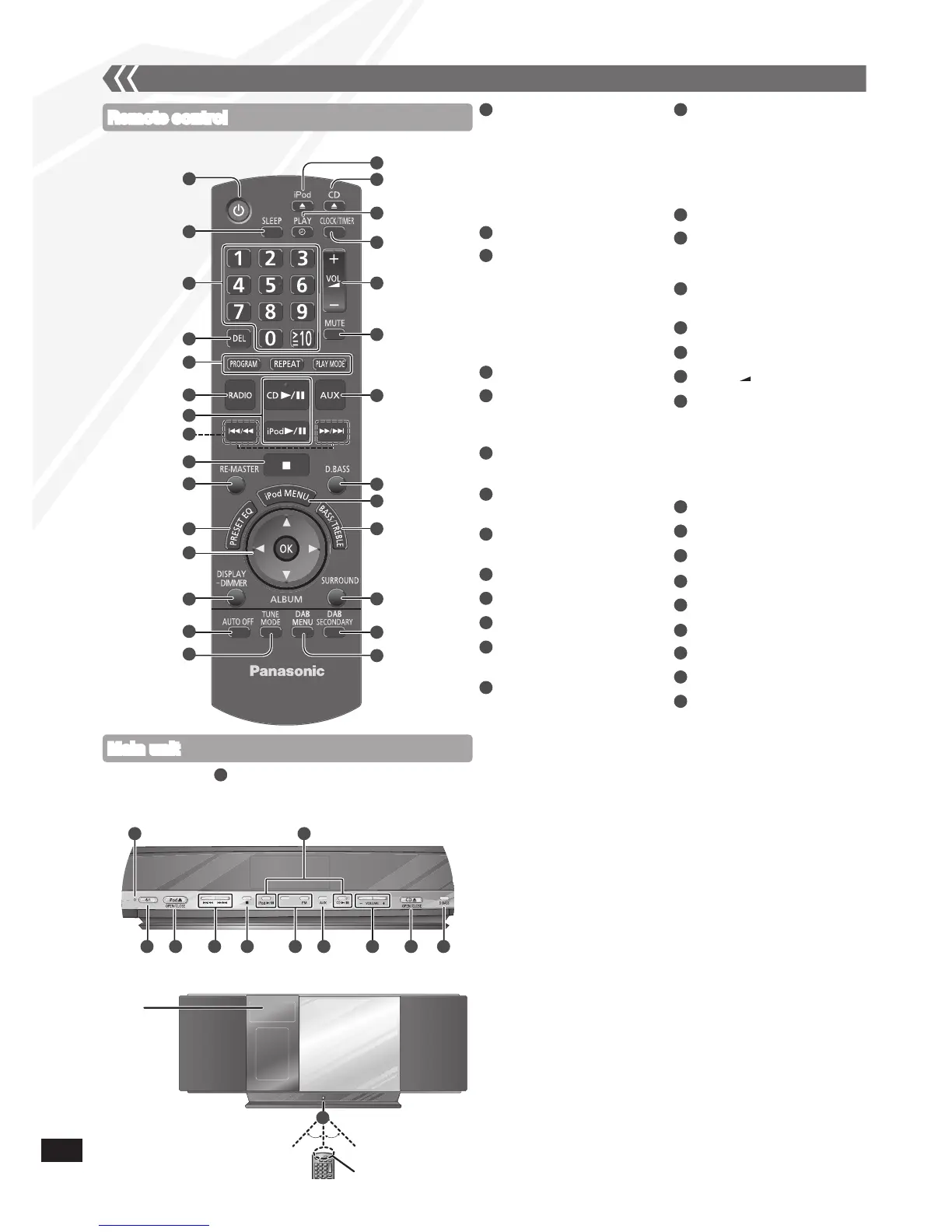
Refer to the numbers in parentheses for page reference.•
Remote control
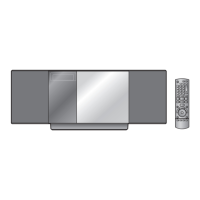
Main unit
Top View
Control guide
8
9
10
11
12
6
7
Standby/on switch [^], [8]
(9, 14, 18)
Press to switch the unit from
on to standby mode or vice
versa. In standby mode, the
unit is still consuming a small
amount of power.
[SLEEP] (14)
Numeric buttons [1-9, 0,
≧
10]
(9, 10, 12, 16)
To select a 2-digit number
e.g. 16: [
≧
10] [1] [6]
To select a 3-digit number
e.g. 226: [
≧
10] [
≧
10] [2]
[2] [6]
[DEL] (9)
[PROGRAM] (9, 10, 12)
[REPEAT] (10)
[PLAY MODE] (10, 12, 16)
[RADIO], [DAB], [FM]
(10, 12)
[CD q/h] (9, 10)
[iPod q/h] (15)
[u/t], [y/i]
(9, 10, 12, 15)
[g] (9, 15)
[RE-MASTER] (14)
[PRESET EQ] (14)
[e,r], [w, q] (9, 10, 13, 14, 15)
[OK] (9, 13, 14, 15, 16)
[DISPLAY, –DIMMER]
(10, 12)
Press and hold to dim the
display panel. Press and hold
again to cancel.
[AUTO OFF]
This function allows you to turn
the unit off (except in radio
mode) after the unit is left
unused for about 30 minutes.
Press twice to turn it on.
[TUNE MODE] (10)
[;, iPod],
[iPod ;, OPEN/CLOSE] (15)
[;, CD],
[CD ;, OPEN/CLOSE] (9)
[z, PLAY] (14)
[CLOCK/TIMER] (14)
[+, VOL , –], [– VOLUME +]
[MUTE]
Mutes the sound. Press again
to cancel. “MUTE” is also
cancelled when the volume is
adjusted or the unit is turned
off.
[AUX] (16)
[D.BASS] (14)
[iPod MENU] (15)
[BASS/TREBLE] (14)
[SURROUND] (14)
[DAB SECONDARY] (12)
[DAB MENU] (13)
Standby indicator
Remote control signal
sensor
Aim the remote control at the
sensor, avoiding obstacles,
at a maximum range of 7 m
directly in front of the unit.
13
16
15
17
18
19
21
23
25
26
27
28
29
30
20
22
24
14
2
1
3
4
5
1 16 8 9 20 17 23
7
22
29
6
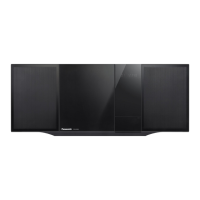
Front View
Display
Approx. 30°
Transmission window
30



 To Next Page