9
(ENG) VQT2L26
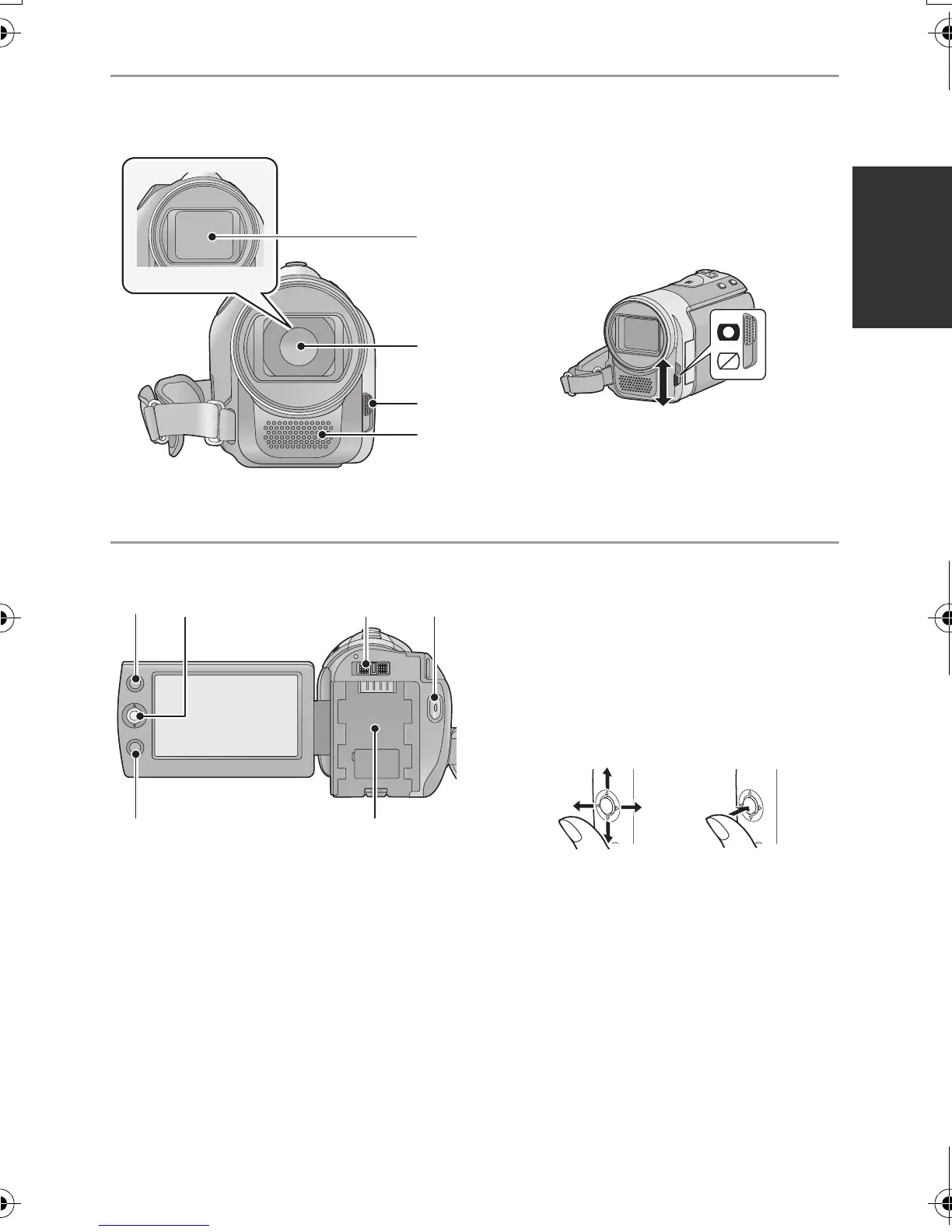
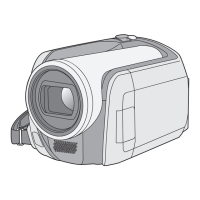
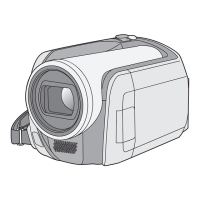
12 Lens cover
13 Lens
14 Open/close switch for the lens cover
For the lens protection, be sure to close the
lens cover when not in use.
Slide open/close switch for the lens
cover.
15 Microphone (built-in, stereo)
16 AF/AE button [AF/AE]
17 Joystick
Use the joystick to select the recording
functions and playback operations, and to
operate the menu screen.
Move the joystick up, down, left, or right
to select a setting or scene and then
press the joystick to set it.
1 Select by moving up, down, left or right.
2 Set by pressing the centre.
≥ Menu screen operations (l 19)
≥ To select the recording functions
≥ To adjust manually
≥ Playback operations (l 26, 27)
18 Mode switch (l 18)
19 Recording start/stop button (l 22)
20 Menu button [MENU] (l 19)
21 Battery holder (l 11)
SDRS50&T50&H85EP-VQT2L26_mst.book 9 ページ 2009年12月20日 日曜日 午前11時1分



 To Next Page