
 To Next Page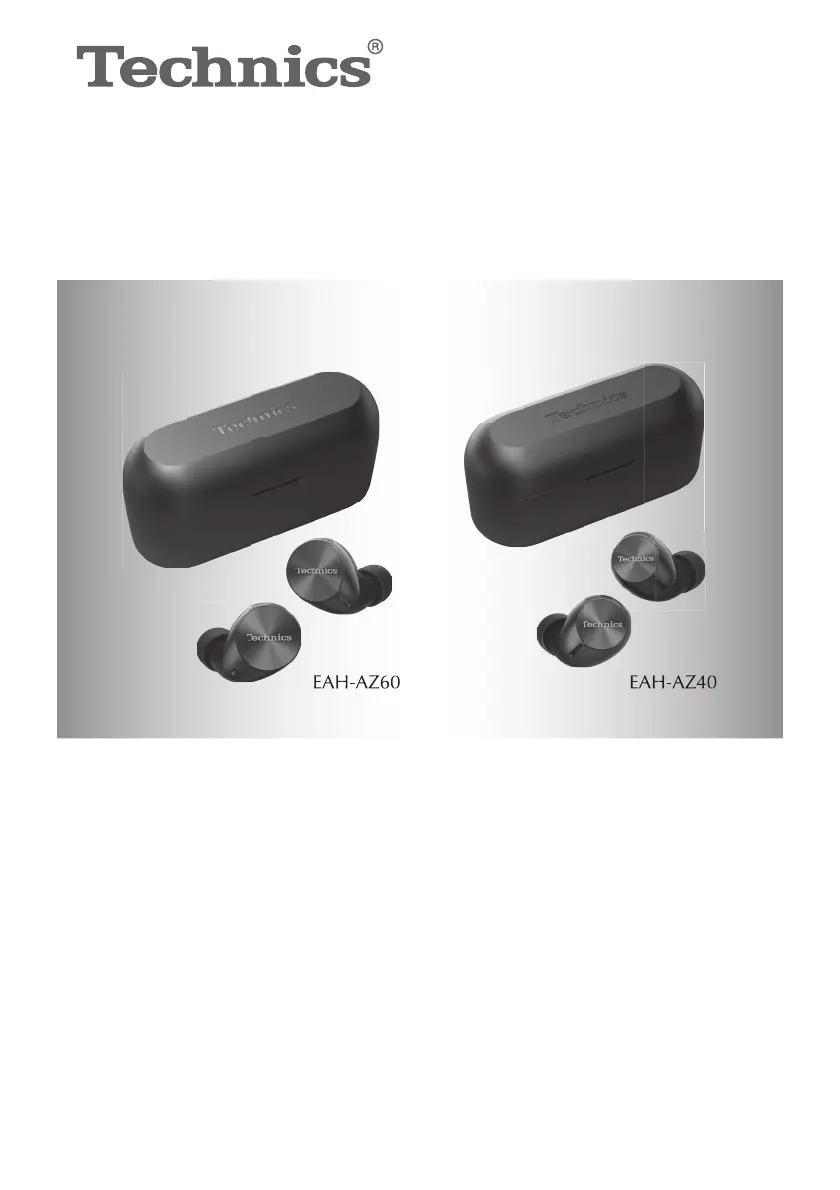
D
David DonovanAug 20, 2025
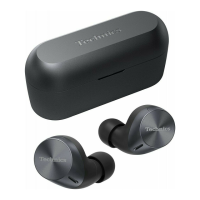
What to do if my Panasonic Technics EAH-AZ60 Headphone cannot be charged?
- TTravis HernandezAug 20, 2025
If your Panasonic Headphone is not charging, consider the following: * Ensure the USB charging cord is firmly connected to the computer's USB terminal. * Confirm the earphones are correctly placed in the charging cradle. * Charge the device in a room temperature between 10 °C and 35 °C. * Make sure the computer is turned on and is not in standby or sleep mode. * Verify that the USB port you are using is working properly. * Try unplugging and plugging the USB charging cord again. * Be aware that if the charging and operating times become shorter, the batteries in the earphones and charging cradle may be depleting.
 General