Preparation
16
3
Confirm that the charging cradle LED (cyan) has flashed. (charging starts)
• While charging the earphones, the charging cradle LED (cyan) flashes when the lid of the charging cradle is
opened.
• While charging the cradle, the charging cradle LED (green, yellow or red) lights when the lid of the charging
cradle is closed.
• Charging time (The time required to charge the batteries from empty to full)
Note
• Do not use any other USB charging cords except the supplied one. Doing so may cause malfunction.
• Charging may not be performed or may stop if the computer is in or switched to standby or sleep mode.
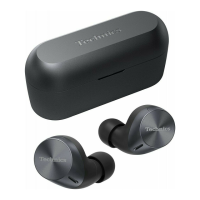
Earphones can only be charged with a charged charging cradle. You can charge your earphones while you are
out, even if there is no power source.
• When the charging cradle is fully charged, it can charge the earphones about 2 times.
1
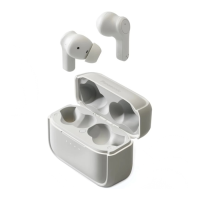
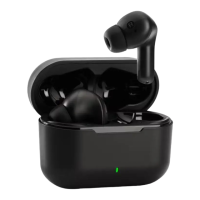
Put the earphones into the charging cradle.
• When the earphones are inserted, the charging cradle LED (cyan) flashes twice. If it is not flashing, the
earphones are not inserted correctly.
2
Confirm that the charging cradle LED (cyan) has flashed. (charging starts)
• While charging the earphones, the charging cradle LED (cyan) flashes about 4 seconds when the lid of the
charging cradle is opened.
• It takes approx. 2 hours to charge the earphones from empty to full.
Earphones Approx. 2 hours
Charging cradle Approx. 2.5 hours
Earphones with Charging cradle [EAH-AZ60] Approx. 3.5 hours
[EAH-AZ40] Approx. 3 hours
Charging the earphones with the charging cradle
eahaz60az40pnqp1654yafullengs.book16ページ2021年12月21日 火曜日 午後5時18分





 To Next Page