EasyManua.ls Logo

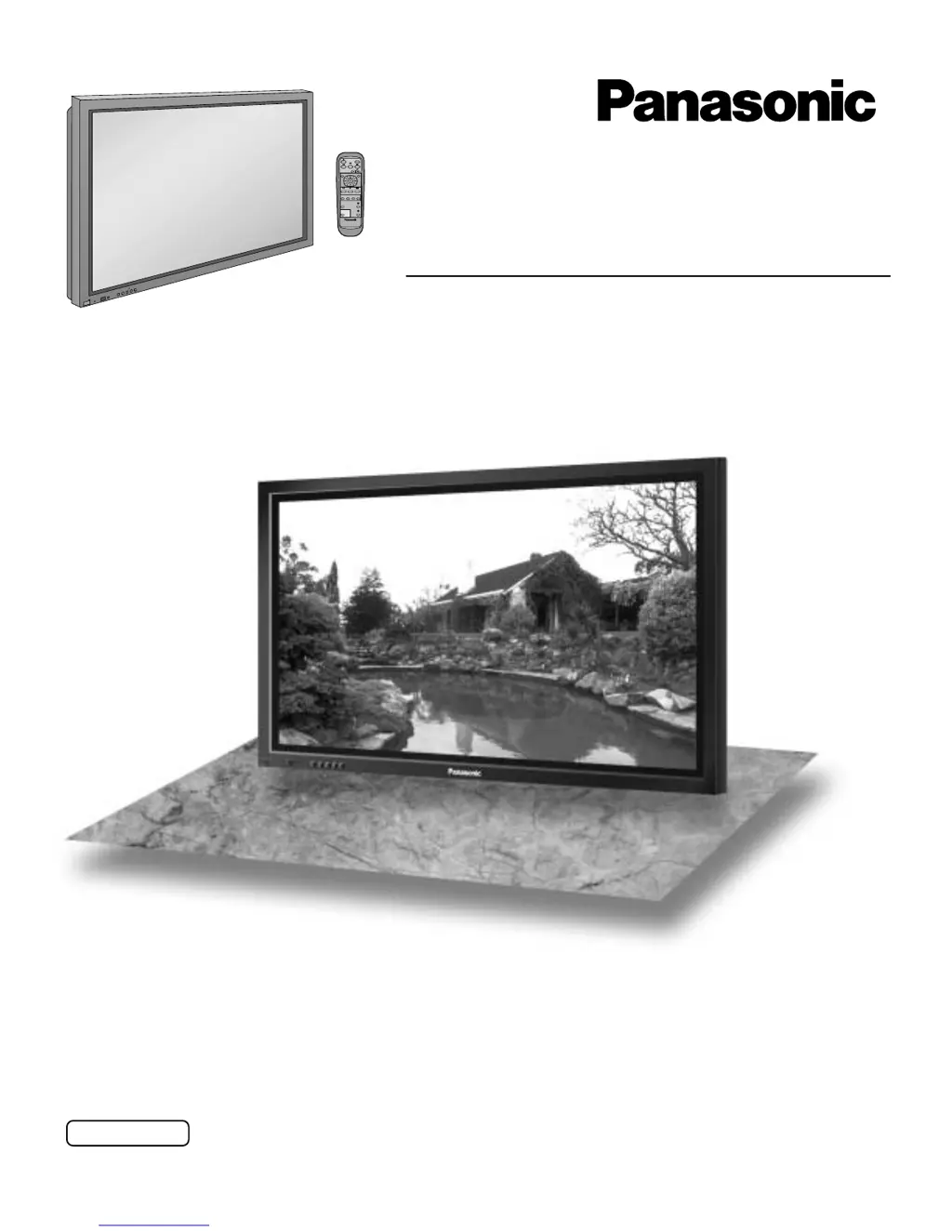
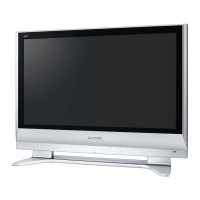
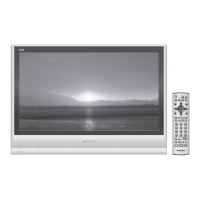
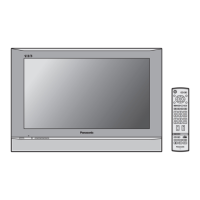
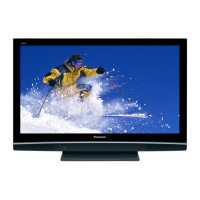
Panasonic TH-42PWD6UX - User Manual

Panasonic TH-42PWD6UX
40 pages
Print Icon
To Next Page IconTo Next Page
Loading...
Operating Instructions
Progressive Wide Plasma Display
TH-37PWD6UX
TH-42PWD6UX
Model No.
Before connecting, operating or adjusting this product, please read these instructions completely. Please keep this manual
for future reference.
English
TQBC0650
PLASMA DISPLAY
R
-
S
T
A
N
D
B
Y
G
P
O
W
E
R
O
N
I
N
P
U
T
M
E
N
U
+
E
N
T
E
R
V
O
L
P
O
W
E
R
/
®

Questions and Answers

  • K
    katie75Aug 12, 2025
    What to do if my Panasonic Plasma TV has no picture?
    • L
      Lawrence BennettAug 12, 2025
      If your Panasonic Plasma TV shows no picture, make sure that the TV is plugged into the AC outlet and switched on. You can also check by pressing the power switch or the stand-by button on the remote control.
  • M
    Morgan CooperAug 19, 2025
    Why does my Panasonic TH-42PWD6UX have normal picture but no sound?
    • J
      jessicavincentSep 12, 2025
      If your Panasonic Plasma TV has a normal picture but no sound, check whether the mute function has been activated on the remote control.
  • J
    johnsonchristineAug 27, 2025
    What to do if my Panasonic TH-42PWD6UX has no color?
    • C
      Cody PerryAug 27, 2025
      If your Panasonic Plasma TV displays no color, first ensure that the color controls are not set to the minimum level. Also, check the COLOR SYSTEM settings.
  • L
    Latoya MyersSep 4, 2025
    Why do after-images appear on my Panasonic Plasma TV?
    • W
      williamwalshSep 4, 2025
      After-images may appear on your Panasonic Plasma TV if a still picture is displayed for an extended period. This product is not designed to display fixed images for extended periods of time, so avoid doing so.

Panasonic TH-42PWD6UX Specifications

General IconGeneral
Screen Size42 inches
Display TechnologyPlasma
Resolution852 x 480 pixels
Aspect Ratio16:9
Brightness1000 cd/m²
Contrast Ratio4000:1
Viewing Angle160 degrees
Power Consumption350 W
Input TerminalsComposite, S-Video, Component

Related product manuals