EasyManua.ls Logo

Panasonic TH-P42XT50D - User Manual

Panasonic TH-P42XT50D
91 pages
Print Icon
To Next Page IconTo Next Page
Loading...
© Panasonic Corporation 2012.
Unauthorized copying and distribution is a violation
of law.
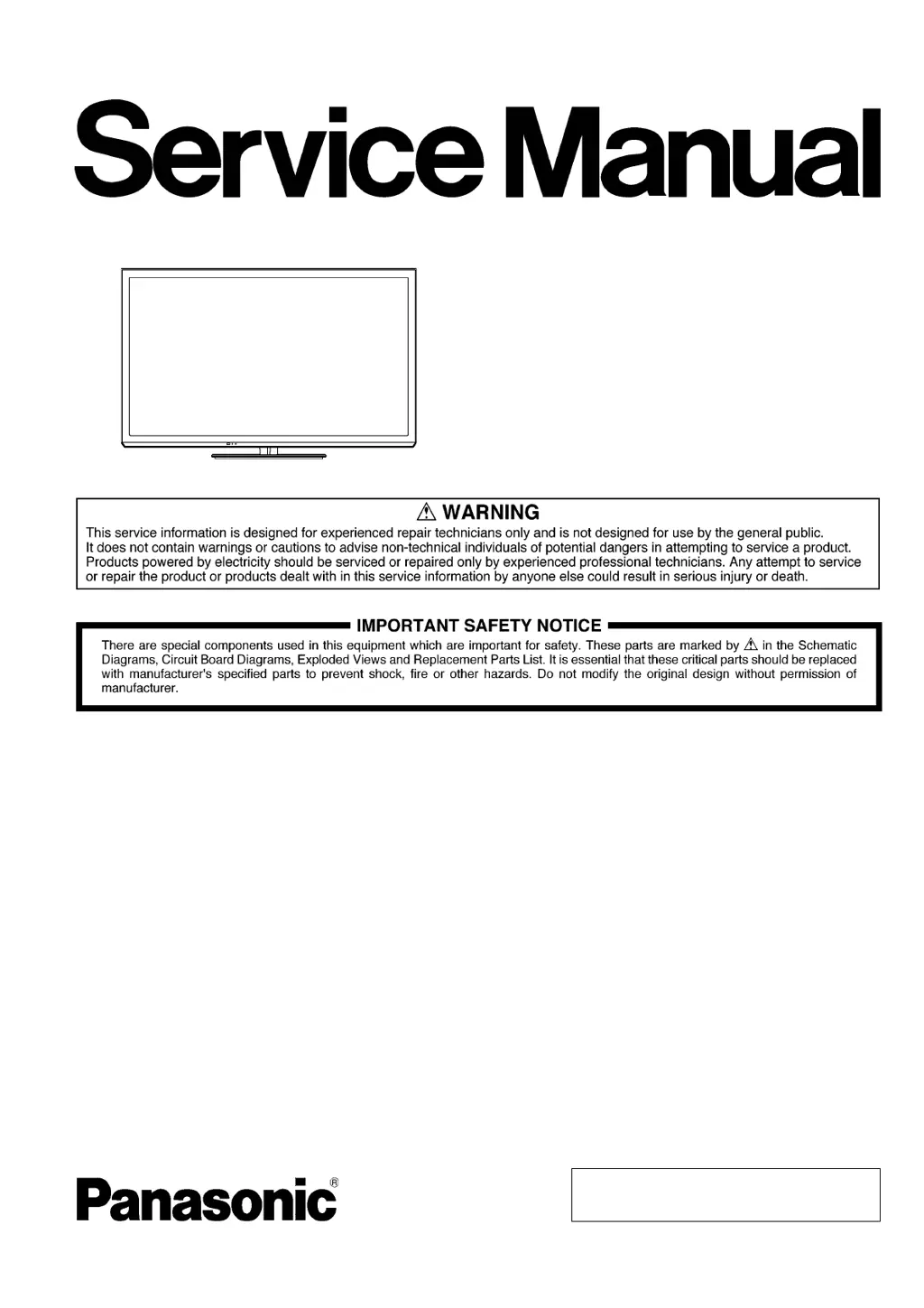
ORDER NO.PAVCTH1203003CE
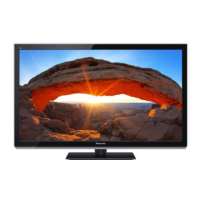
Plasma Television
Model No. TH-P42XT50D
TH-P42XT50G
TH-P42XT50M
TH-P42XT50P
TH-P42XT50S
GPF15D-A Chassis

Questions and Answers

Summary

Safety Precautions

General Guidelines

Advice for conducting repairs and servicing safely.

Touch-Current Check

Procedure for measuring leakage current to prevent shock hazards.

Warning

Prevention of Electrostatic Discharge (ESD)

Techniques to reduce damage from static discharge to sensitive components.

About Lead-Free Solder (PbF)

Information on using lead-free solder, including melting points and handling precautions.

Service Navigation

PCB Layout

Diagram and function of components on the Printed Circuit Board.

Applicable Signals

List of compatible input signals for Component and PC inputs.

Specifications

Sound and Audio

Details on speaker output, audio output power, and headphone jack.

Receiving Systems and Channels

Supported TV broadcast reception systems and channel ranges.

Operating Conditions

Temperature and humidity limits for operation.

Connection Terminals

Details of AV, Component, HDMI, and PC input/output terminals.

Connectivity Features

Details on card slot, Ethernet, USB, and Bluetooth interfaces.

Power and Display Specs

Voltage requirements, power consumption, and panel system details.

Panel System Details

Type of display panel, pixel count, and physical dimensions.

Technical Descriptions

KEY Specifications for DRM Features

Key generation, replacement procedures, and model specifications for DRM features.

Panel-Type Setting

Procedure to set the panel type after A-board replacement.

Service Mode

Entering Service Mode

Instructions for accessing service mode, including purpose, key commands, and exit procedures.

Adjustment Mode Contents

Details of adjustable parameters within service mode, including sample data.

Option - Mirror Setting

Settings for reversing the picture horizontally or vertically.

Service Tool Mode

Accessing, using, and exiting the service tool mode for diagnostics, including SOS history and power time.

DRV Check - USB HDD Check

Hotel Mode Setup

Data Copy by SD Card Purpose

SD Card Data Copy Preparation

Data Copy from TV to SD Card

Data Copy from SD Card to TV

Troubleshooting Guide

IIC Bus Line Check

Procedure to check IIC bus lines, including accessing self-check, screen display, check points, and exit.

Power LED Blinking Timing Chart

Chart correlating power LED blink counts to specific error conditions.

No Power Troubleshooting

Troubleshooting steps for when the TV does not power on.

No Picture Troubleshooting

Troubleshooting steps for when the TV displays no picture.

Local Screen Failure Analysis

Identifying PCBs responsible for local screen failure areas.

Disassembly and Assembly Instructions

Disassembly Flow Chart

Visual guide showing the sequence of disassembly steps.

Remove Pedestal Stand

Instructions to remove the TV pedestal.

Remove Stand Bracket Cover

Instructions to remove the stand bracket cover.

Remove AC Cord Clamper B

Instructions to remove the AC cord clamper.

Remove Bluetooth Module

Instructions to remove the Bluetooth module.

Remove Rear Cover

Instructions to remove the rear cover of the TV.

Remove Key Button

Instructions to remove the key button assembly.

Remove PSS-Board

Instructions for removing the Power Supply Sustain board.

Remove A-Board

Instructions for removing the main A-board.

Remove Speakers

Instructions for removing the TV speakers.

Remove SN-Board

Instructions for removing the Scan Drive board.

Remove BT Connector Clamper

Instructions to remove the Bluetooth connector clamp.

Remove Stand Bracket Plate

Instructions to remove the stand bracket plate.

Remove M8 Nut Metals

Instructions to remove M8 nut metals.

Remove K-Board

Instructions for removing the K-Board.

Remove Cabinet Assy

Instructions to detach the cabinet assembly from the plasma panel.

Remove Contact Metal Bottom

Instructions to remove the contact metal bottom.

Remove C1-Board

Instructions for removing the C1-Board.

Remove C2-Board

Instructions for removing the C2-Board.

Replace Plasma Panel

Cautions and steps for replacing the plasma panel.

Measurements and Adjustments

Vsus Selection

How to set the Vsus voltage to LOW or HIGH after panel replacement.

White Balance Adjustment

Procedure for adjusting white balance using a color analyzer.

Block Diagrams

Main Block Diagram

Overview of the TV's main functional blocks and their interconnections.

Block Diagram (1;4)

Detailed block diagram of the main AV input and processing section.

Block Diagram (2;4)

Detailed block diagram of the plasma AI and data driver sections.

Block Diagram (3;4)

Detailed block diagram of the power supply and sustain drive section.

Block Diagram (4;4)

Detailed block diagram of the scan drive and data driver sections.

Wiring Connection Diagram

Caution Statement

Important cautions regarding flexible cable assembly and connectors.

Wiring (1)

Diagram showing wire and connector routing for specific components.

Wiring (2)

Diagram illustrating wire routing and FFC placement.

Wiring (3)

Diagram showing wire connections and routing to chassis hooks.

Schematic Diagram Notes

Notes on Symbols and Units

Explanations of symbols, units, and measurement conditions for schematics.

Power Circuit Remarks

Notes on the power circuit, HOT/COLD indications, and safety precautions.

Replacement Parts List Notes

Parts Supply and Ordering

Information on parts supply sources and ordering procedures.

Retention Time Limited (RTL)

Explanation of parts availability limitations after product discontinuation.

Part Name Abbreviations

Explanations of resistor and capacitor abbreviations.

Parts List

Exploded View 1

Assembly Screw Details

Details of black and silver assembly screws used in disassembly.

Exploded View Part Numbers

Part numbers for bracket, neck, cover, and base components.

Accessories

Packing Instructions

Summary

Safety Precautions

General Guidelines

Advice for conducting repairs and servicing safely.

Touch-Current Check

Procedure for measuring leakage current to prevent shock hazards.

Warning

Prevention of Electrostatic Discharge (ESD)

Techniques to reduce damage from static discharge to sensitive components.

About Lead-Free Solder (PbF)

Information on using lead-free solder, including melting points and handling precautions.

Service Navigation

PCB Layout

Diagram and function of components on the Printed Circuit Board.

Applicable Signals

List of compatible input signals for Component and PC inputs.

Specifications

Sound and Audio

Details on speaker output, audio output power, and headphone jack.

Receiving Systems and Channels

Supported TV broadcast reception systems and channel ranges.

Operating Conditions

Temperature and humidity limits for operation.

Connection Terminals

Details of AV, Component, HDMI, and PC input/output terminals.

Connectivity Features

Details on card slot, Ethernet, USB, and Bluetooth interfaces.

Power and Display Specs

Voltage requirements, power consumption, and panel system details.

Panel System Details

Type of display panel, pixel count, and physical dimensions.

Technical Descriptions

KEY Specifications for DRM Features

Key generation, replacement procedures, and model specifications for DRM features.

Panel-Type Setting

Procedure to set the panel type after A-board replacement.

Service Mode

Entering Service Mode

Instructions for accessing service mode, including purpose, key commands, and exit procedures.

Adjustment Mode Contents

Details of adjustable parameters within service mode, including sample data.

Option - Mirror Setting

Settings for reversing the picture horizontally or vertically.

Service Tool Mode

Accessing, using, and exiting the service tool mode for diagnostics, including SOS history and power time.

DRV Check - USB HDD Check

Hotel Mode Setup

Data Copy by SD Card Purpose

SD Card Data Copy Preparation

Data Copy from TV to SD Card

Data Copy from SD Card to TV

Troubleshooting Guide

IIC Bus Line Check

Procedure to check IIC bus lines, including accessing self-check, screen display, check points, and exit.

Power LED Blinking Timing Chart

Chart correlating power LED blink counts to specific error conditions.

No Power Troubleshooting

Troubleshooting steps for when the TV does not power on.

No Picture Troubleshooting

Troubleshooting steps for when the TV displays no picture.

Local Screen Failure Analysis

Identifying PCBs responsible for local screen failure areas.

Disassembly and Assembly Instructions

Disassembly Flow Chart

Visual guide showing the sequence of disassembly steps.

Remove Pedestal Stand

Instructions to remove the TV pedestal.

Remove Stand Bracket Cover

Instructions to remove the stand bracket cover.

Remove AC Cord Clamper B

Instructions to remove the AC cord clamper.

Remove Bluetooth Module

Instructions to remove the Bluetooth module.

Remove Rear Cover

Instructions to remove the rear cover of the TV.

Remove Key Button

Instructions to remove the key button assembly.

Remove PSS-Board

Instructions for removing the Power Supply Sustain board.

Remove A-Board

Instructions for removing the main A-board.

Remove Speakers

Instructions for removing the TV speakers.

Remove SN-Board

Instructions for removing the Scan Drive board.

Remove BT Connector Clamper

Instructions to remove the Bluetooth connector clamp.

Remove Stand Bracket Plate

Instructions to remove the stand bracket plate.

Remove M8 Nut Metals

Instructions to remove M8 nut metals.

Remove K-Board

Instructions for removing the K-Board.

Remove Cabinet Assy

Instructions to detach the cabinet assembly from the plasma panel.

Remove Contact Metal Bottom

Instructions to remove the contact metal bottom.

Remove C1-Board

Instructions for removing the C1-Board.

Remove C2-Board

Instructions for removing the C2-Board.

Replace Plasma Panel

Cautions and steps for replacing the plasma panel.

Measurements and Adjustments

Vsus Selection

How to set the Vsus voltage to LOW or HIGH after panel replacement.

White Balance Adjustment

Procedure for adjusting white balance using a color analyzer.

Block Diagrams

Main Block Diagram

Overview of the TV's main functional blocks and their interconnections.

Block Diagram (1;4)

Detailed block diagram of the main AV input and processing section.

Block Diagram (2;4)

Detailed block diagram of the plasma AI and data driver sections.

Block Diagram (3;4)

Detailed block diagram of the power supply and sustain drive section.

Block Diagram (4;4)

Detailed block diagram of the scan drive and data driver sections.

Wiring Connection Diagram

Caution Statement

Important cautions regarding flexible cable assembly and connectors.

Wiring (1)

Diagram showing wire and connector routing for specific components.

Wiring (2)

Diagram illustrating wire routing and FFC placement.

Wiring (3)

Diagram showing wire connections and routing to chassis hooks.

Schematic Diagram Notes

Notes on Symbols and Units

Explanations of symbols, units, and measurement conditions for schematics.

Power Circuit Remarks

Notes on the power circuit, HOT/COLD indications, and safety precautions.

Replacement Parts List Notes

Parts Supply and Ordering

Information on parts supply sources and ordering procedures.

Retention Time Limited (RTL)

Explanation of parts availability limitations after product discontinuation.

Part Name Abbreviations

Explanations of resistor and capacitor abbreviations.

Parts List

Exploded View 1

Assembly Screw Details

Details of black and silver assembly screws used in disassembly.

Exploded View Part Numbers

Part numbers for bracket, neck, cover, and base components.

Accessories

Packing Instructions

Panasonic TH-P42XT50D Specifications

General IconGeneral
Screen Size42 inches
Display TypePlasma
Aspect Ratio16:9
Built-in Wi-FiNo
Smart TVNo
3D CapableNo
Speaker Output20W (10W x 2)
Resolution1024 x 768 pixels
Refresh Rate600 Hz

Related product manuals