EasyManua.ls Logo

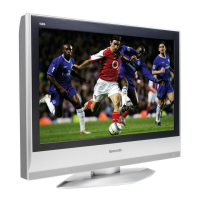
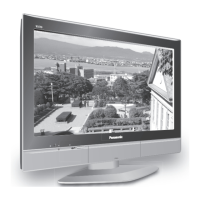
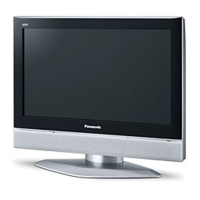
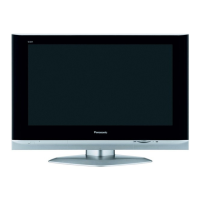
Panasonic TX-26LX52F - User Manual

Panasonic TX-26LX52F
32 pages
Print Icon
To Next Page IconTo Next Page
Loading...
Please read these instructions before operating your set and retain them for future reference.
TQB0E0220U
123
456
789
0
OK
C
TV
N
PULL
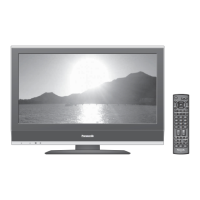
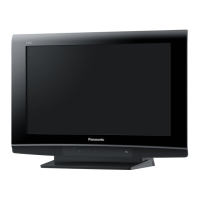
The image shown is for illustration only.
English
TX-26LX52F
TX-32LX52F
Model No.
Operating Instructions
Wide LCD TV

Questions and Answers

  • M
    Melissa RivasSep 8, 2025
    What to do if H D M I doesn't work on Panasonic TV?
    • K
      Katherine MartinSep 8, 2025
      If you are experiencing issues with HDMI on your Panasonic TV, ensure the HDMI cable is securely connected. Turn off the power supply of both the TV and the connected equipment, then turn them back on. Verify the compatibility of the input signal from the connected equipment, ensuring it is EIA/CEA-861/861B compliant.
  • J
    Jose FisherSep 9, 2025
    What to do if I have H D M I issues with audio on my Panasonic TV?
    • G
      Gabriel OrtizSep 10, 2025
      If you are experiencing HDMI audio issues with your Panasonic TV, change the audio setting of the connected equipment to L.PCM. Also, check the setting of HDMI input in the Sound menu. If the problem persists due to the digital audio connection, switch to the analogue audio connection.
  • B
    barrycaitlinSep 12, 2025
    Why does my Panasonic TV have no colour?
    • D
      Daniel FoleySep 12, 2025
      If your Panasonic TV has no color, check to see if the Colour controls are set at minimum levels.
  • D
    David LucasSep 13, 2025
    Why does my Panasonic TV have multiple images?
    • C
      Christy WilliamsSep 13, 2025
      To solve the problem with multiple images on your Panasonic TV, check the aerial location, direction, or connection.
  • J
    Jeremy SheaSep 15, 2025
    Why does my Panasonic TV have a snowy picture?
    • M
      Mr. Jeffrey Hood DVMSep 16, 2025
      To solve the snowy picture on your Panasonic TV, check the aerial location, direction, or connection.
  • D
    Donna HerreraSep 18, 2025
    Are red, blue and green spots on the screen of Panasonic TV a problem?
    • C
      Carolyn MartinSep 18, 2025
      This is a characteristic of liquid crystal panels and is not a problem. The liquid crystal panel is built with very high precision technology giving you fine picture details.

Panasonic TX-26LX52F Specifications

General IconGeneral
Screen Size26 inches
Display TypeLCD
Resolution1366 x 768
Aspect Ratio16:9
Component Video Input1
Composite Video Input1
S-Video Input1
VGA Input1
RF Input1
Viewing Angle170° horizontal, 170° vertical

Related product manuals