EasyManua.ls Logo

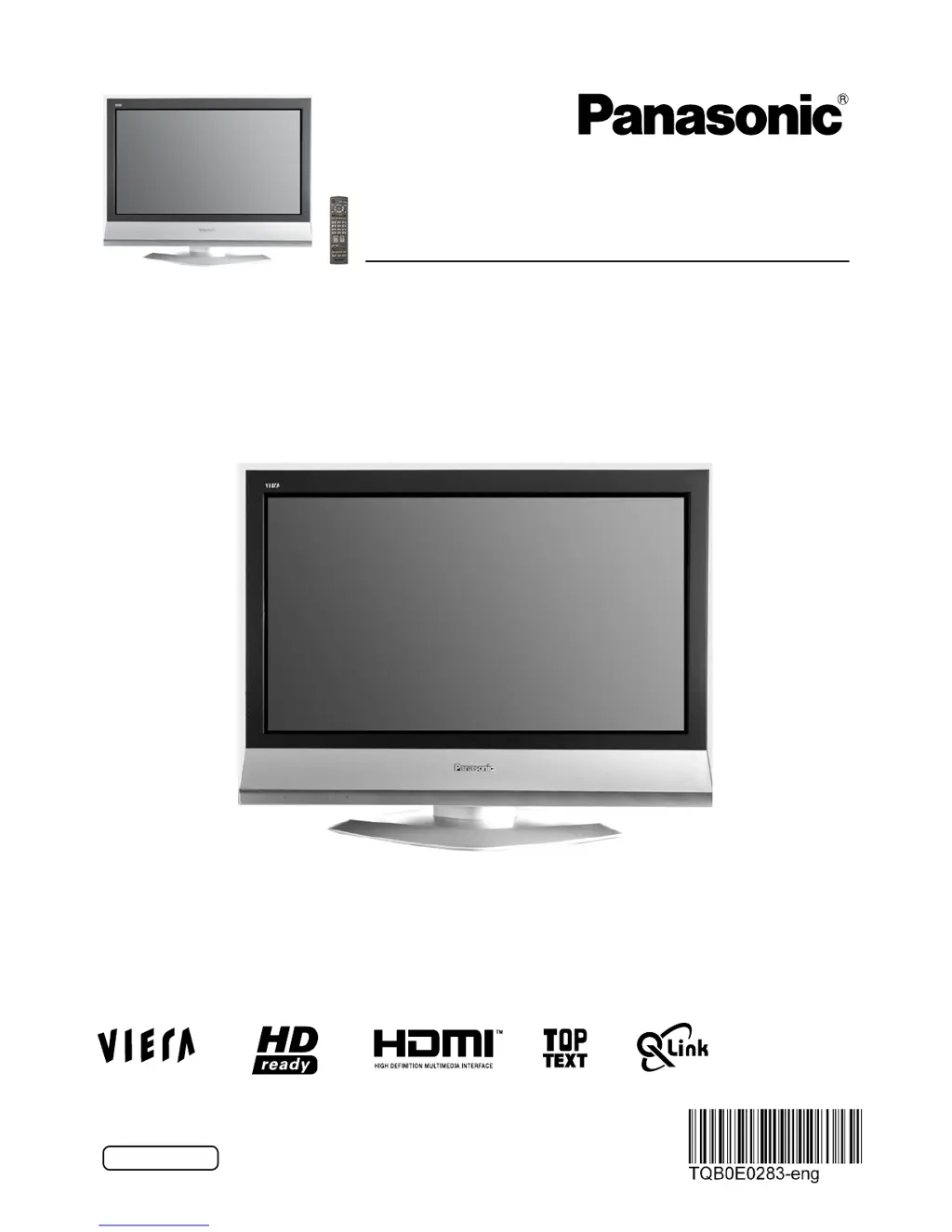
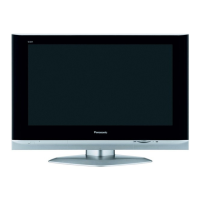
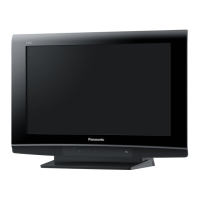
Panasonic TX-26LX61F - User Manual

Panasonic TX-26LX61F
32 pages
Print Icon
To Next Page IconTo Next Page
Loading...
Please read these instructions before operating your set and
retain them for future reference.
This is an unapproved issue - for your information only.
English
TX-26LX61F
TX-32LX61F
Model No.
Operating Instructions
Wide LCD TV

Questions and Answers

Summary

General Safety Warnings and Precautions

Quick Start Guide: Initial Setup and Connections

Connecting Equipment and Power

Step-by-step guide for connecting the TV and turning it on for the first time.

Basic Controls: Remote and TV Panel

Remote Control Button Functions

Detailed explanation of all buttons on the TV remote control.

Picture Menu: Adjusting Image Quality

Viewing Mode Presets

Selecting preset modes like Dynamic, Normal, or Cinema for different viewing scenarios.

Picture Adjustment Controls

Detailed explanation of controls for Backlight, Contrast, Brightness, Colour, and Sharpness.

Sound Menu: Audio Adjustments

Bass, Treble, and Balance Controls

Fine-tuning audio output by adjusting bass, treble, and speaker balance.

Setup Menu: System Configuration

Q-Link and HDMI Control Settings

Configuring data communication with recorders and HDMI device inter-operability.

Tuning Menu: Channel Setup Overview

Programme Edit and Customization

Options for managing channels: adding, deleting, moving, and renaming.

Auto Setup for Station Scanning

Automatic channel search and storage for local TV stations.

Tuning Menu: Auto Setup Process

Performing Automatic Station Tuning

Guide to initiating and completing the automatic TV channel scan.

Q-Link: Interacting with Recorders

Q-Link Requirements and Setup

Necessary connections and compatible devices for Q-Link operation.

Direct TV Recording with Q-Link

How to record the current program directly using the Q-Link feature.

Aspect Ratio Controls and Settings

Available Aspect Ratio Options

List of all available aspect ratio modes for picture display.

Auto Aspect Functionality

How the TV automatically adjusts the picture aspect ratio.

Teletext Functions and Modes

Teletext Features and Modes Overview

Information on Teletext availability, contrast, and modes like List, FLOF, TOP.

TV Connections: Input Source Selection

Selecting TV;AV Input Sources

How to switch between different input signals like TV, AV, and HDMI.

TV Connections: External Equipment Setup

Connecting AV1 and AV2 Scart Terminals

Instructions for connecting devices using the AV1 and AV2 Scart ports.

TV Connections: HDMI Interface Setup

Connecting HDMI 1;2 Input Terminals

Instructions for connecting digital devices like set-top boxes and DVD players via HDMI.

Control with HDMI HDAVI Control Features

HDAVI Control Inter-Operability

Enabling enhanced communication between Panasonic HDMI devices.

Easy Playback and Power Link Functions

Automatic switching and power control between TV and connected equipment.

Input Signal Compatibility and Terminal Details

Component and HDMI Input Signal Specs

Table of compatible signal names and frequencies for Component and HDMI.

Troubleshooting TV Problems

Diagnosing Picture and Sound Faults

Identifying common picture/sound issues and suggested checks.

Specific Error Messages and Solutions

Troubleshooting steps for error messages like "Control with HDMI".

TV Technical Specifications

Power, LCD, and Sound Specs

Details on power consumption, screen size, and audio output.

Receiving Systems and Connections

Supported broadcast systems and a list of all connection terminals.

Summary

General Safety Warnings and Precautions

Quick Start Guide: Initial Setup and Connections

Connecting Equipment and Power

Step-by-step guide for connecting the TV and turning it on for the first time.

Basic Controls: Remote and TV Panel

Remote Control Button Functions

Detailed explanation of all buttons on the TV remote control.

Picture Menu: Adjusting Image Quality

Viewing Mode Presets

Selecting preset modes like Dynamic, Normal, or Cinema for different viewing scenarios.

Picture Adjustment Controls

Detailed explanation of controls for Backlight, Contrast, Brightness, Colour, and Sharpness.

Sound Menu: Audio Adjustments

Bass, Treble, and Balance Controls

Fine-tuning audio output by adjusting bass, treble, and speaker balance.

Setup Menu: System Configuration

Q-Link and HDMI Control Settings

Configuring data communication with recorders and HDMI device inter-operability.

Tuning Menu: Channel Setup Overview

Programme Edit and Customization

Options for managing channels: adding, deleting, moving, and renaming.

Auto Setup for Station Scanning

Automatic channel search and storage for local TV stations.

Tuning Menu: Auto Setup Process

Performing Automatic Station Tuning

Guide to initiating and completing the automatic TV channel scan.

Q-Link: Interacting with Recorders

Q-Link Requirements and Setup

Necessary connections and compatible devices for Q-Link operation.

Direct TV Recording with Q-Link

How to record the current program directly using the Q-Link feature.

Aspect Ratio Controls and Settings

Available Aspect Ratio Options

List of all available aspect ratio modes for picture display.

Auto Aspect Functionality

How the TV automatically adjusts the picture aspect ratio.

Teletext Functions and Modes

Teletext Features and Modes Overview

Information on Teletext availability, contrast, and modes like List, FLOF, TOP.

TV Connections: Input Source Selection

Selecting TV;AV Input Sources

How to switch between different input signals like TV, AV, and HDMI.

TV Connections: External Equipment Setup

Connecting AV1 and AV2 Scart Terminals

Instructions for connecting devices using the AV1 and AV2 Scart ports.

TV Connections: HDMI Interface Setup

Connecting HDMI 1;2 Input Terminals

Instructions for connecting digital devices like set-top boxes and DVD players via HDMI.

Control with HDMI HDAVI Control Features

HDAVI Control Inter-Operability

Enabling enhanced communication between Panasonic HDMI devices.

Easy Playback and Power Link Functions

Automatic switching and power control between TV and connected equipment.

Input Signal Compatibility and Terminal Details

Component and HDMI Input Signal Specs

Table of compatible signal names and frequencies for Component and HDMI.

Troubleshooting TV Problems

Diagnosing Picture and Sound Faults

Identifying common picture/sound issues and suggested checks.

Specific Error Messages and Solutions

Troubleshooting steps for error messages like "Control with HDMI".

TV Technical Specifications

Power, LCD, and Sound Specs

Details on power consumption, screen size, and audio output.

Receiving Systems and Connections

Supported broadcast systems and a list of all connection terminals.

Panasonic TX-26LX61F Specifications

General IconGeneral
BrandPanasonic
ModelTX-26LX61F
CategoryLCD TV
LanguageEnglish

Related product manuals